CL067705

[Lidax Ultra 3000 AWD] Scheduling for 2 maps

Last edited by CL067705 on 2026-4-15 05:13

I have 1 mower but my yard is so big I had to make 2 maps, each 0.6 in size. I can schedule mowing for the map in which the docking station resides but I get a red dot on the schedule for the second map. After doing some research, it appears I have to buy a second docking station for the second map in order for the map 2 schedule to work, is this correct?
You need to log in to reply. Login | Register

10 Comment

Hello,

Currently, automatic switching between dual maps is not supported. After moving the robot to the corresponding map, you need to switch the map in the app to the map the robot is currently on. Otherwise, the robot will fail to locate itself.

If your backyard is too large, making it difficult for the robot to move to the second map, or if the robot experiences battery life issues while mowing on the second map, you might consider placing a second docking station.

Is the problem that the schedule for your second map cannot be created, or that the robot cannot run even after creation? Could you provide a screenshot of the red dot on the schedule?
2026-4-15 14:52:20 US Translate

CL067705Thread Starter
371.png
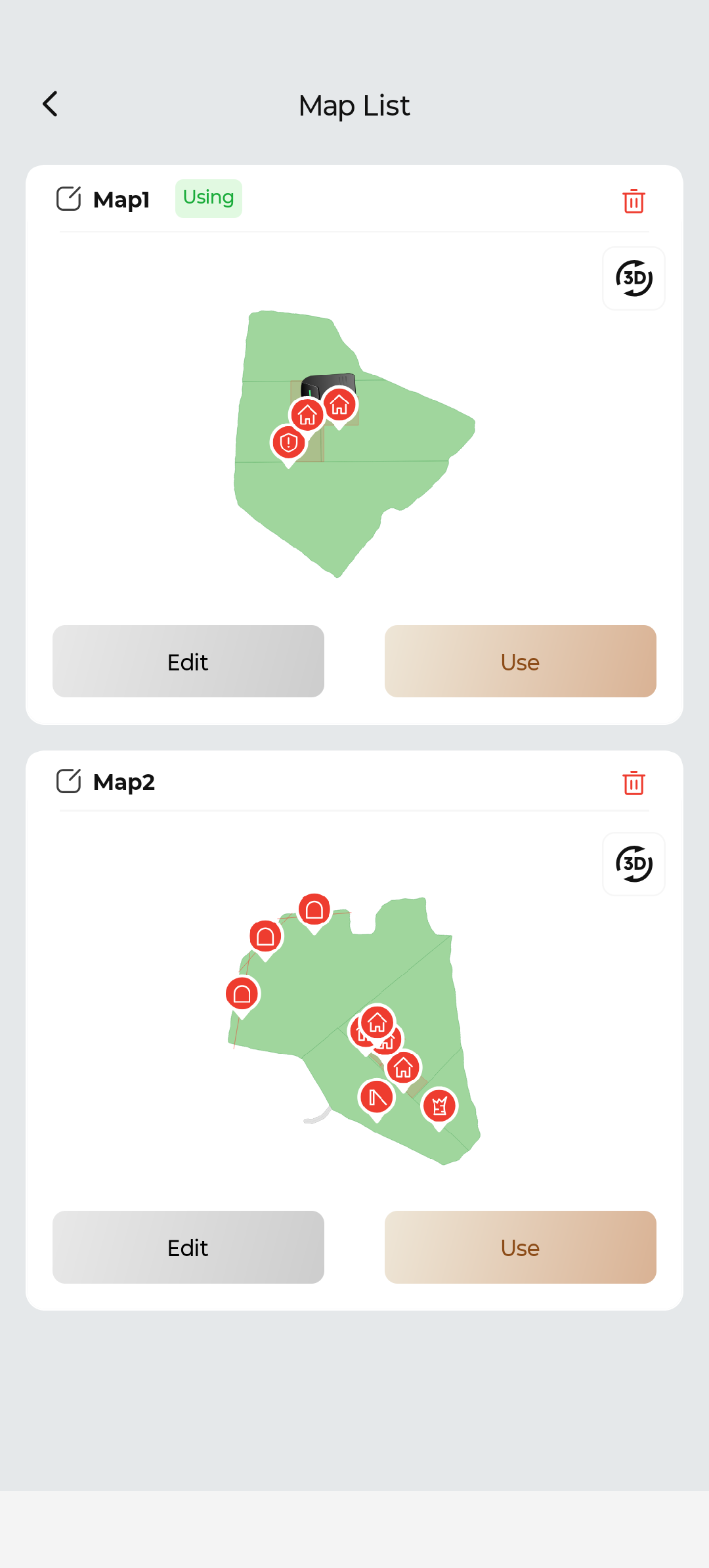
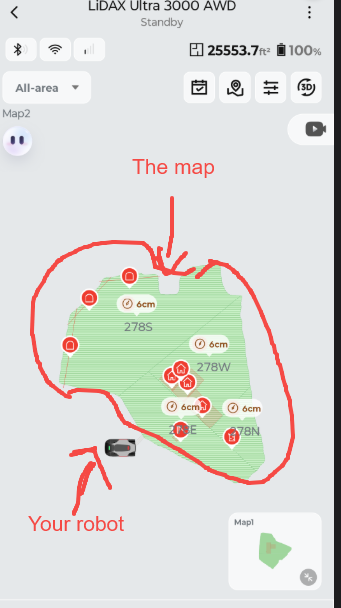
Here are my 2 maps, joined with a path.
2026-4-15 21:23:46 Translate

Two maps cannot be connected by a pathway. Only two or more areas on a single map can be connected by pathways.
 
2026-4-16 13:35 US Translate
CL067705Thread Starter
369.png
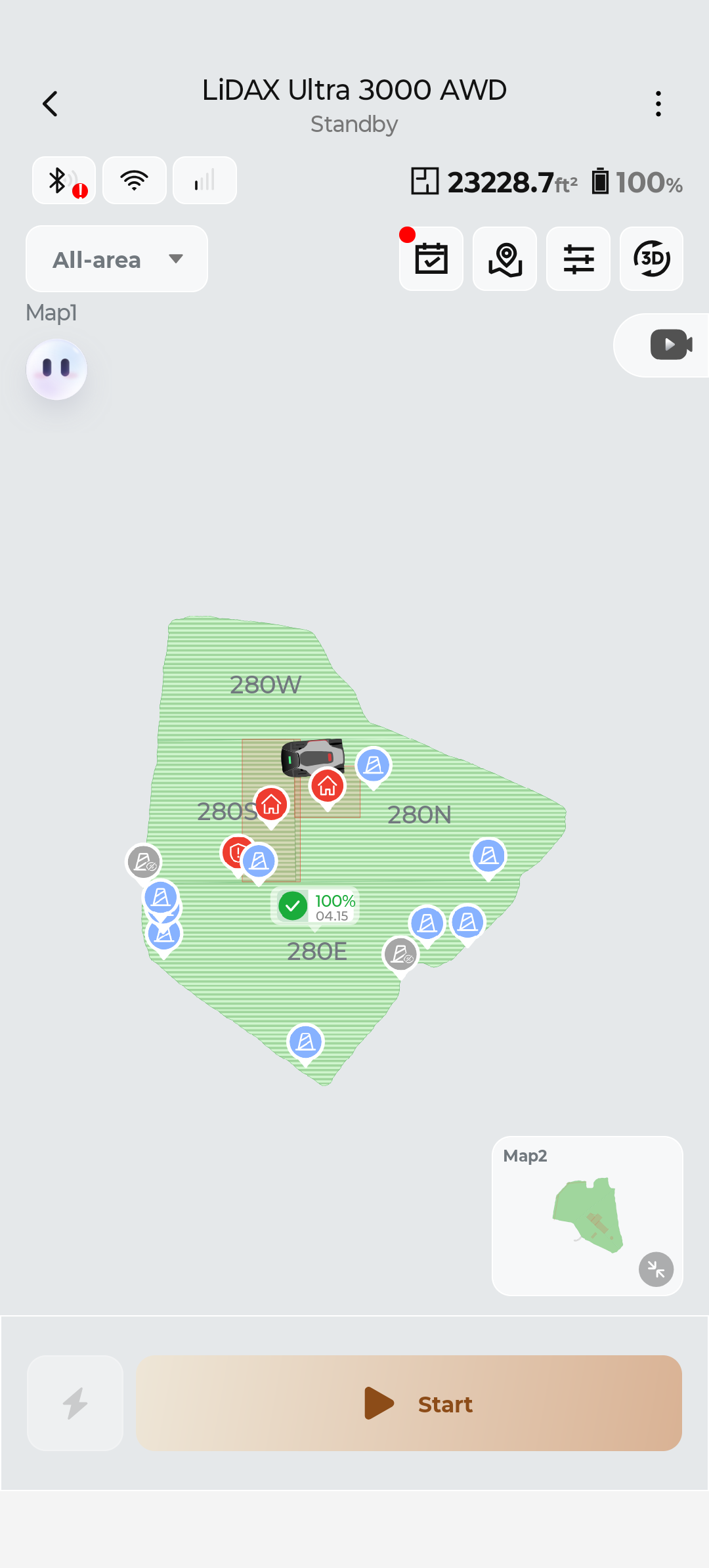
This is map 1 with the red dot. The red dot was on map 2 yesterday.
2026-4-15 21:25:01 Translate

CL067705Thread Starter
370.png
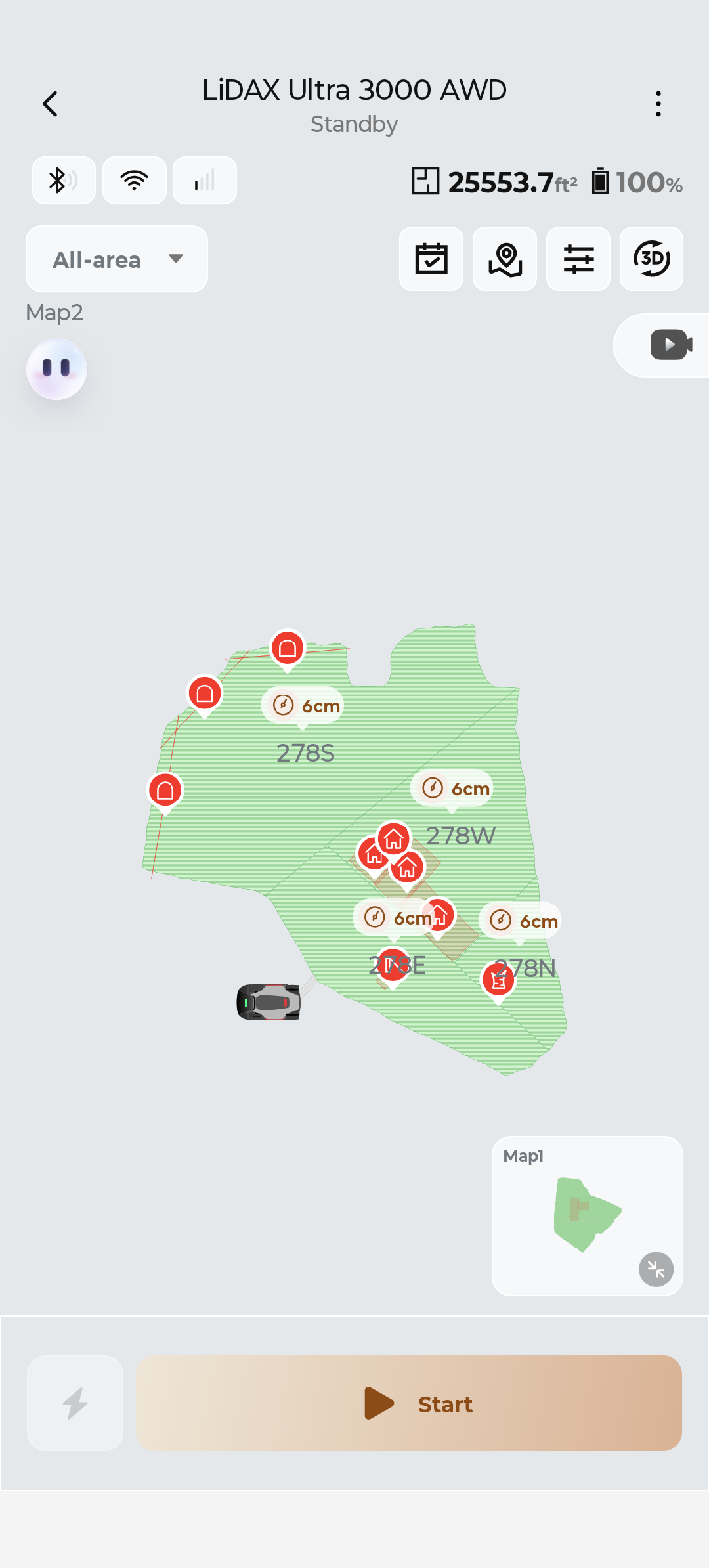
This is map 2 with the path. I can manually send it to an zone to cut but the schedule doesn't work.
2026-4-15 21:26:24 Translate

CL067705Thread Starter
373.png
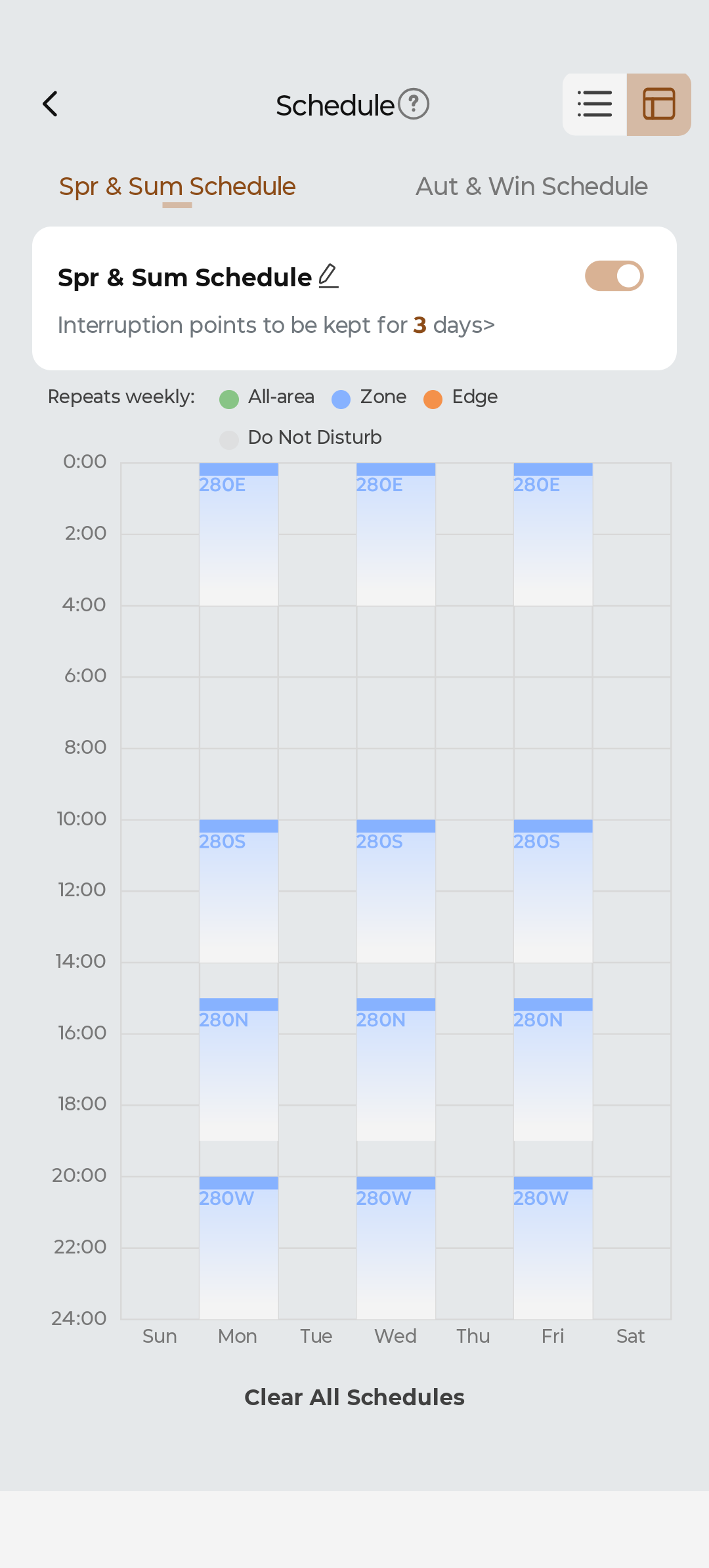
This is the schedule for map 2.
2026-4-15 21:27:19 Translate

CL067705Thread Starter
372.png
This is the schedule for map 1. The first item on today's schedule completed successfully but now that the red dot is on this schedule I am afraid that none of the other tasks will fire.
2026-4-15 21:29:12 Translate

CL067705Thread Starter
Could the cause of my problem be that I declined the mobile service at setup?
2026-4-15 22:51:28 Translate

After you have completed the creation of the two maps, you can either move the base station to the second map or purchase a separate MOVA base station and place it on the second map (because the positioning robot needs to start from the base station).
2026-4-16 13:39:02 US Translate

screenshot-20260416-134811.png
Your second map shows that there is a problem with the robot's location (it is not located on the map).
2026-4-16 13:48:31 US Translate

UID:CL067705
  • 7Posts
  • 0Friends
Privacy Policy|Terms of Use|Archiver|Mobile|DarkRoom|Software License and Service Agreement

© 2026 MOVA Forum All Rights Reserved | Support by Discuz! X5.0 Font by MiSans

Quick Reply Back to Top Return to List