PR639563

[P50 Pro] P50 Ultra not mopping

Last edited by PR639563 on 2025-12-22 04:55

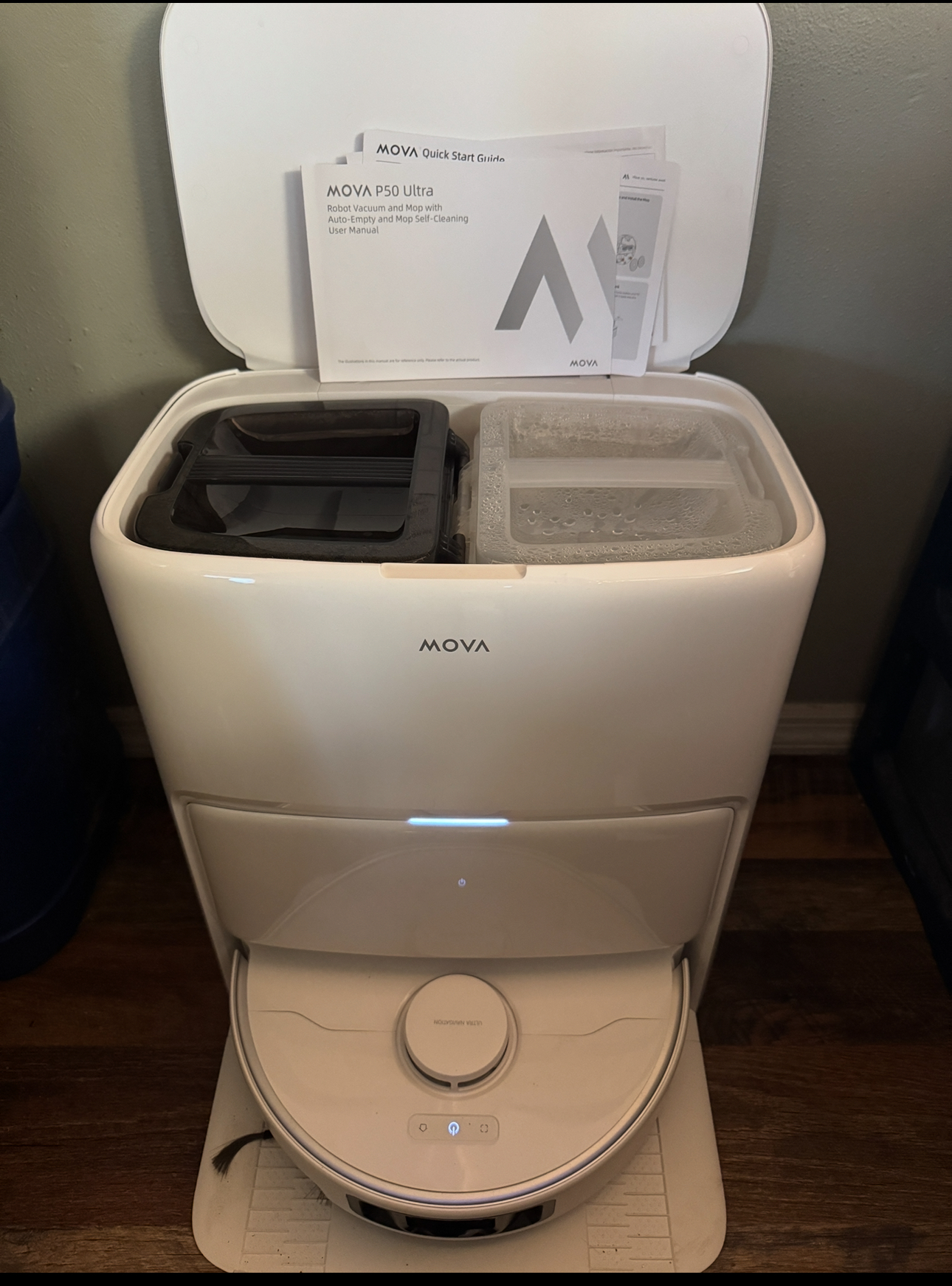
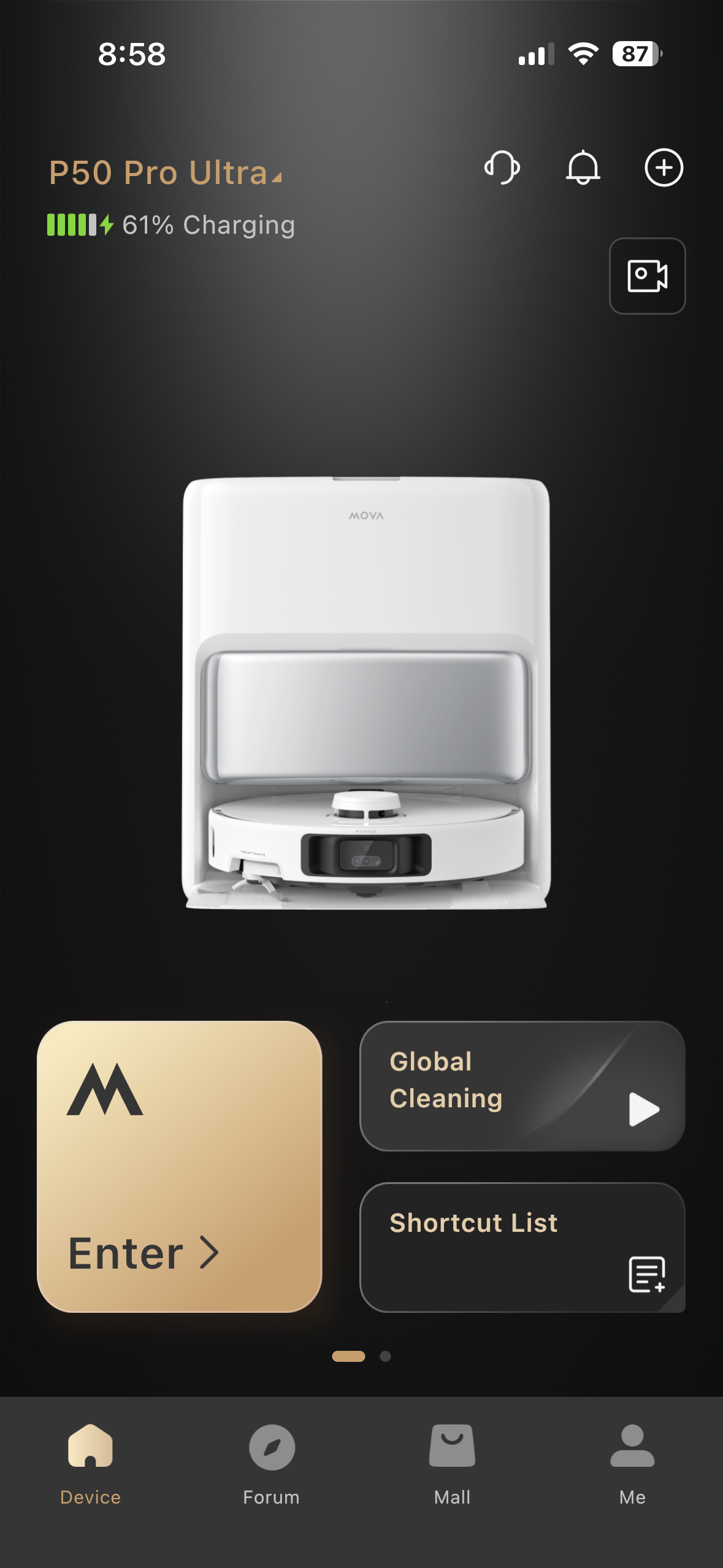
My manual says that this is a P 50 ultra
But none of the options for unit selection give that option?  So I’m really confused at which vacuum I have.

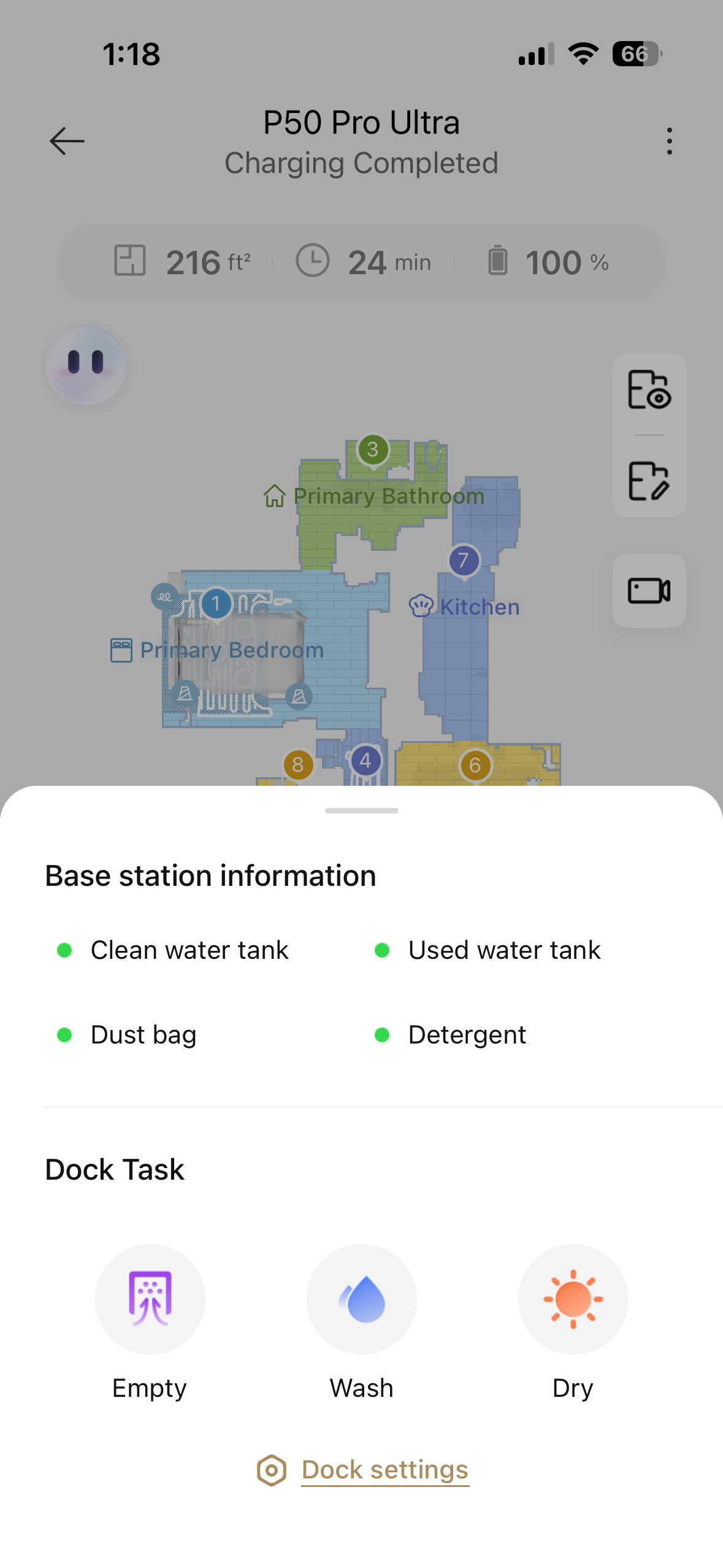
Either way, it is not pulling water from the clean water tank at all.  
I have read through all of the forums and I haven’t found anything to solve the problem yet  

I emailed customer support and they sent me a bunch of pictures that don’t apply to my vacuum at all   

Can someone help me with this problem? Thanks.
Translate
You need to log in to reply. Login | Register

9 Comment

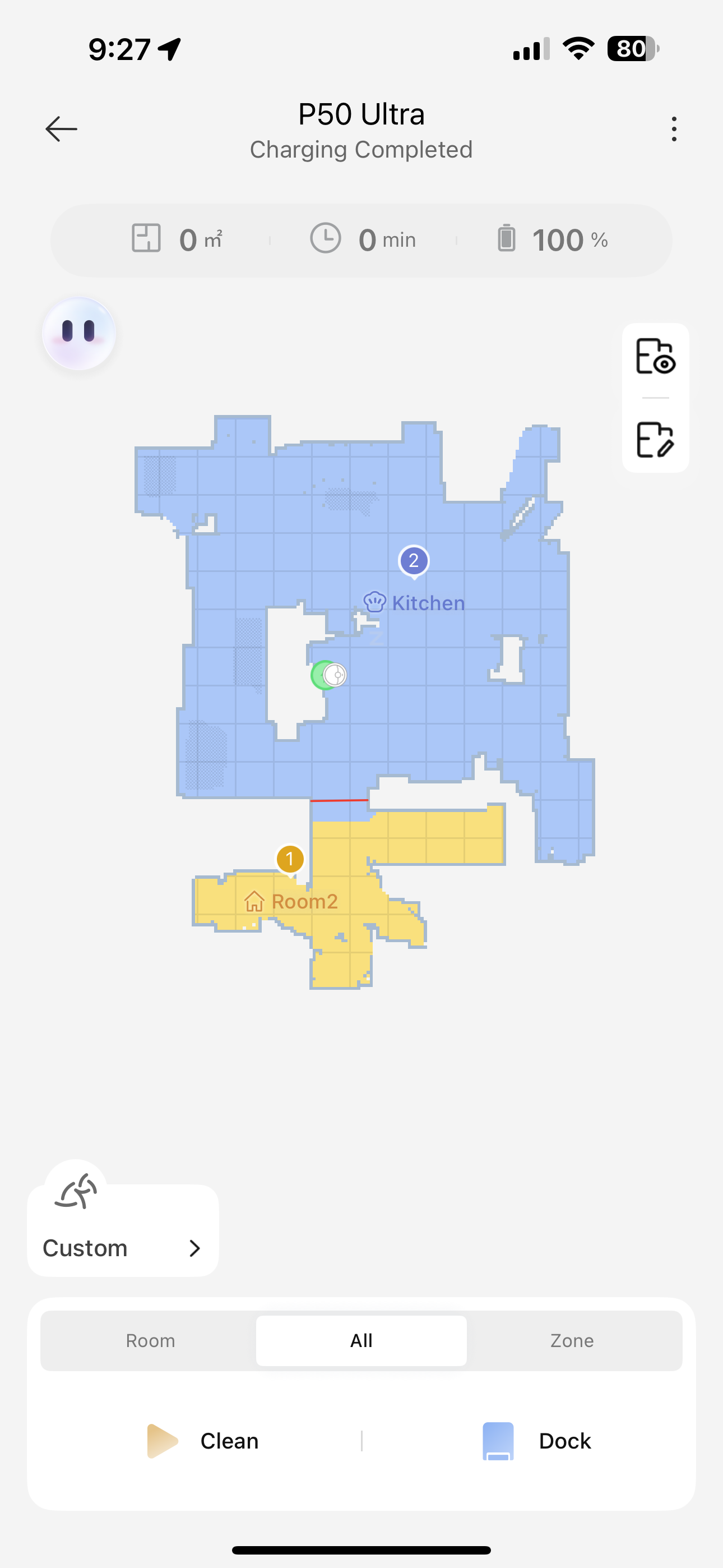
Is it new or did it stop working? That looks like my P50 Ultra. Does it get an error message? Does your map show anything to mop or just carpet?
2025-12-21 22:57:34 Translate

It’s a brand new unit. It’s all hard floors. No carpet at all. It mops. It just doesn’t use the water despite being set to use a lot of water.
 
2025-12-21 23:28 Translate
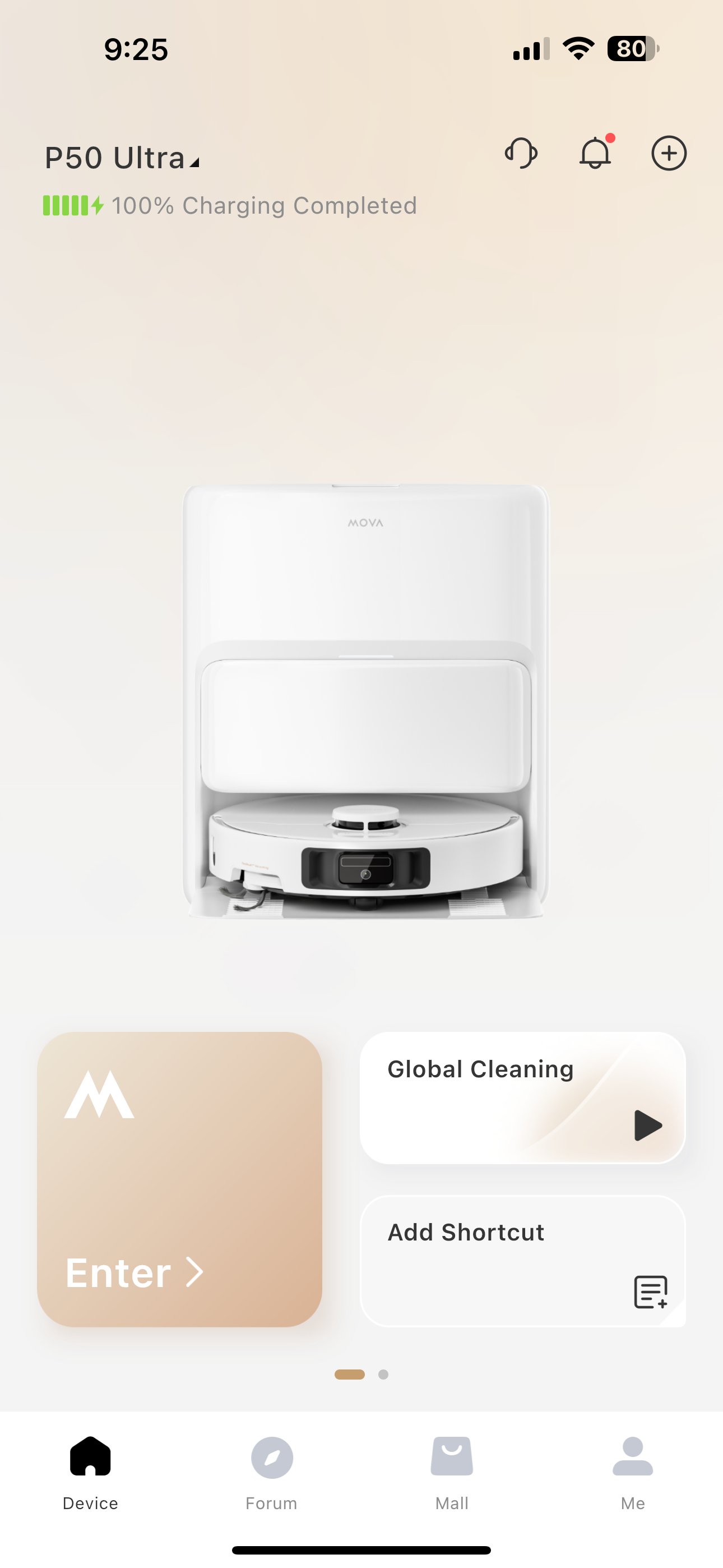
App screen should look like this when you open it..IPhone at least.
2025-12-21 22:59:39 Translate

I have an iPhone too. It wouldn’t let me post a pic to your comment so I added it to the post. I’d appreciate any Insight. Thank you.
 
2025-12-21 23:31 Translate
Verify unit is not set to vacuum only mode.

6. Dirty or stuck solenoid valve

The internal electric valve that releases water can stick closed.

Signs
        •        Tank stays full
        •        No dampness at all
        •        Robot thinks it’s mopping normally

Possible fix
        •        Power off the unit
        •        Remove tank
        •        Let it sit dry for a few hours
        •        Reinstall and retry

(If it keeps happening → hardware issue)


7. Firmware bug or soft crash

Yep… it happens.

Fix
        •        Reboot the robot (full power cycle)
        •        Check for firmware updates
        •        If desperate: factory reset (last resort)
2025-12-21 23:36:39 Translate

PR639563Thread Starter
I did the updates. But I’ll try again.
I think unit has an internal water tank. I can’t remove it.   The only water tanks I have are in the base unit.  
It’s brand new do you think the solenoid would be gunked up already?
2025-12-22 01:58:08 Translate

Try emptying the tank on the robot via the app…
2025-12-22 03:20:12 Translate

PR639563Thread Starter
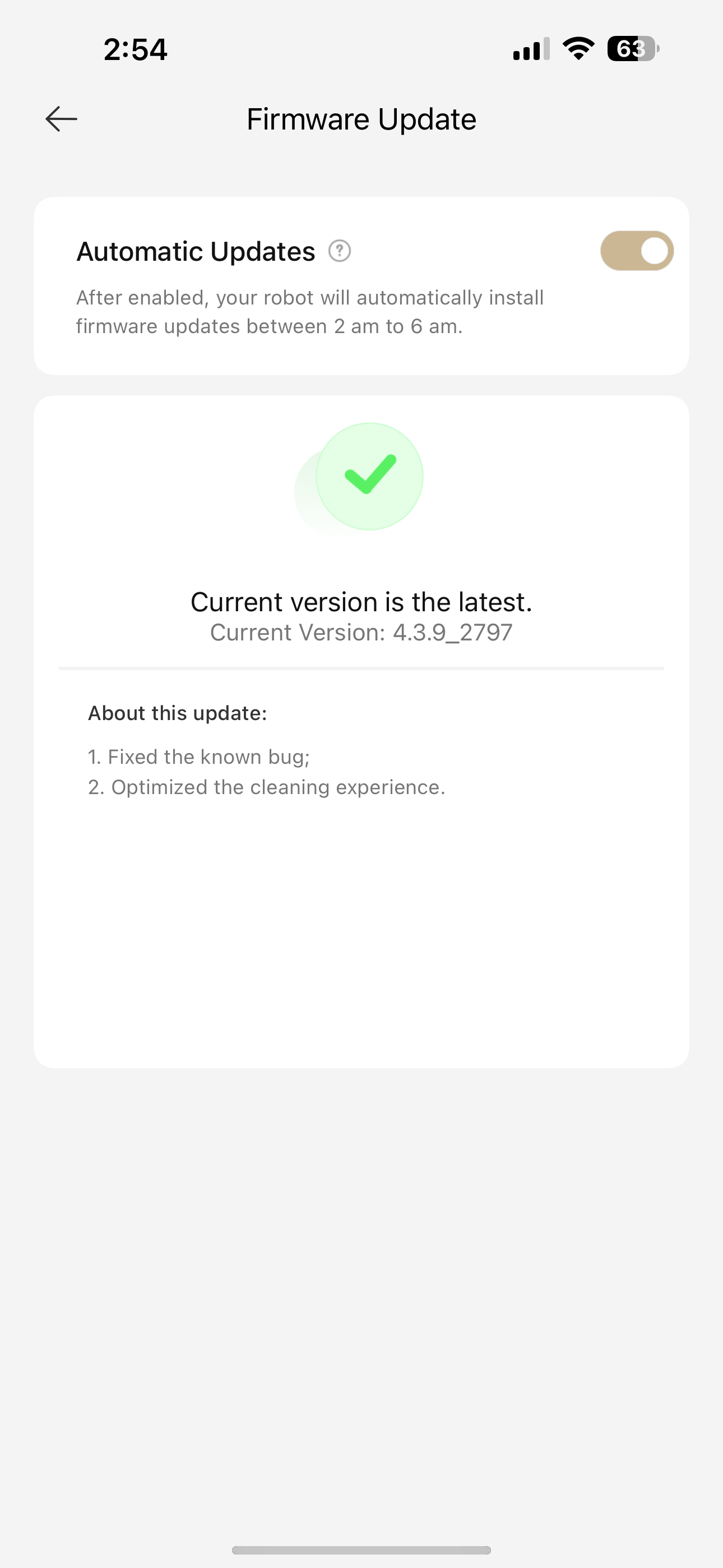
I added a picture to show my firmware version. It said it didn’t need an update. I updated it straight out of the box a few weeks back.  

I allowed the vaccume to go completely dead and then recharged it.  Turned the base off and on.  

I’ve tried to get it to wash the mop pads at least 10times.  And I did do the auto emptying.  

I can hear the pump run and feel the suction but it’s not sucking water out of the clean water tank at all.  

Maybe it’s a bad pump with not enough suction?
2025-12-22 05:03:38 Translate

Did you check that the hose in the clean water tank is connected top to bottom? Maybe it’s not getting connected properly and it’s literally sucking air instead of water? The system ought to detect it’s low on water though.
2025-12-22 11:55:04 Translate

UID:PR639563
  • 5Posts
  • 0Friends
Privacy Policy|Terms &Conditions|Archiver|Mobile|DarkRoom|Software License and Service Agreement

© 2025 MOVA Forum All Rights Reserved | Support by Discuz! X5.0 Font by MiSans

Quick Reply Back to Top Return to List