|
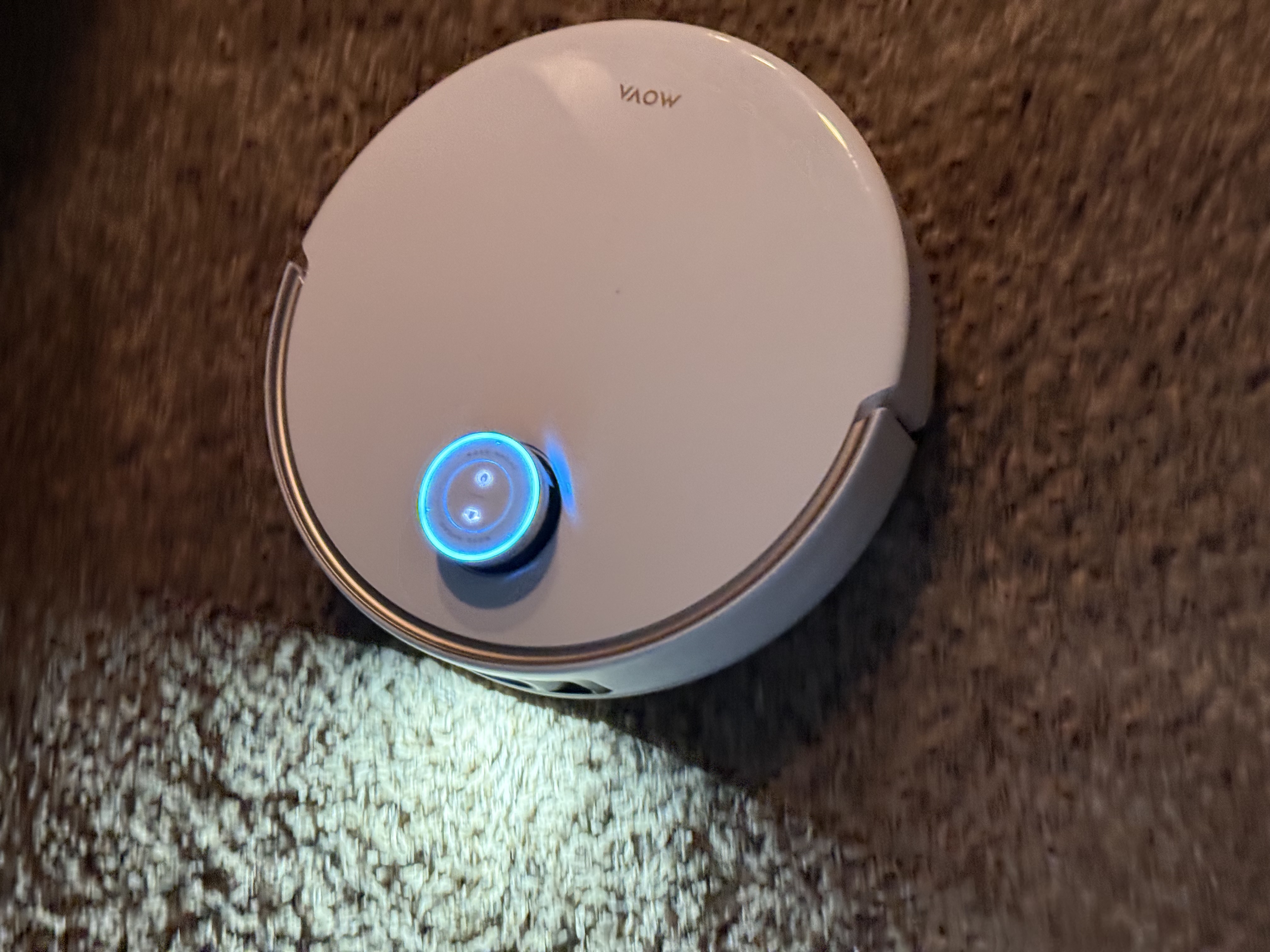
Hi everyone! Post 2 of my trial with the MOVA V50 Ultra Complete (received for free as part of the V50 Program), and today was all about the setup and the "First Map" run.
Step 1: The App & Quick Start
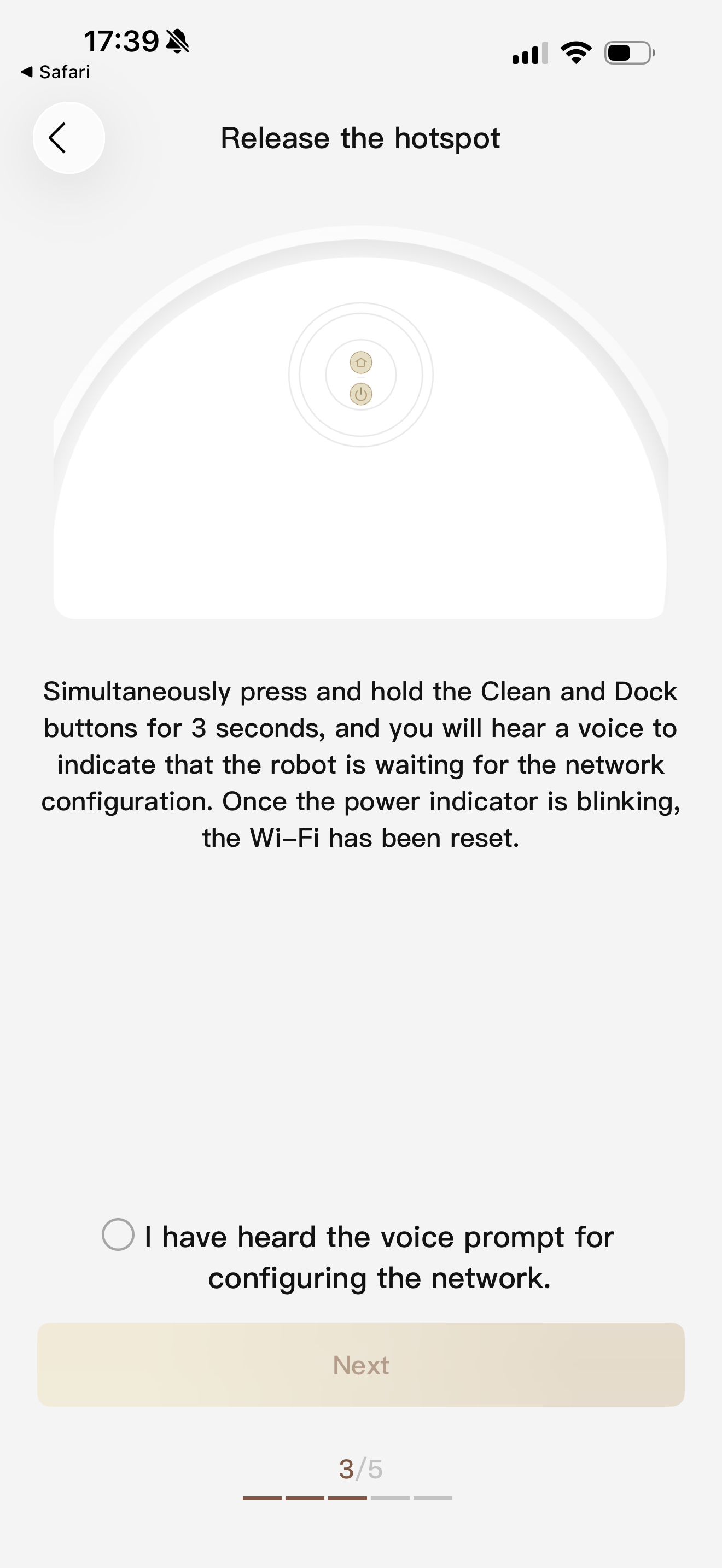
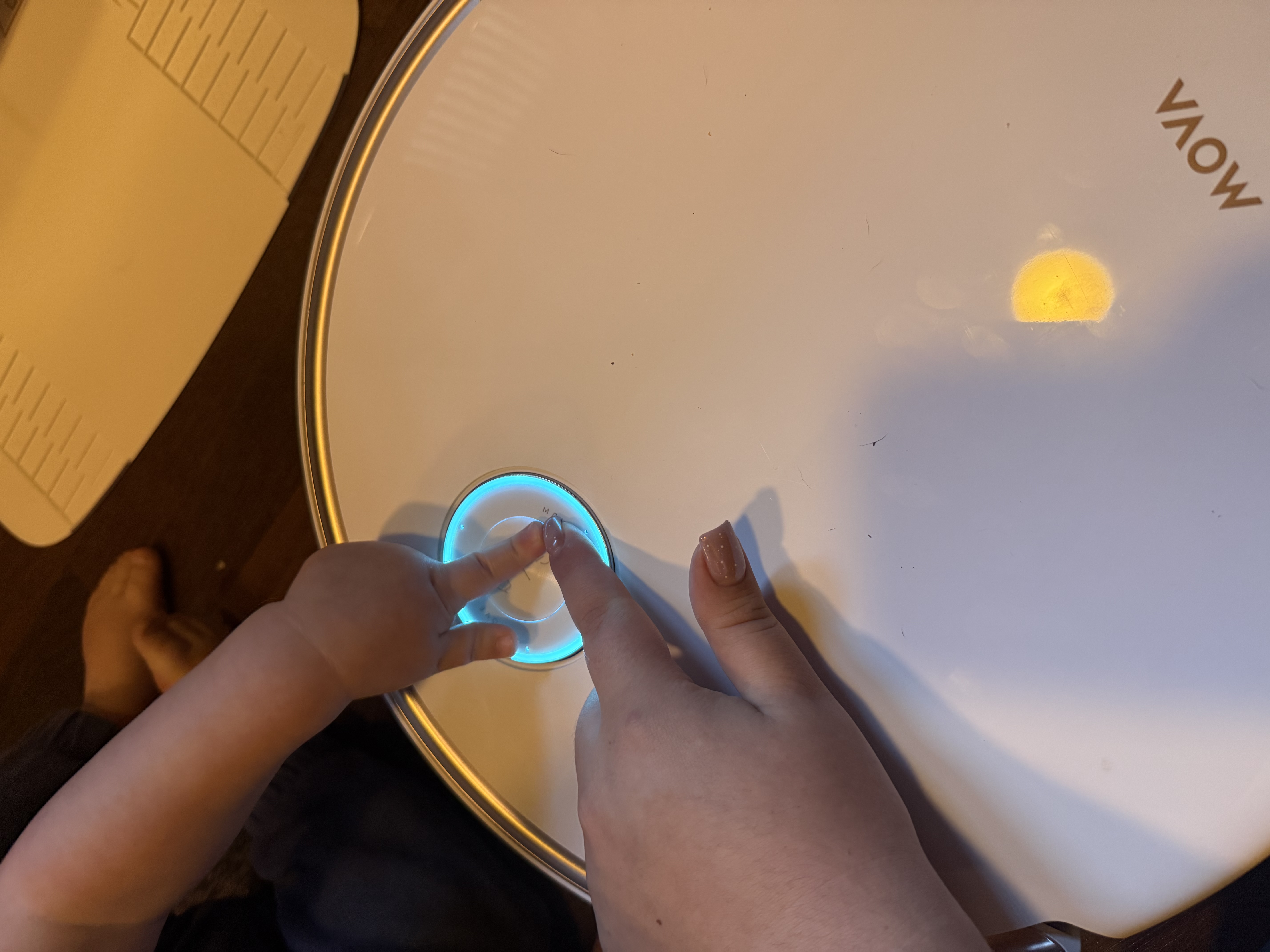
Setting this up was surprisingly breezy. I downloaded the MOVA app, popped off the top magnetic cover, and scanned the QR code underneath. The app then guided me through a few simple steps. It’s so intuitive that I honestly think even a child could do it—perfect for a busy household like mine!
Step 2: Intelligent Mapping
Before the V50 started exploring, it gave me a friendly voice prompt. It warned me that mapping would take 5-10 minutes, but here is the coolest part: it automatically detached its mops and left them at the base station!
This is a massive win. By leaving the mops behind during mapping, it ensures my carpets stay bone-dry. Plus, even when mops are dry, not dragging them over carpets means they’ll last much longer.
Step 3: Customizing the Chaos
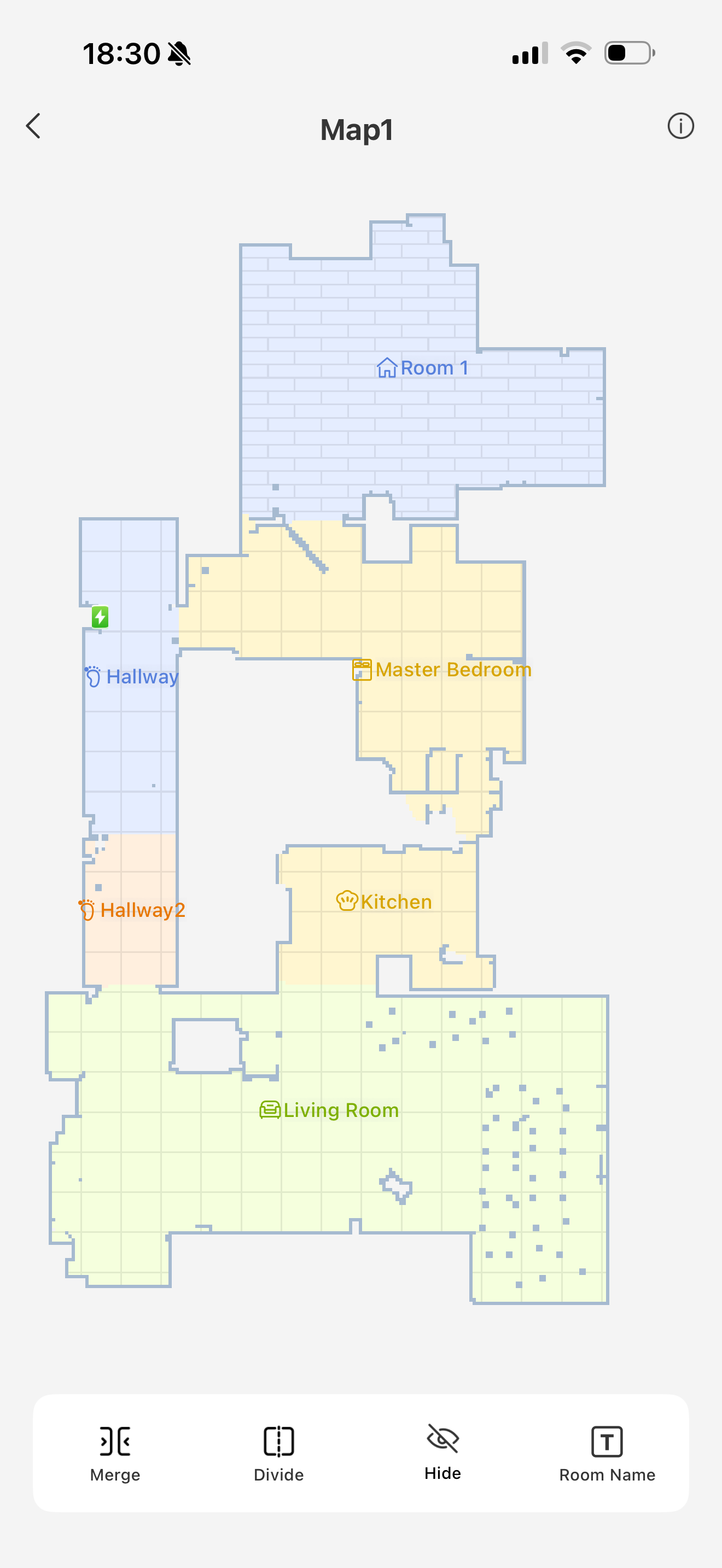
Once the map was ready (and it was very accurate!), I dove into the settings. The app gives you total control:
* Room Labeling: I can tell it exactly where the kitchen "crumb zone" is.
* Threshold Settings: Crucial for my older house with uneven transitions.
* No-Go Zones: I immediately blocked off the area with the pets' water bowls.
Tech Specs that Impressed Me:
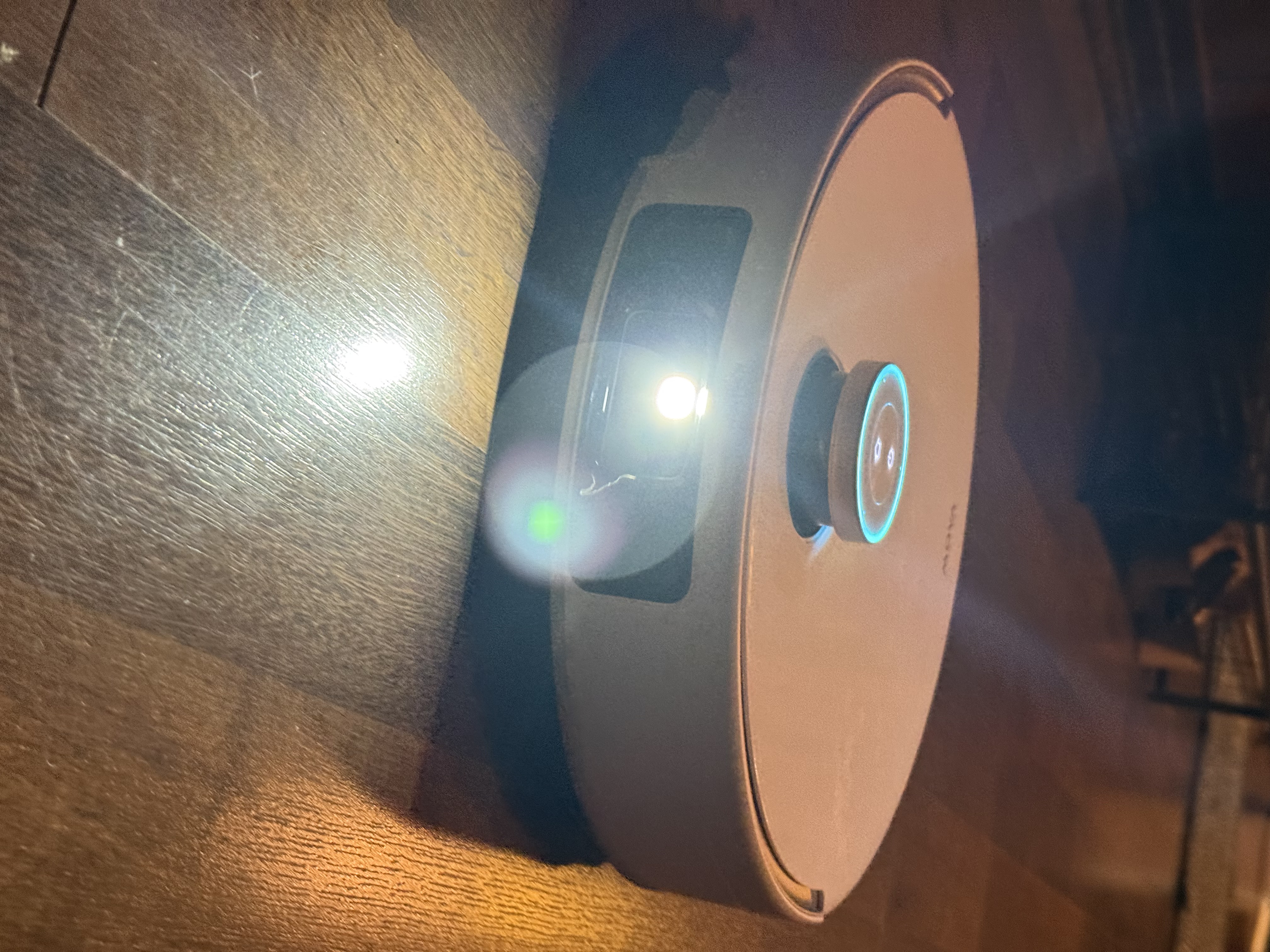
* Built-in Flashlight: I noticed that even in my dim hallway, the robot navigated perfectly. The integrated LED light automatically kicks in to help the AI sensors "see" in low light.
* Dual-Band Wi-Fi Support: The connection remained rock-solid even when the robot moved to the far end of the house.
Verdict:
I’m pleasantly surprised by how little time the initial setup took. Usually, "smart" tech involves a lot of troubleshooting, but the V50 Ultra Complete was ready to work in under 15 minutes. Now, it's time to see how it handles the real dirt!
#GetYourV50 #MOVAV50 #sponsored #smarthome #robotvacuum #techsetup #cleaningtips
TranslateView Original Text
| 

 US
US


 2376
2376