ZE217441

[MOBIUS 60] Mova not cleaning carpet

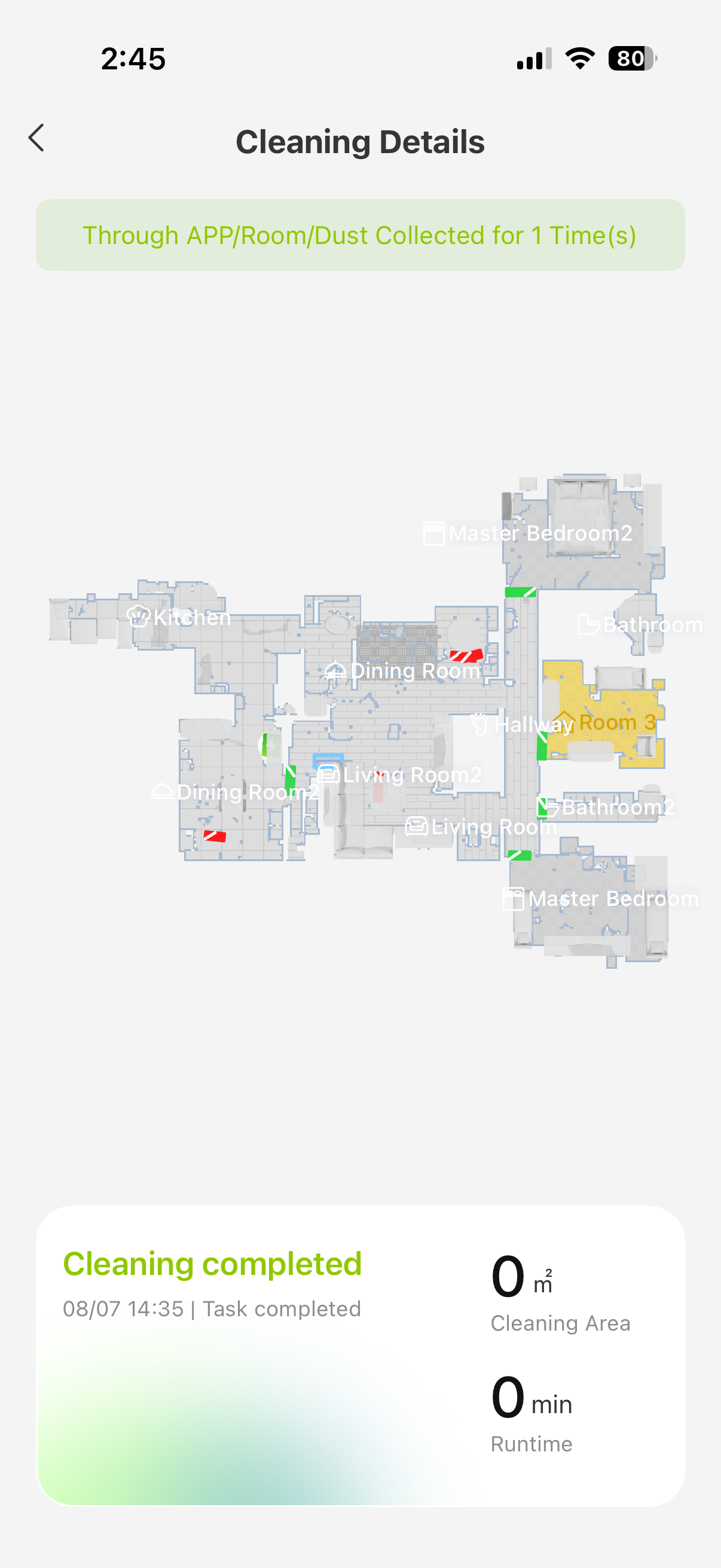
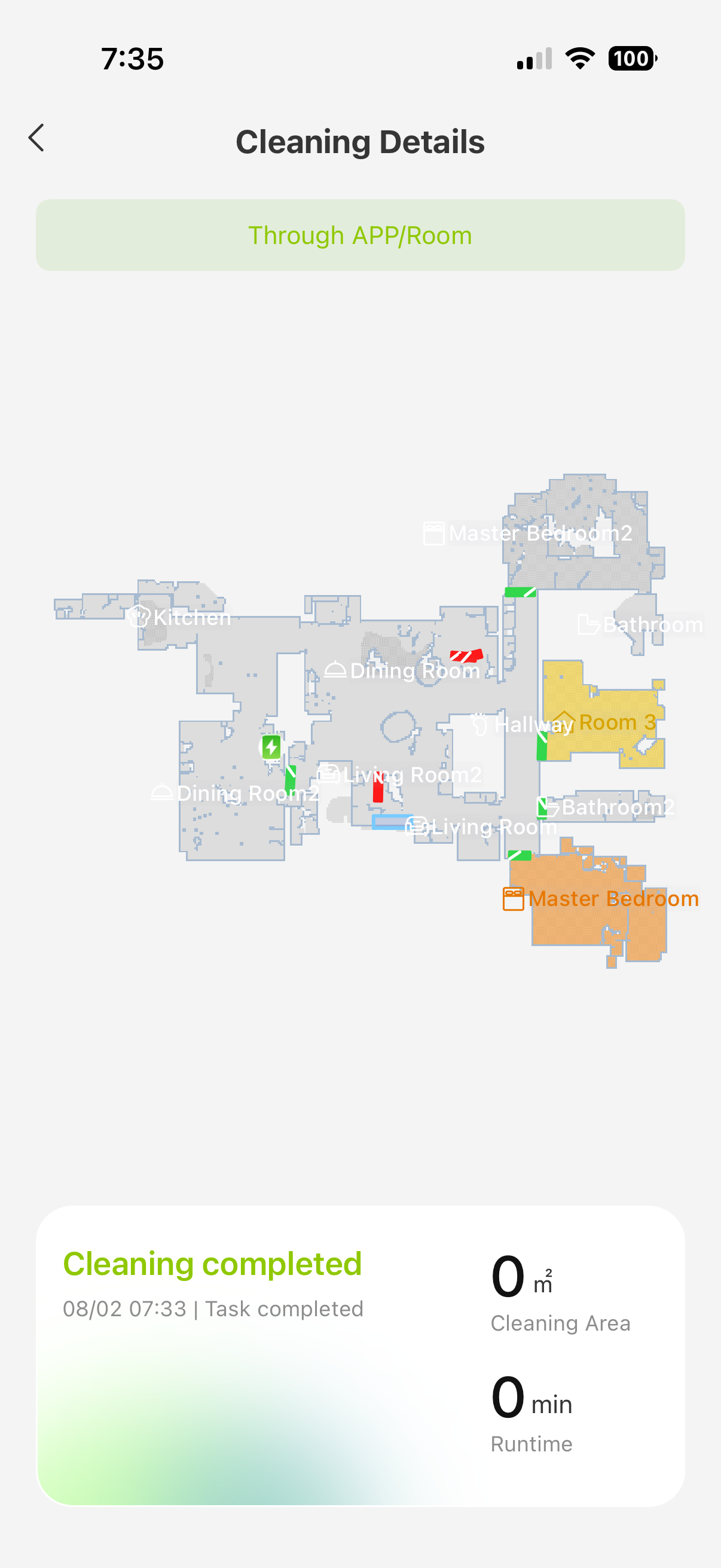
My Mova never cleans my carpeted rooms. Tried all the things. Reset, checked for updates, cleaned sensors, update map. Nothing. Tried cleaning as by room, by zone.. nothing! Just goes in… stops and turns back out the door. HELP!!! I’m sooo frustrated!
Translate
You need to log in to reply. Login | Register

8 Comment

I have been working with support on numerous issues like this with no resolution.  I have shared my device, my logs, etc.  I’m even testing a special firmware supposedly. Nope the same thing. It’s just skipping over a huge area is not going on carpets and turning back around.  For as much money as I spent on this vacuum and the fact that I’ve only had it a few months.  I’ve barely been able to use it about 10 times and I am furious.
2026-8-8 03:52:03 US Translate

We understand your dissatisfaction as your issue has not been resolved in time. We have seen your latest private message and have already replied. Please kindly check your inbox.
 
2026-8-8 12:00 US Translate
Please first check whether carpet detection is enabled in the APP. This model is equipped with ultrasonic carpet‑detection. When mopping, the robot will lift the mop automatically once carpet is detected to prevent wetting it. You can also adjust other carpet‑related cleaning settings in the APP according to your needs.
Map overlay may trigger positioning errors and lead to missed cleaning areas. If this happens, please remap or restore your map for another test.
Long‑pile carpets or loose wires on the floor may be recognized as obstacles by the obstacle‑avoidance system, which will cause abnormal carpet recognition and cleaning performance.
If the issue remains after these steps, please send clear photos of your carpet, fault video and device SN via private message. Upload app logs and share your device to account: QR033438. Our technical team will investigate your case on working days and get back to you shortly.
27978.jpg
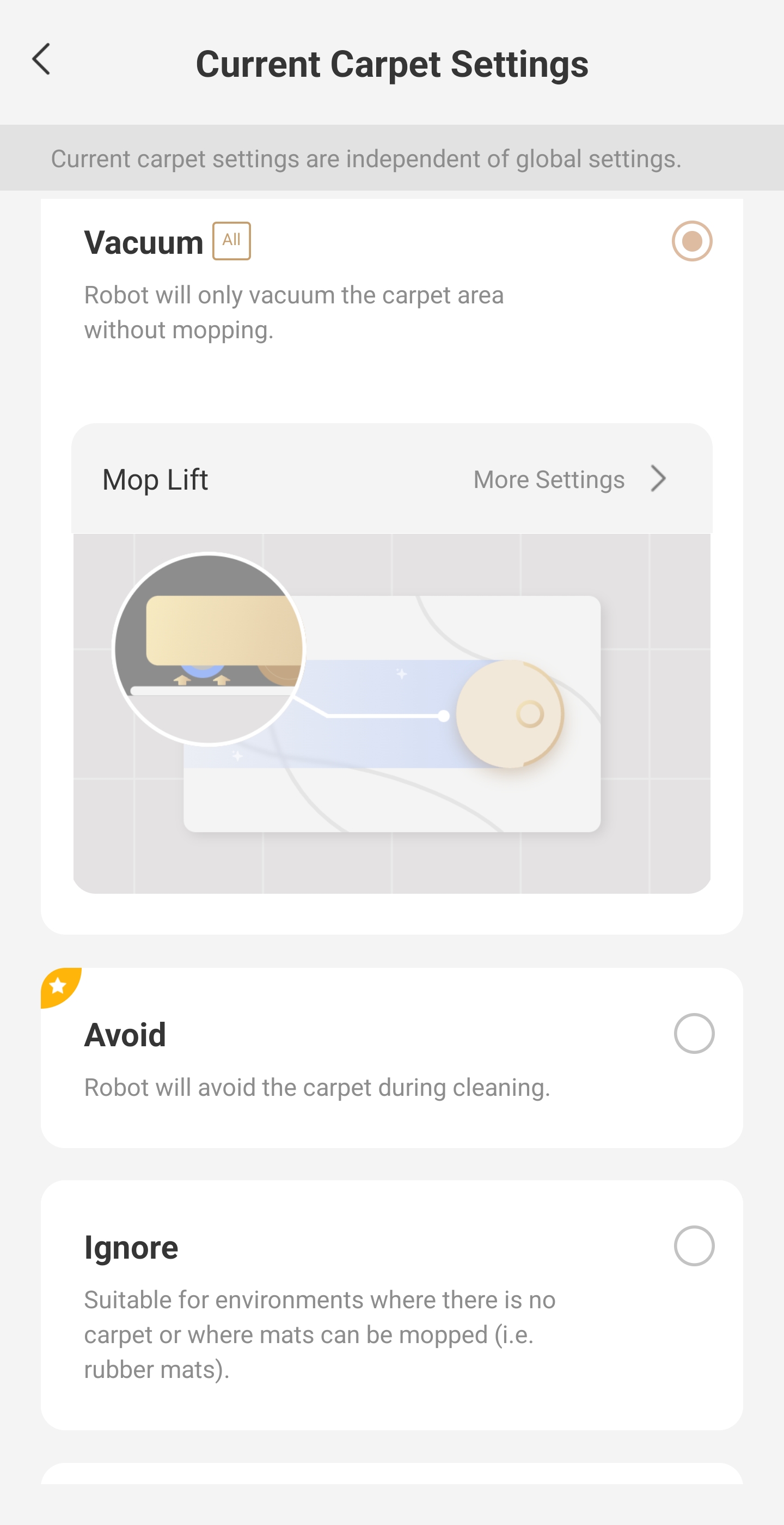
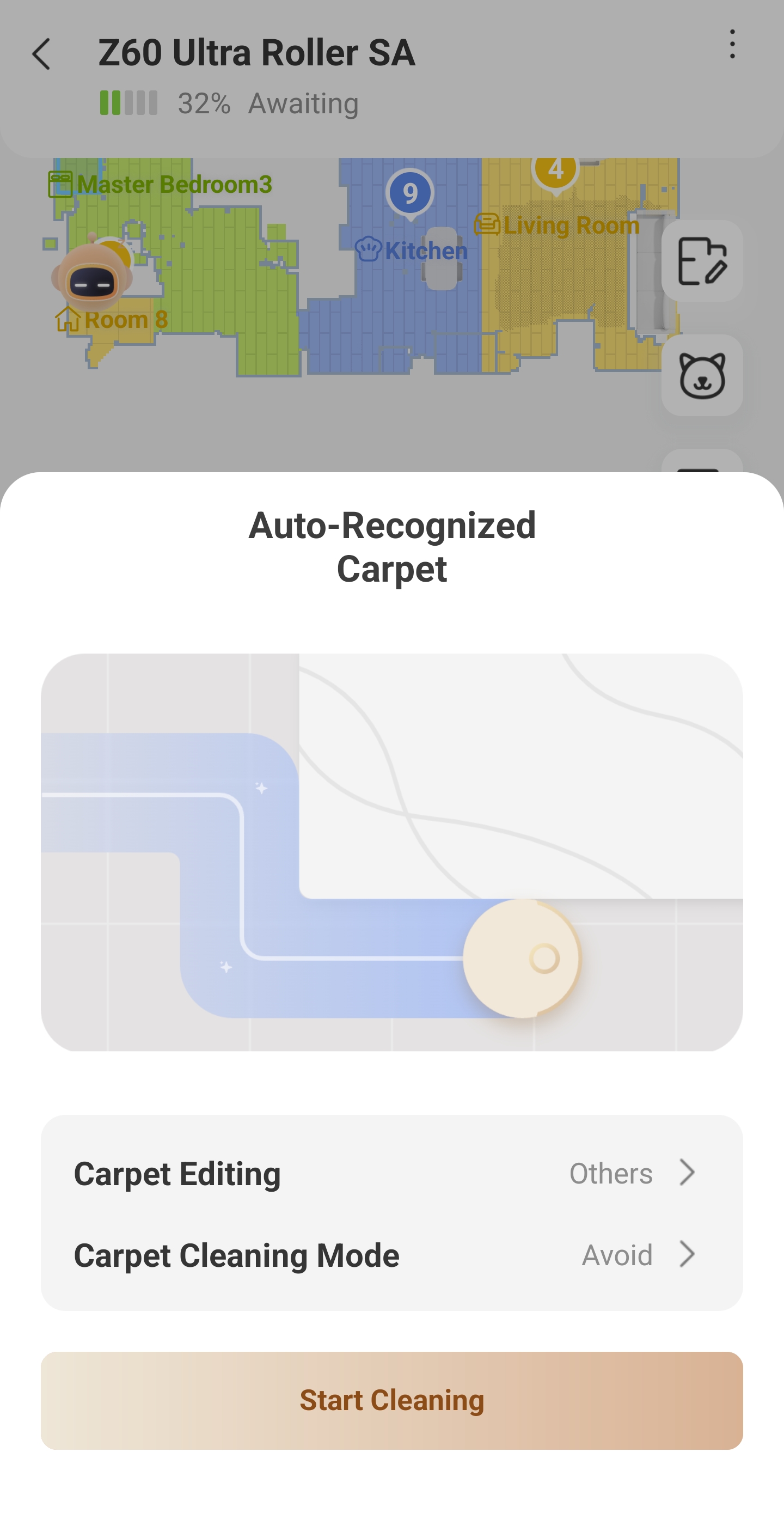
Please click on each individual carpeted room and make sure they are not set to "avoid".

Does the robot give you any error messages?


I'm going to also suggest setting the pile length to "other" or "low" to see if that helps? Trying to throw out all possible fixes for you.
IMG_2567.png
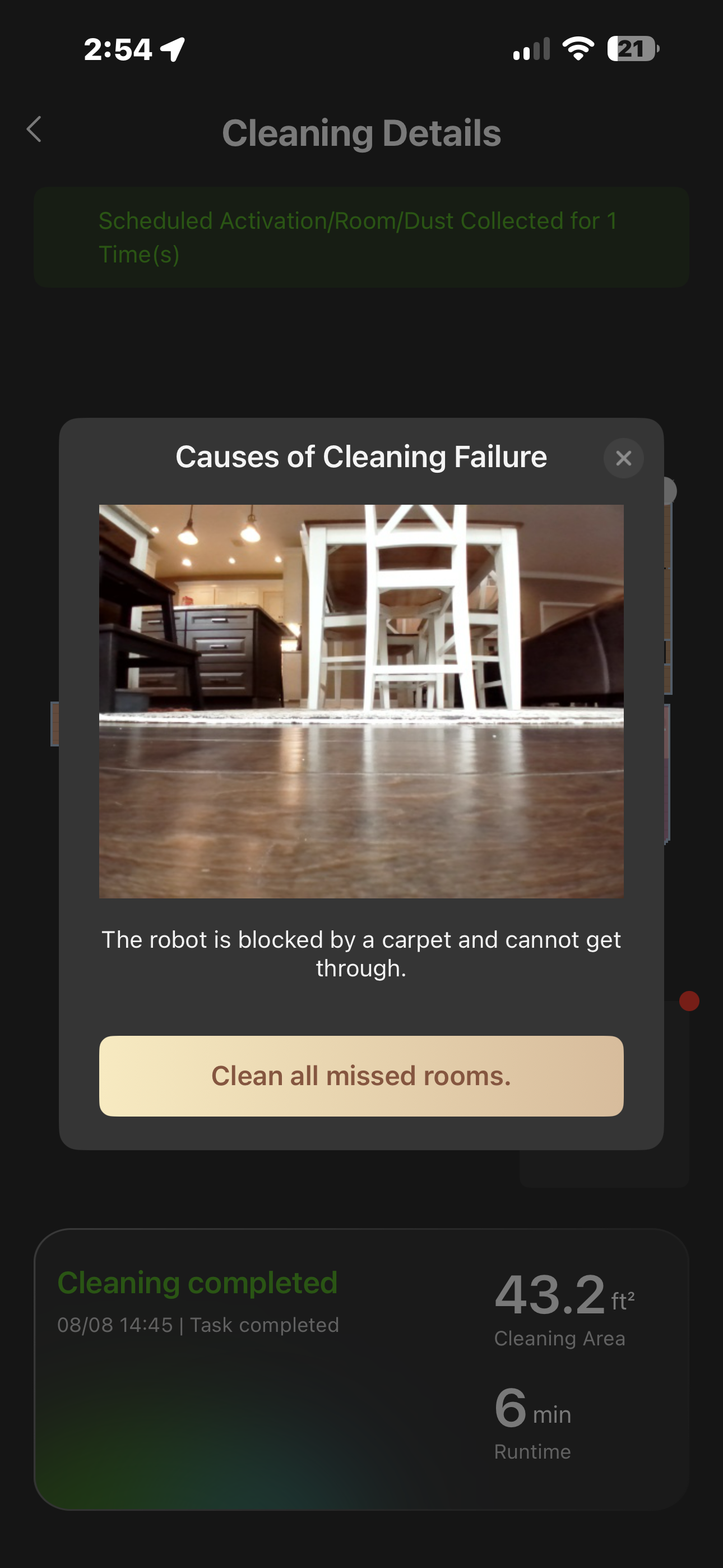
My vacuum ran for six minutes today and then said it was blocked by my carpet. My house is an open floor plan over 4000 ft.².   There is ample room around the carpet. It said it was blocked by. I have never had problems with it going over this carpet before.   And as I said, there is ample room all around the carpet to move anyway.I tried to change it from medium to low pile and it’s not selected to avoid, I have zero non-no go zones.  As I said, I am testing special firmware due to numerous other issues and now these new issues are arriving with and since the firmware.  A vacuum running for six minutes and then returning home I have now wasted $700 on a vacuum that I cannot even use and have not had for long.  I would say more issues have arise also with the latest app update. I myself having a very lengthy ongoing troubleshoot messages directly with your company.  But I will post these here as well because I think other people need to know these issues are going on.  
2026-8-9 03:11:01 US Translate

irmware and the new App update. We have sent you a private message, please kindly check your inbox.
 
2026-8-9 10:53 US Translate
Hello, we can totally understand how upsetting this is. The robot stops cleaning after just six minutes with a carpet‑blocked error. It is really frustrating when a costly device cannot work as expected. We have fully noted your situation: there is plenty of space around the carpet and the robot used to drive over it without issues. You have adjusted the carpet pile‑height setting, “avoid” is not enabled and there are no no‑go zones. This problem started after installing the experimental f
 
2026-8-9 10:53 US Translate
28460.jpg
Have you clicked each individual room and carpet to make sure they are not set on avoid?

Each room can have its own setting, aside from what your main carpet settings are in the menu. Sometimes they get set to "avoid" by default and it causes this issue.


*Also check you don't have multiple "layers" of carpet with different settings - this was a problem for me! The robot auto detected carpet in my bedroom after I had already set the room to fitted carpet, and the 2 different layers of carpet had different settings. They interfered with each other and caused me problems.
2026-8-10 13:01:17 US Translate

UID:ZE217441
  • 4Posts
  • 0Friends

© 2026 MOVA Forum All Rights Reserved | Support by Discuz! X5.0 Font by MiSans

Quick Reply Back to Top Return to List