Hello,
We sincerely apologize for any inconvenience caused by the connection issues. Here are some suggested steps that might help you resolve the problem:
Proximity to Router: Ensure that the robot and your phone are close to the router to maintain a strong Wi-Fi signal. Before configuring the network, make sure to enable the location permission of the app and the Bluetooth function on your phone, as failure to do so may lead to network configuration issues.
Connecting to the Hotspot: When connecting to the hotspot released by the robot, listen for the voice prompt from the robot, then return to the app and wait for the network configuration result.
Wi-Fi Name and Password Settings: It is advisable to set your home Wi-Fi name and password using English letters or numbers and avoid special characters.
Check Router Settings: Verify if the router is set with Mac address filtering or a whitelist, try resetting the router and restarting the robot, and then attempt the connection again.
Cross Verification of Network Configuration: If the above methods do not work, try using one phone to release a hotspot as a Wi-Fi network and another phone to connect to this hotspot for network configuration, to cross-verify.
Try Using a Different Phone: Connection failure might also be related to the phone model. You can try using different models of phones to reconnect.
If the problem persists, please send the following information to our after-sales team for further assistance:
The SN code of the robot (you will find the SN label at the bottom of the robot).
Your app account ID (found in the app under "Me" > "Account ID").
A video showing the entire connection process (you can record a video on your phone screen).
Thank you for your patience and understanding.
Customer Care:
+1 (888) 308-6159
(Mon. to Sun. 9:00–18:00 EST)
support@mova-tech.com
na.official.site@mova-tech.com



 7049
7049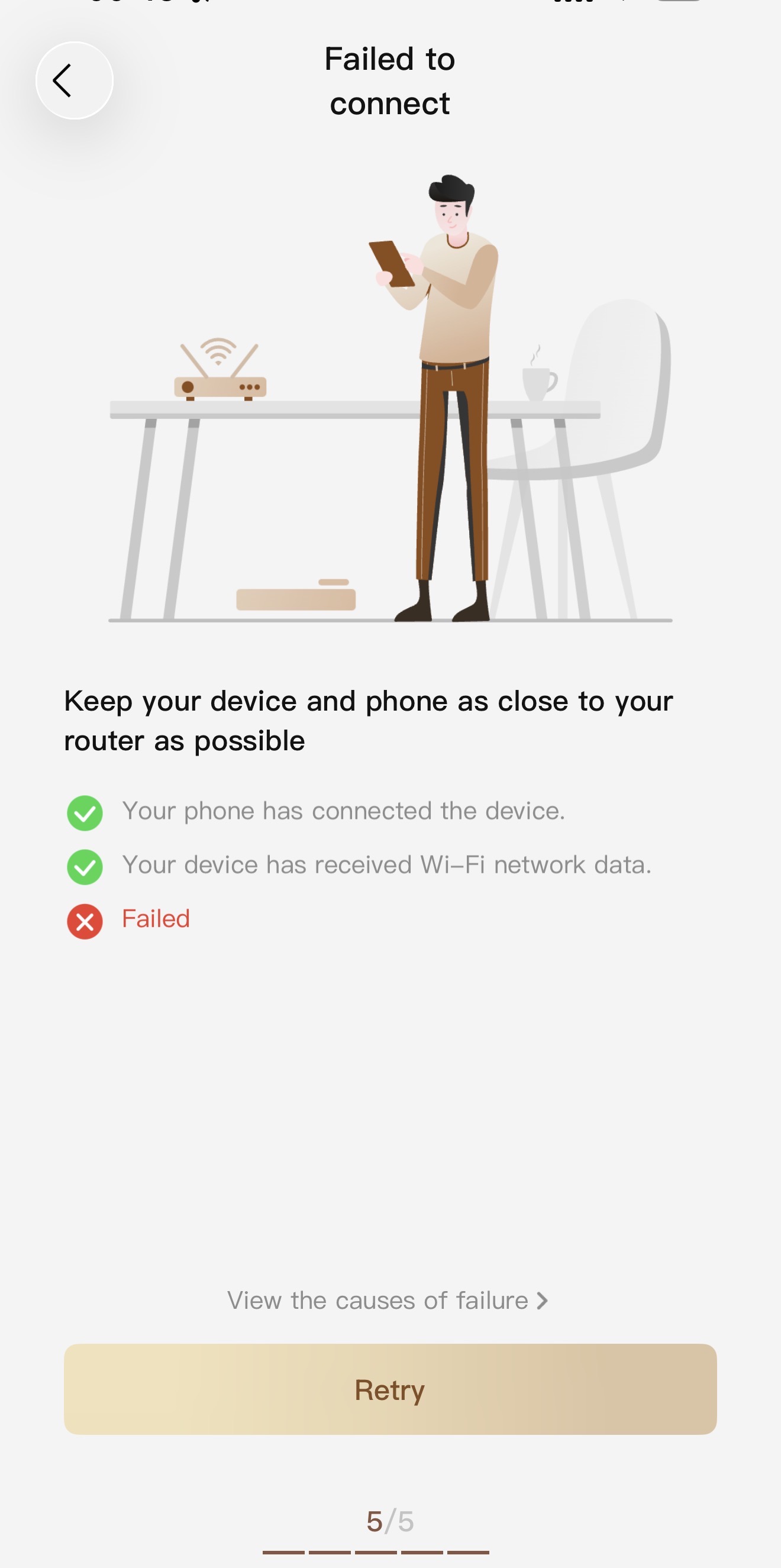


 US
US






