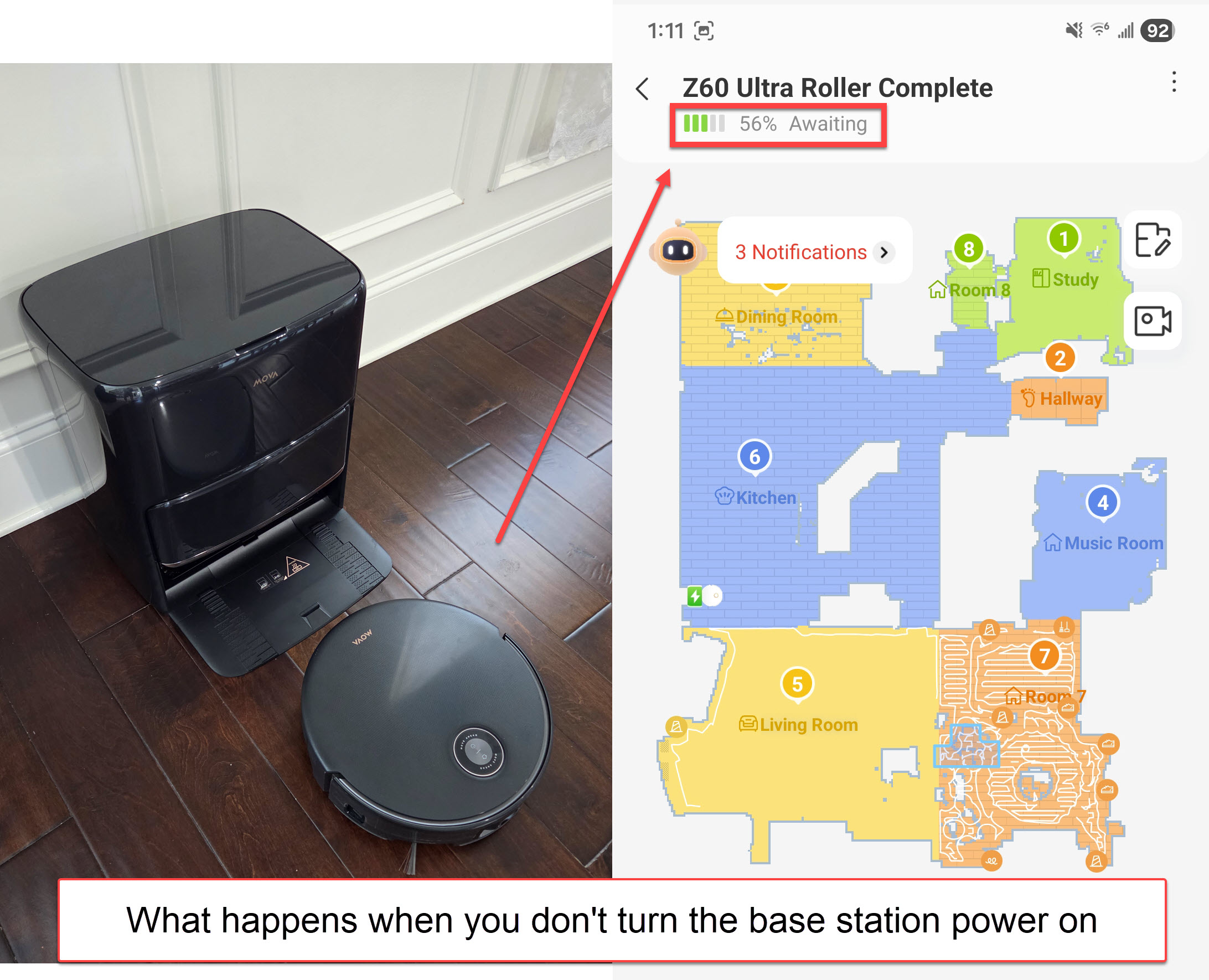
MOVA Z60: A Self‑Critiquing PSA + A New Clue About Those Diagonal Lines. A quick PSA at my own expense: the MOVA Z60 base station has a vertical power switch on the back near the top panel. I was demonstrating this to my spouse, turned it off… and forgot to turn it back on. The poor Z60 tried to redock during a cleaning task, couldn’t find dock station power, and just sat there patiently with an “awaiting” notification. Operator error at its finest.
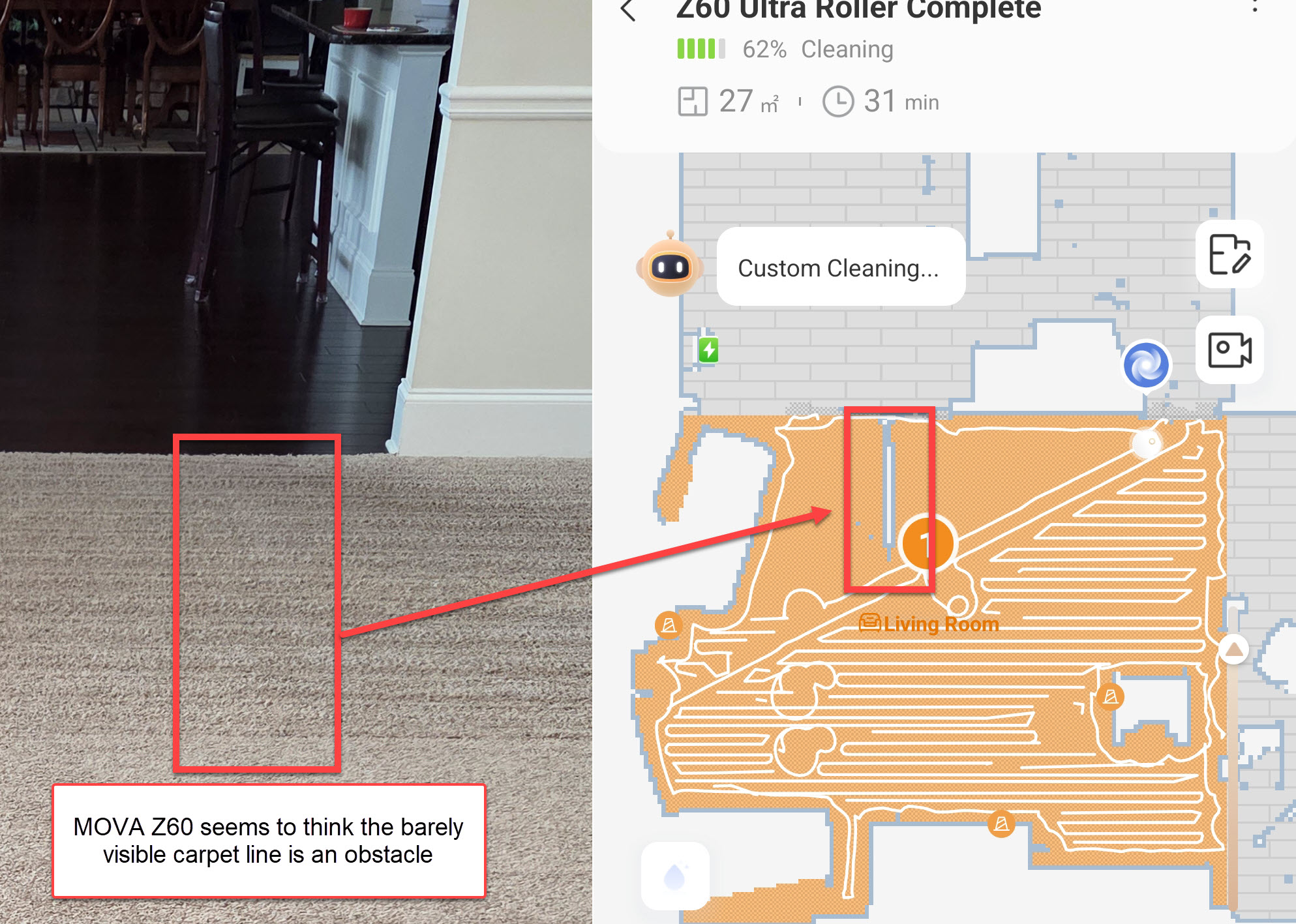
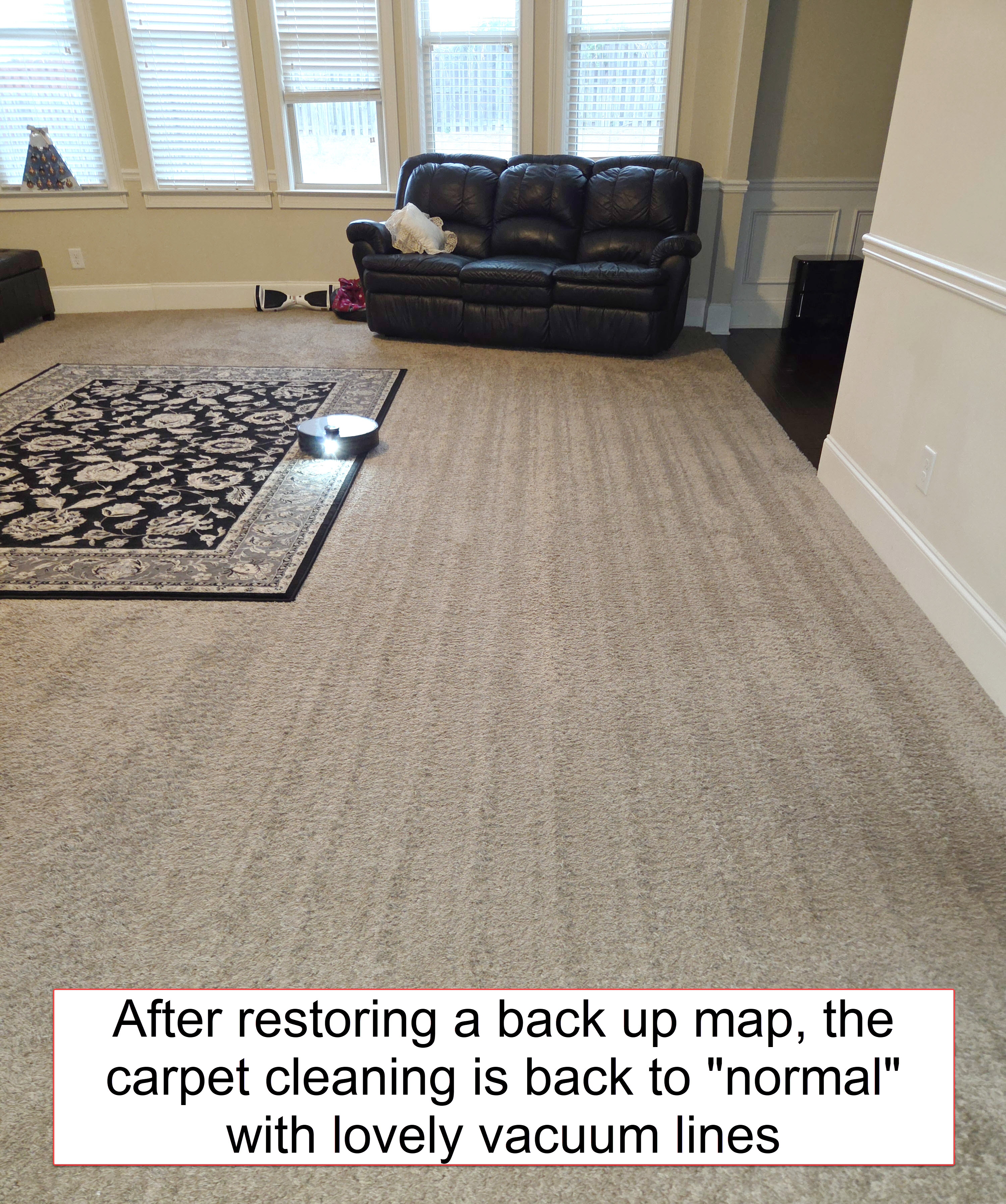
Regarding carpet navigation: after restoring a backup map, I noticed something interesting--the carpet cleaning was suddenly back on point. And then I spotted something on the map that explains the diagonal vacuum lines I mentioned in my previous post. The Z60 thinks there’s an obstruction on the carpet. I haven't had the same experience with the MOVA V50.
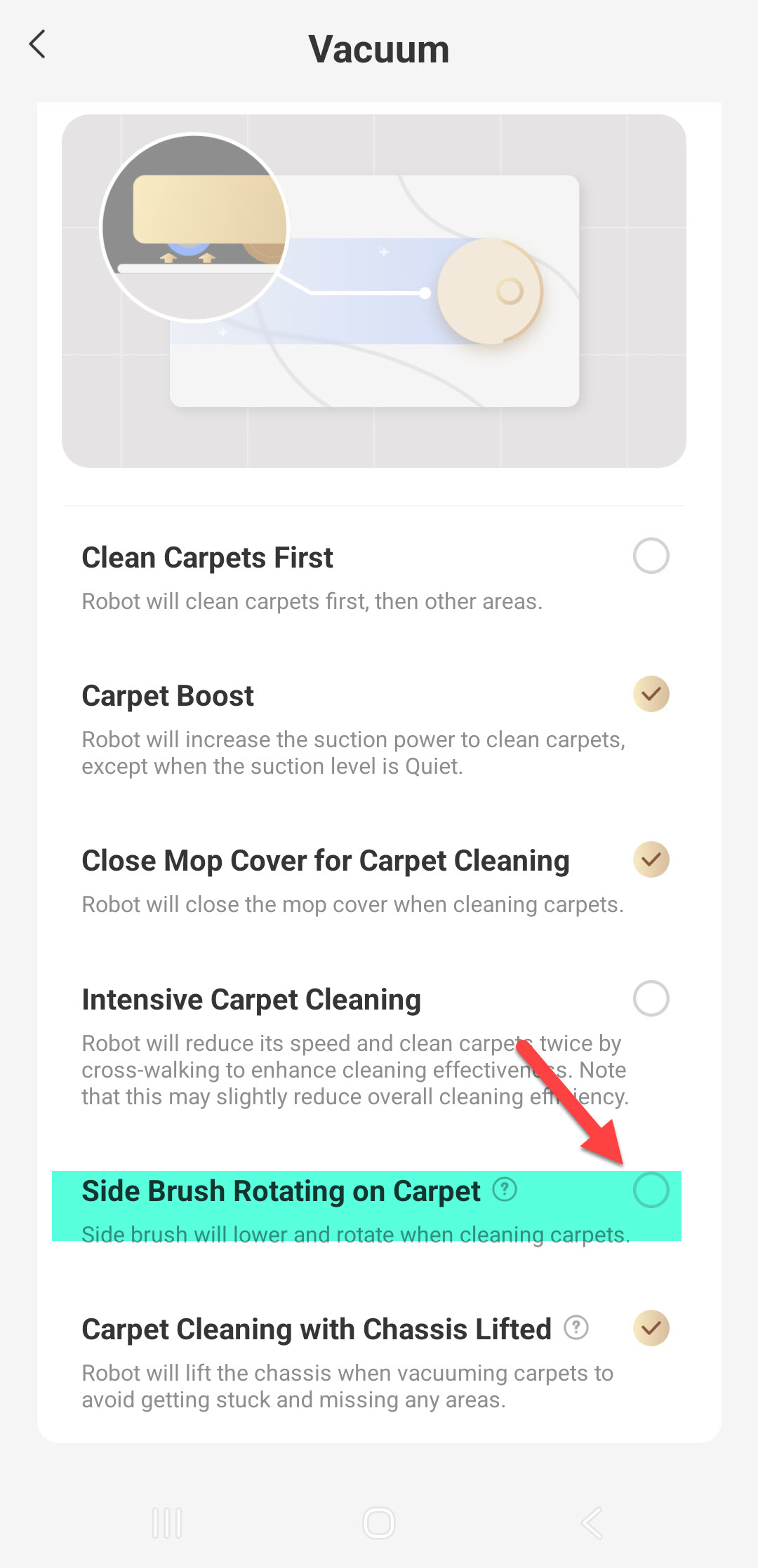
Even after a full cleaning pass, Intelligent Remapping keeps trying to add that same phantom obstruction back onto the map. Combine that with the fact that my side brush keeps spinning even though the setting is turned off, and it’s starting to feel like Emo is convinced my carpet is a troublemaker.
At this point, I’m thinking it might be time for a full factory reset and a fresh start. If anyone else has had their Z60 invent imaginary obstacles or ignore disabled settings, I’d love to hear what fixed it for you.
This is my final post for the trial period.
Disclaimer: I received this Z60 as part of the MOVA Z60 Get & Create Event. #GetYourZ60
regarding the issue of the device automatically adding fictitious obstacles, we recommend that you tap on the obstacle icon and select “Ignore obstacle”, or try disabling the “Smart obstacle recognition” feature in the settings to see if this improves the situation.
At the same time, please tap on this carpet directly on the map and enter the individual carpet settings (not the carpet settings in the general settings menu). Check whether the option “Side brush rotates on carpet” is enabled for this specific carpet.
This is a great catch — I’ve seen something very similar across my setup too.
I’m currently running Mobius 60 + Z60 Ultra Roller Complete (ground floor) and a Z60 SA (second floor). My Z60 SA kept detecting my master bathroom marble (dark vein patterns) as “heavy dirt/obstacle zones” and would over-scrub the same area, sometimes draining a full tank just chasing a false positive.
What helped in my case:
👉 Using “Ignore Obstacle” on those spots
👉 Tuning Smart Obstacle Recognition (less aggressive)
After that, the behavior normalized and no more water overuse.
Definitely worth checking for false positives on patterned surfaces — feels like the AI sometimes overthinks high-contrast textures 😄
Let me know if you want me to share the run logs comparison of before and after.
Thank you, ShivamDixit. Seems while AI is trying to be helpful and learn, it is doing the opposite of what we want and expect. I will check out these settings. Regards, JayVeeBee