|
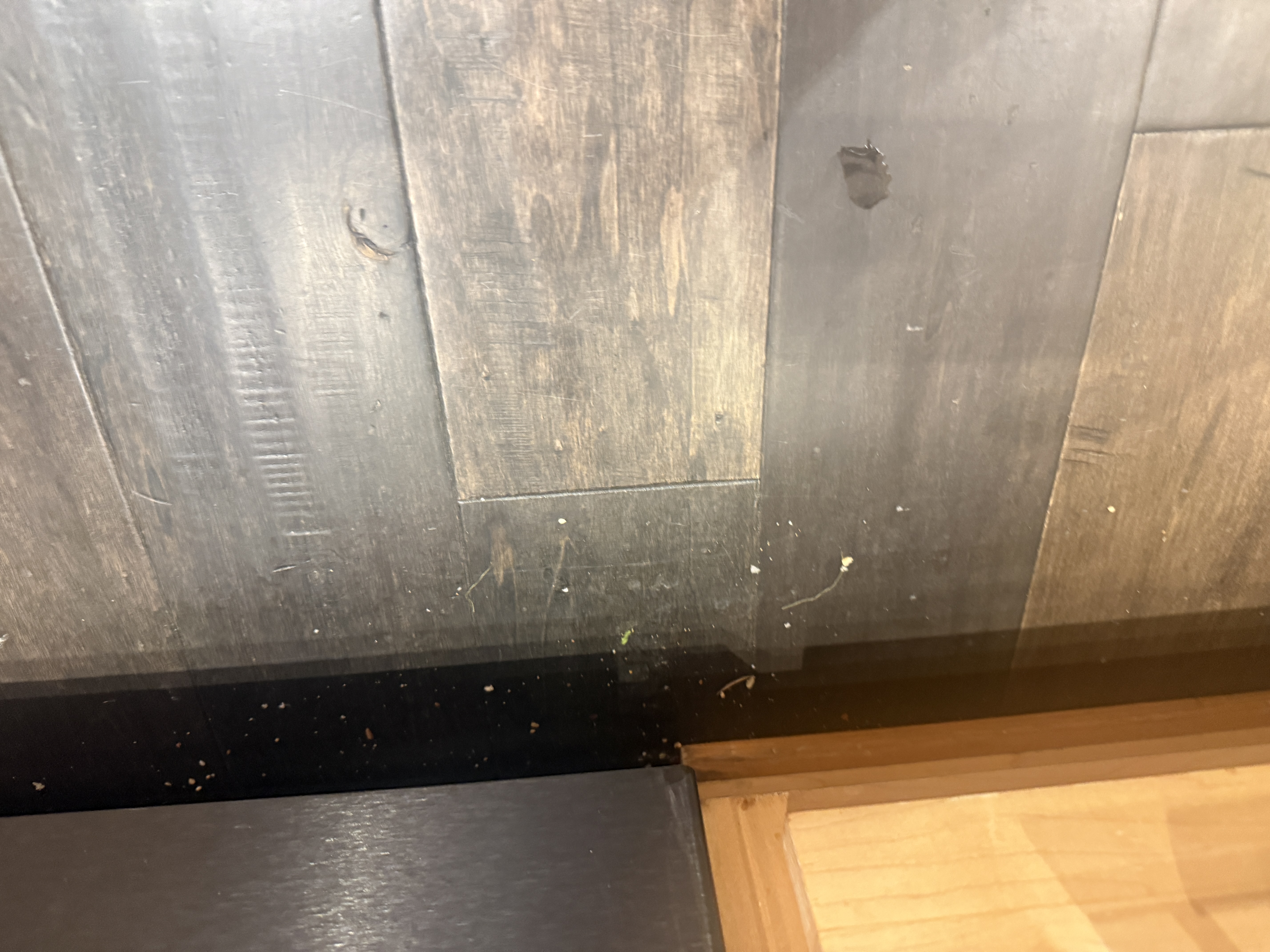
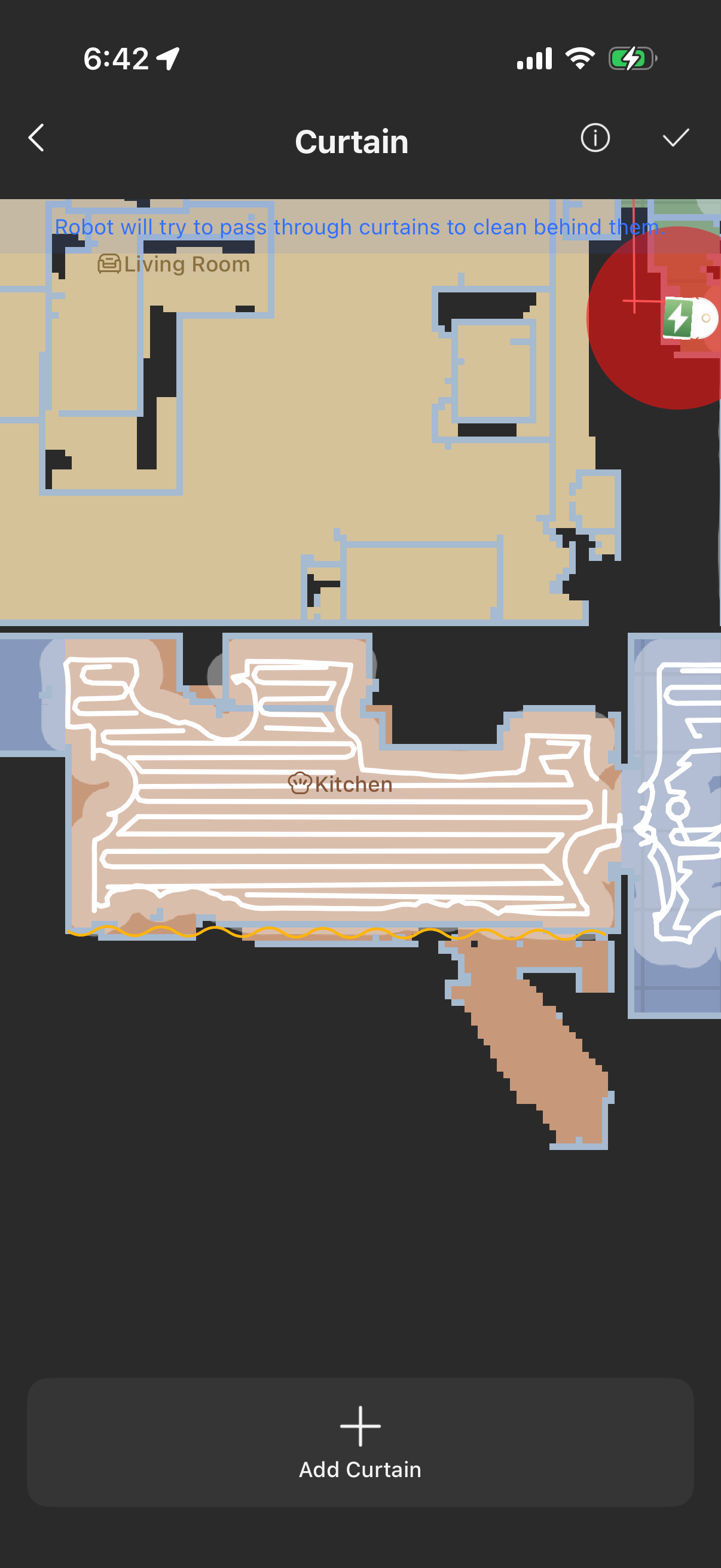
Hello, regarding the robot failing to clean close to your kitchen baseboards, please follow these steps to improve cleaning performance:
Wipe all sensors of the robot with a clean cloth, and check whether the Smart Intensive Cleaning mode is turned on.
Open the App and enter "Floor Cleaning Settings".
Disable the "Collision Reduction" mode. When this mode is active, the robot will keep a safe distance from walls and furniture, making it unable to reach the baseboards.
Set the extension frequency of side brush and mop pad to "High" for better edge cleaning along baseboards.
After adjusting the above settings, run a new cleaning cycle to check if the issue is resolved. Thank you for your understanding and support. | 



 760
760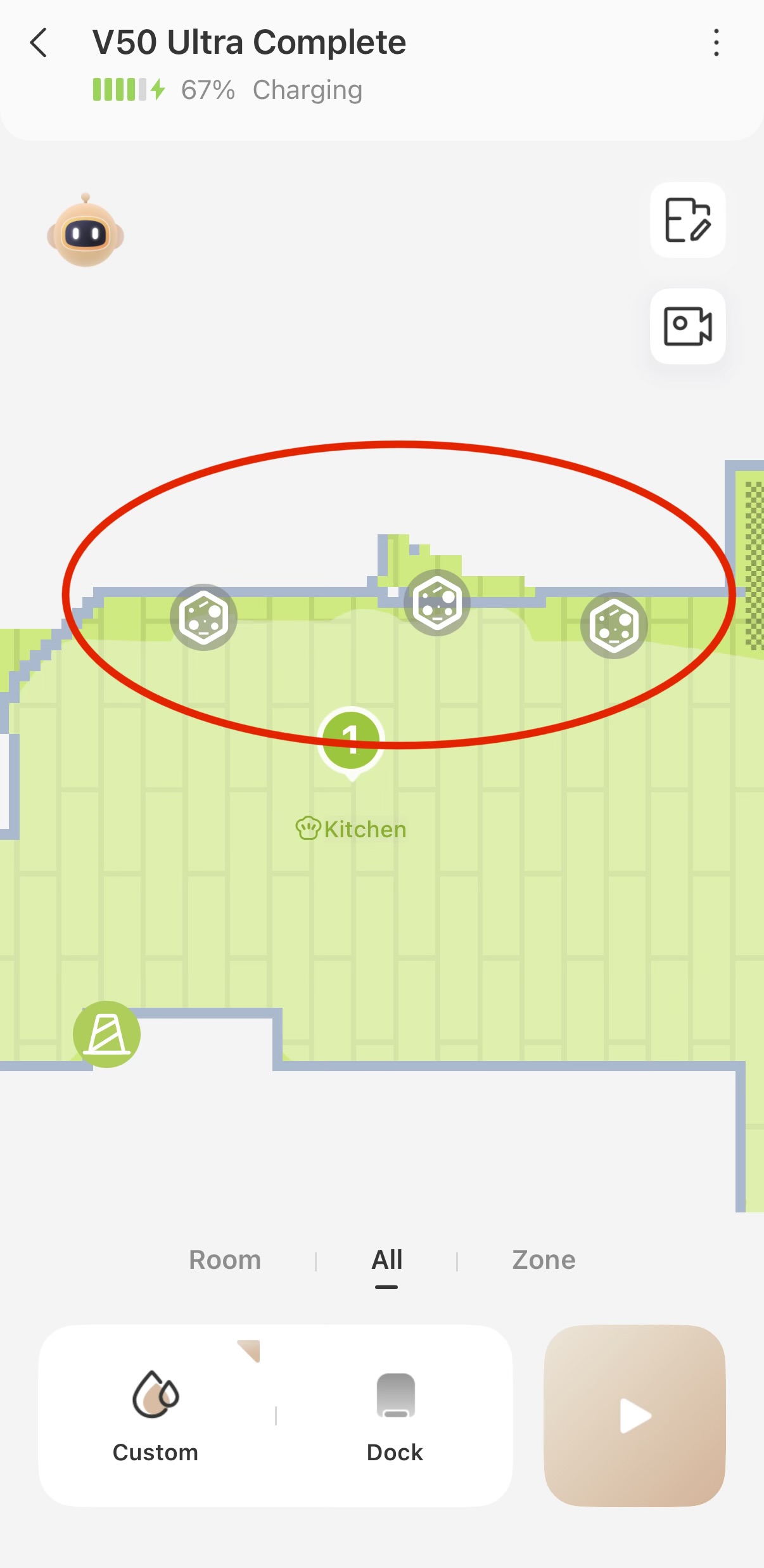


 US
US






