Hello,
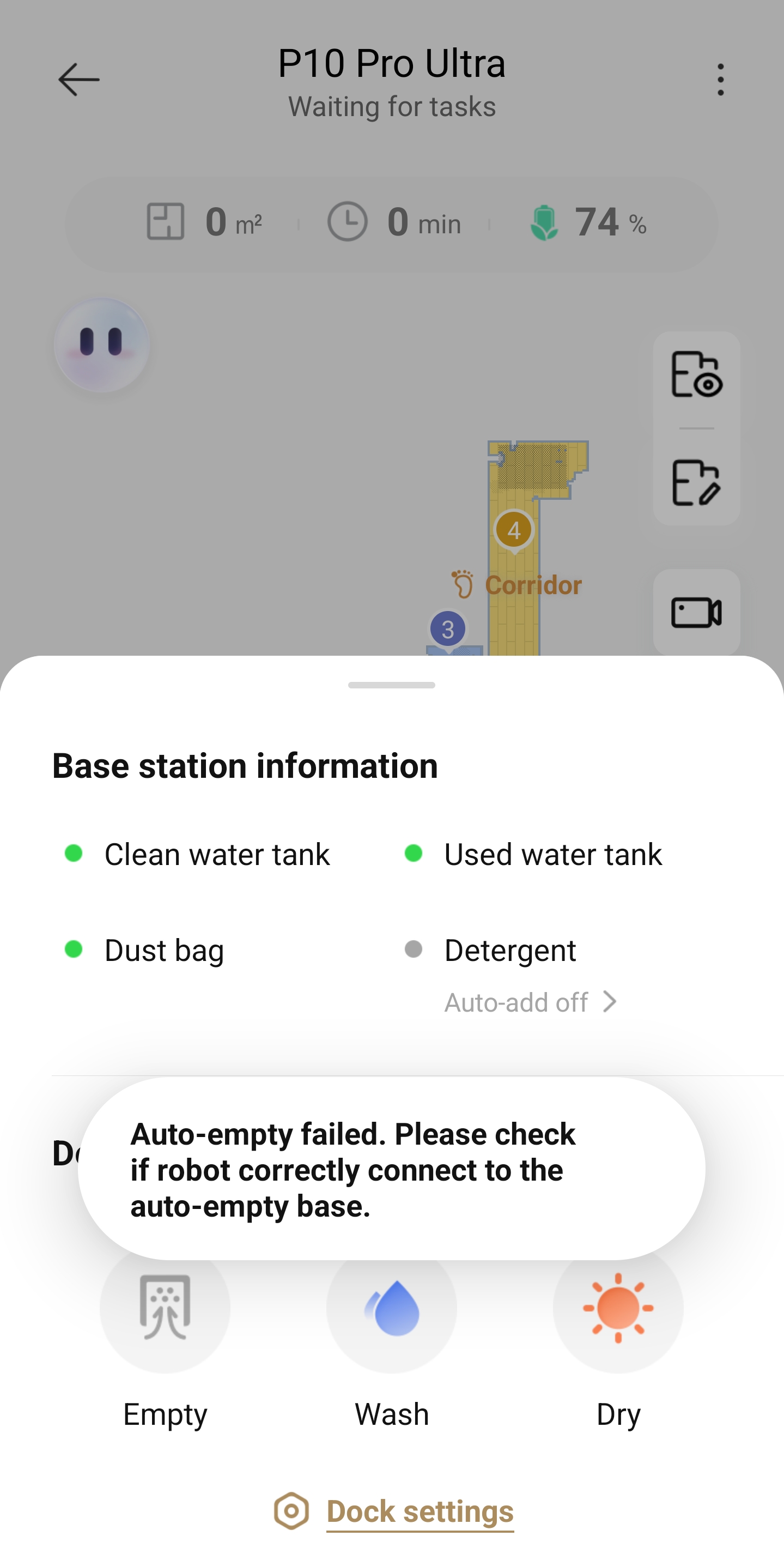
1. Please make sure the robot is properly docked with the base station.
2. Then check whether the robot is set to "Do Not Disturb" mode. When this mode is enabled, the base station will not perform auto-emptying tasks. Please go to "Robot Management" to disable "Do Not Disturb" mode and try again.
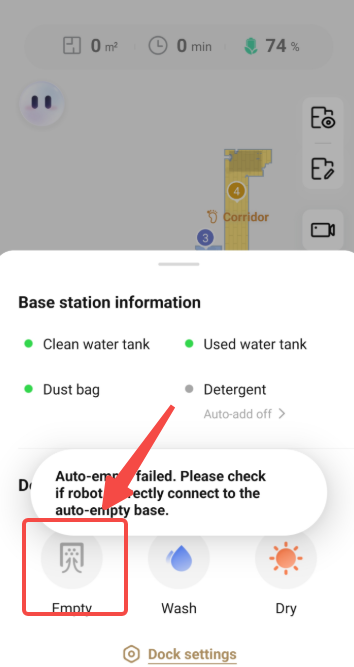
3. When you manually tap the vacuuming/auto-empty button in the app, does the dust collection function start normally?
If the dust collection/auto-empty function cannot be activated at all, please send a video showing the issue, along with your app account ID and the robot's SN code (the SN label is located on the bottom of the robot) to our after-sales team. They will provide more targeted assistance.
As for the issue with the base station not dispensing water, we recommend checking whether the clean water tank’s pipe is blocked. Then, enable the "Auto Clean Washboard" function and check whether the base station can dispense water normally:
Settings > Base Station Settings > Auto Clean Washboard
If the base station still cannot dispense water, we suggest contacting our after-sales team for further assistance.
Customer Care: +1 (888)308-6159
(Mon. to Fri. 9:00-18:00 EDT
Sat. & Sun. Holiday)
Email:
support@mova-tech.com

 US
US


 4916
4916