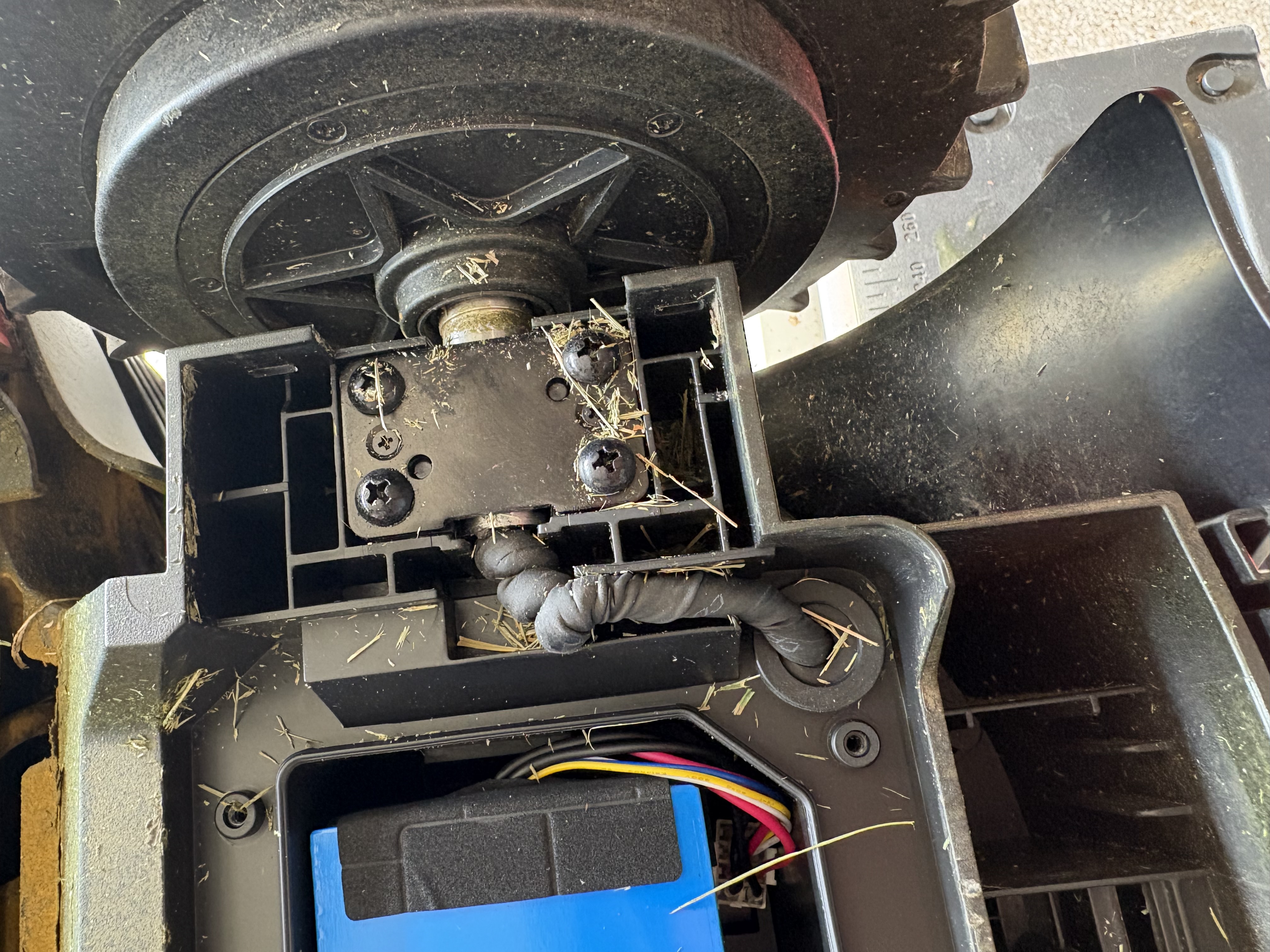
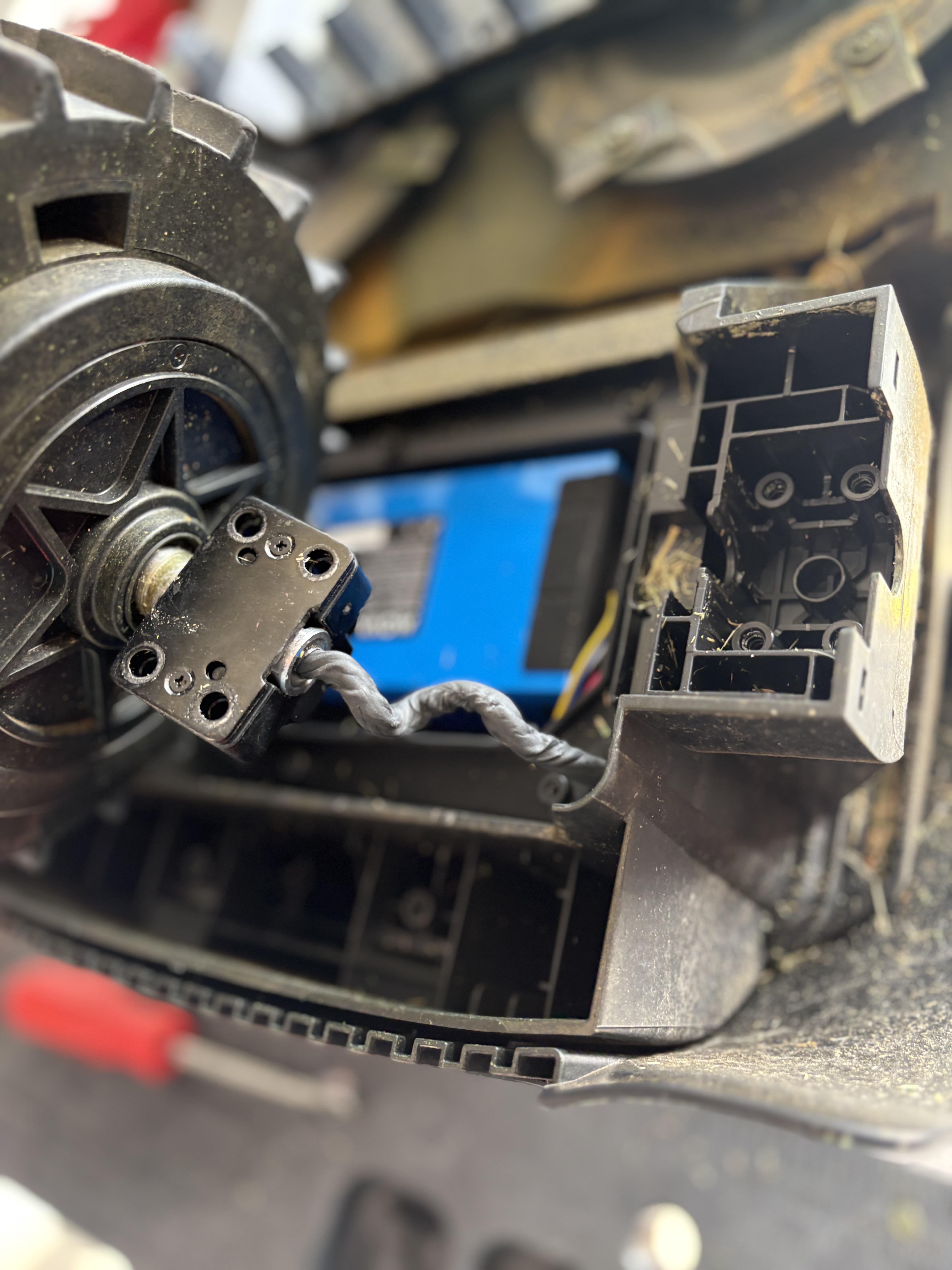
Lidar 3000 while mowing stopped and sent a message stating the "Left drive wheel is abnormal" and shut down although, with all wheel drive, it doesn't specify which of the drive wheels is abnormal other than the left. Could not continue mowing, could not return to the station on its own, could not move more than .3 m (1') without stopping and repeating the message (3 times). Mower is a couple of months old, is clean, no physical damage, all screws are tight with no loose of bare wires or hardware, I can physically move the wheels with no problem. It just won't move, won't mow, and won't return to the charging station (under its own power - I have to pick it up and carry it). Please help.
Hello, we have received your feedback that your LiDAX Ultra 3000 AWD reports left drive‑wheel abnormality and cannot drive autonomously. Even if the wheels spin freely by hand, faults of internal motor or sensor may still trigger this alert. Please follow the troubleshooting steps below:
Power off and lift up the mower. Thoroughly clean the inner hub and axle gaps of both left‑side wheels to check for tangled grass, thin vines or fibres. Even slight tangles may trigger wheel‑related error alerts.
Check that wheels are fitted correctly without looseness. Re‑press and clip both left wheels firmly into position.
Place the mower on flat ground, reboot the whole unit, run the wheel test manually in APP and observe the working status of the two left drive wheels.
Make sure both APP and robot firmware are updated to the latest version.
If the “left drive wheel abnormal” error keeps appearing after above operations, it most likely indicates a hardware fault of the motor or wheel‑group sensor.
Please provide your device SN code, record a complete video of the error prompt, upload the problem log and keep the device online. Our technical team will conduct remote evaluation at the earliest working‑day. Please kindly understand that replies may be delayed during weekends.