Hello,
For issues with the robot unable to return to charge, you can try the following troubleshooting steps:
Check the charging contacts
Please inspect the robot’s charging contacts for dust or debris. If they’re dusty, the robot may repeatedly attempt to dock without charging. Gently wipe them clean before use.
Inspect the metal shrapnel/spring pins
Check whether the spring‑loaded metal pins on the charging contacts are stuck or not bouncing freely. If jammed, carefully free them.
Restart and retry docking
Power‑cycle the robot. Remove it from the dock, place it in front of the dock, and try recharging again. Please check whether you hear the voice prompt “Start charging.”
Reset the robot (factory settings)
Open the upper cover of the robot. Next to the Wi‑Fi indicator, there is a small reset hole. Press and hold for about 3 seconds until you hear “Start to restore factory settings.”
Then restart the robot and check if it can work and dock normally.
Note: A factory reset will erase all data, including saved maps. We’re sorry for any inconvenience this may cause.
If the issue persists, please send the device SN, purchase invoice, and any related video (if available) to our after‑sales team so we can provide a targeted solution as quickly as possible.
Customer Care:
+1 (888) 308-6159
(Mon. to Sun. 9:00–18:00 EST)
Customer Support Email:
support@mova-tech.com



 3449
3449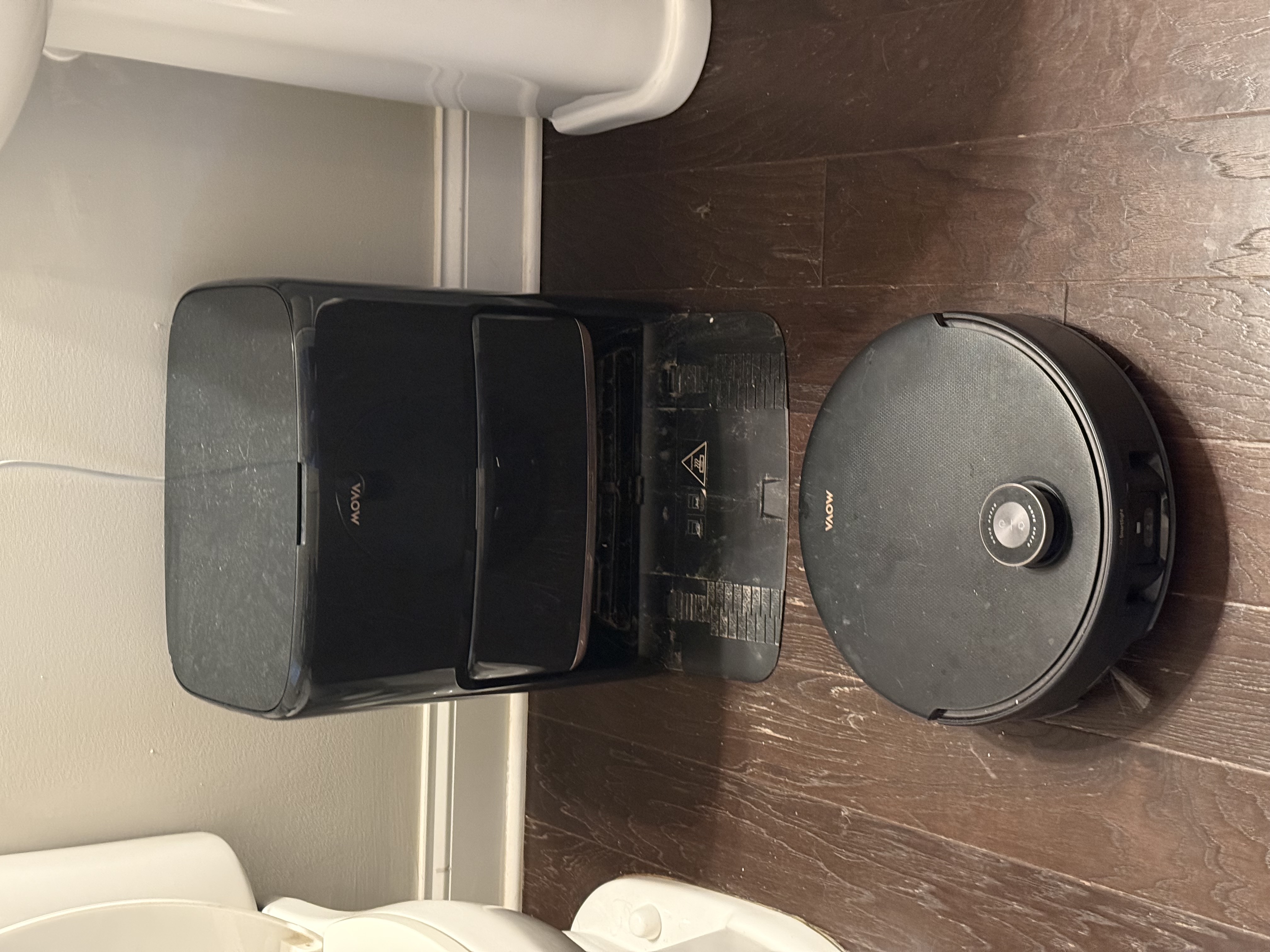


 US
US






