MY288409

[Z60 Ultra Complete] Live view camera not working

Last edited by MY288409 on 2026-3-2 10:38

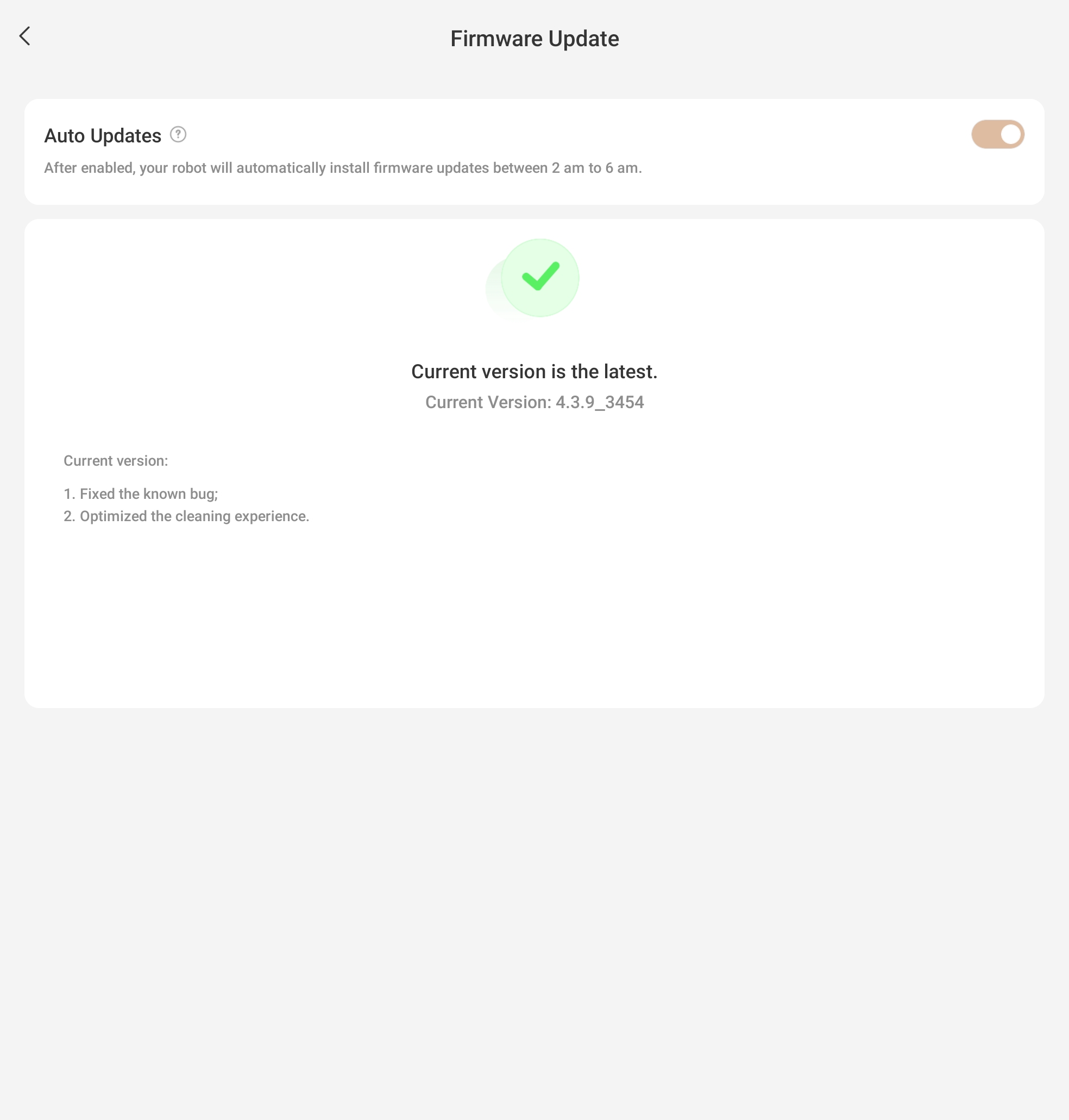
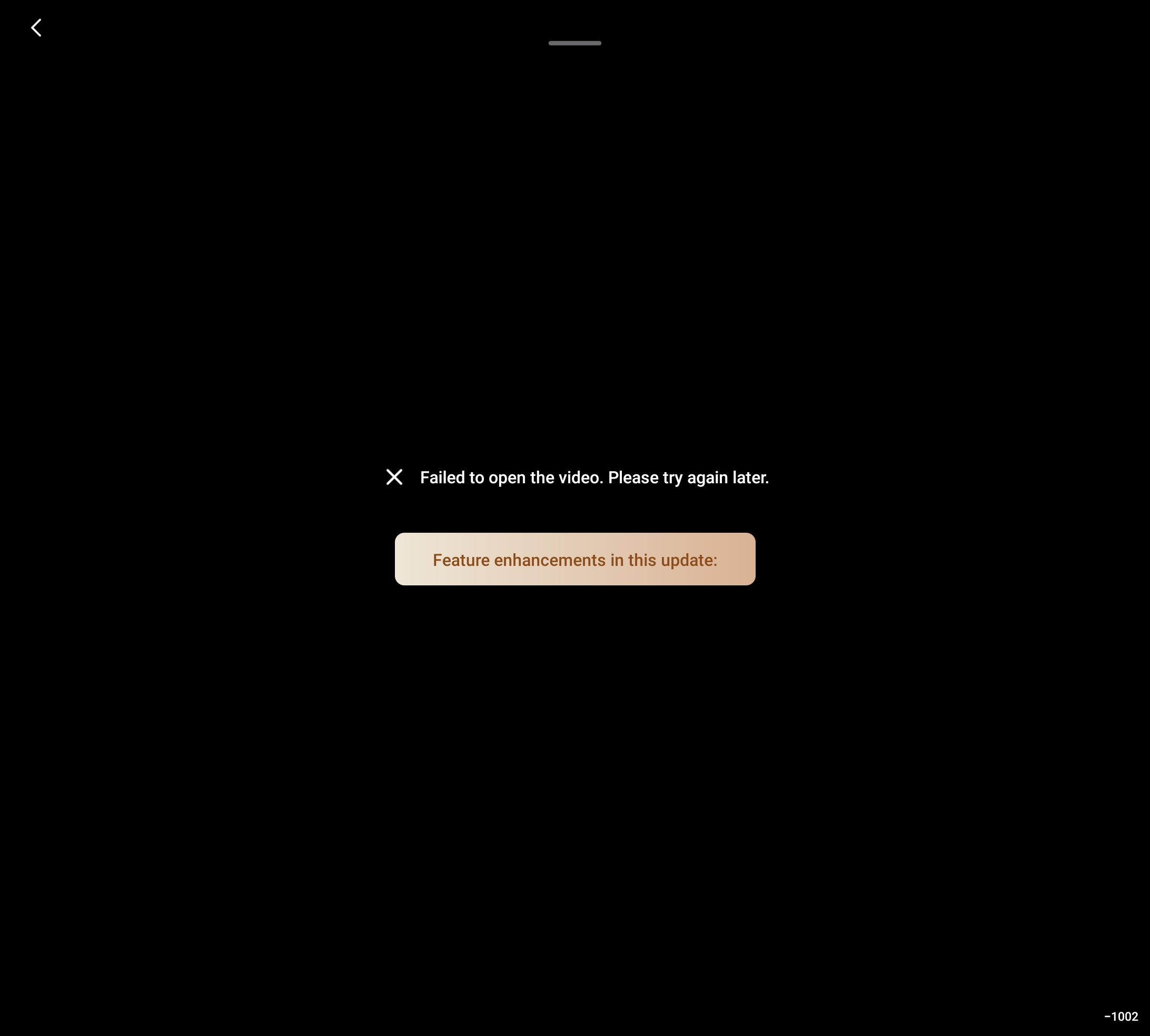
Hello, I just received my z60 to replace my Ecovacs T80 Omni. When I try to open the live view camera I keep getting an error message. I'm on the latest firmware update. I also can't turn off the voice announcements. I don't need my robot to tell me what it's doing all the time. I'd rather it just went about its work without announcing everything it's doing.
Translate
You need to log in to reply. Login | Register

7 Comment

Hit the “Feature enhancements in this update” button after the error. Since the last update I have to do it twice.
2026-2-25 11:46:09 US Translate

Ive been trying that, its worked one time of many attempts so I know the hardware works.
 
Hello,

Regarding the issue with the camera not opening, we recommend checking whether the MOVA app has permission to access the camera in your phone’s settings.

Next, please check whether your home network is stable. If the network is normal, we suggest restarting both the robot and the app, then trying again.

Please open the MOVA app and go to:
Me → Settings (top right icon) → General → Clear Cache,
then close and reopen the app.

If the issue persists, please try logging out of your account and logging back in.

As for the robot’s voice prompts, we are sorry to inform you that they cannot be completely disabled at the moment. However, you can lower the volume by following these steps:

Settings → Voice Assistant → Adjust Volume
2026-2-25 18:06:54 US Translate

Hello, if you open the top cover of the robot, you will see a reset hole. Use a thin metal wire to press and hold it for 3 seconds to reset the device.
 
2026-3-3 16:12 US Translate
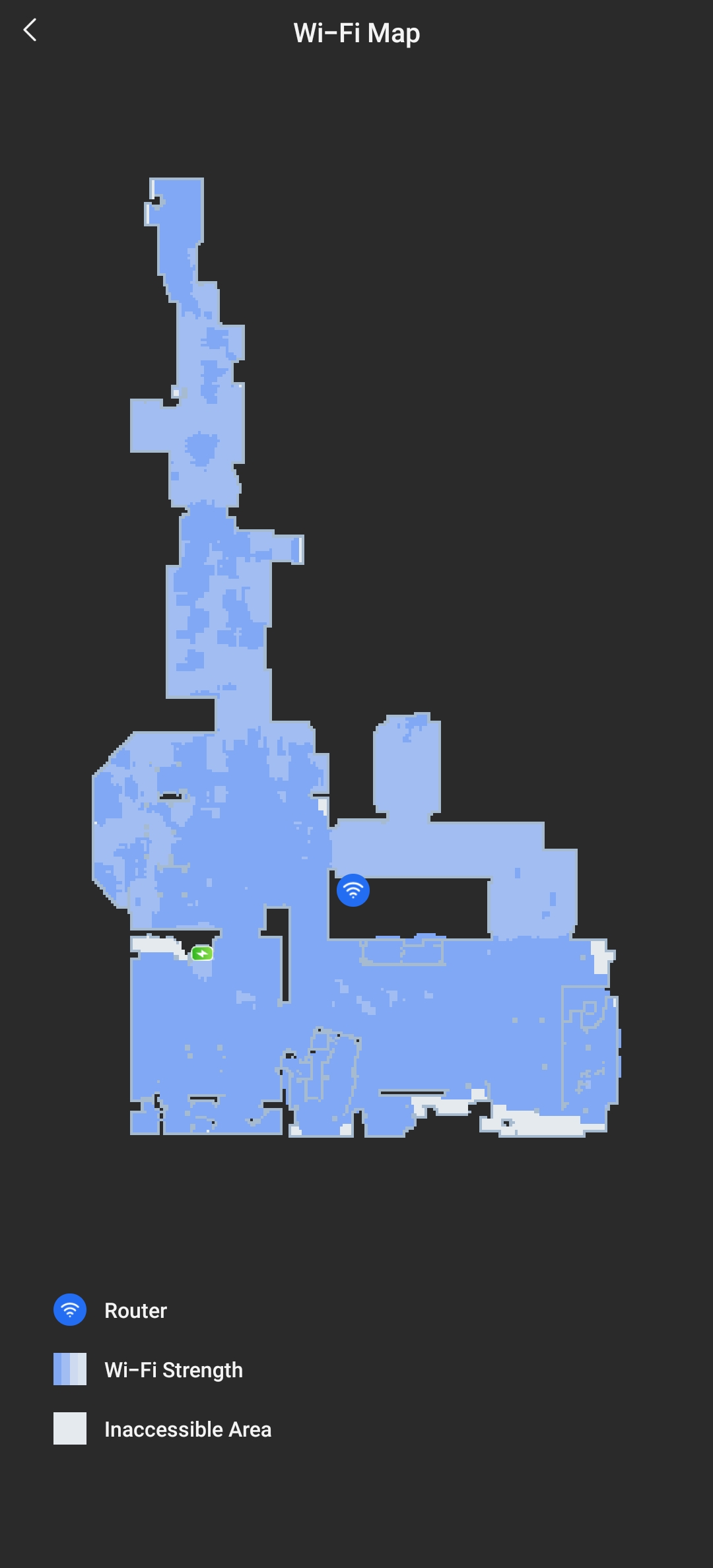
I've uploaded a screenshot of the the wifi map made by the Z60. As you can see wifi strength is good throughout the whole area. I've tried clearing the cache and I'm still getting the same error.
 
Is there're a way to do a hard reset on the Z60?
 
MY288409Thread Starter
I tried resetting the robot, unplugging the base, clearing data and cahe from the app and even uninstalling the app and reinstalling it. I'm still getting the same error. It's ok, at this point I'll be returning the z60 in exchange for the Ecovacs Deebot X11 Omnicyclone.  Thank you for your help but it seems this issue will not be resolved.
UID:MY288409
  • 5Posts
  • 0Friends
Privacy Policy|Terms of Use|Archiver|Mobile|DarkRoom|Software License and Service Agreement

© 2026 MOVA Forum All Rights Reserved | Support by Discuz! X5.0 Font by MiSans

Quick Reply Back to Top Return to List