Hi everyone,
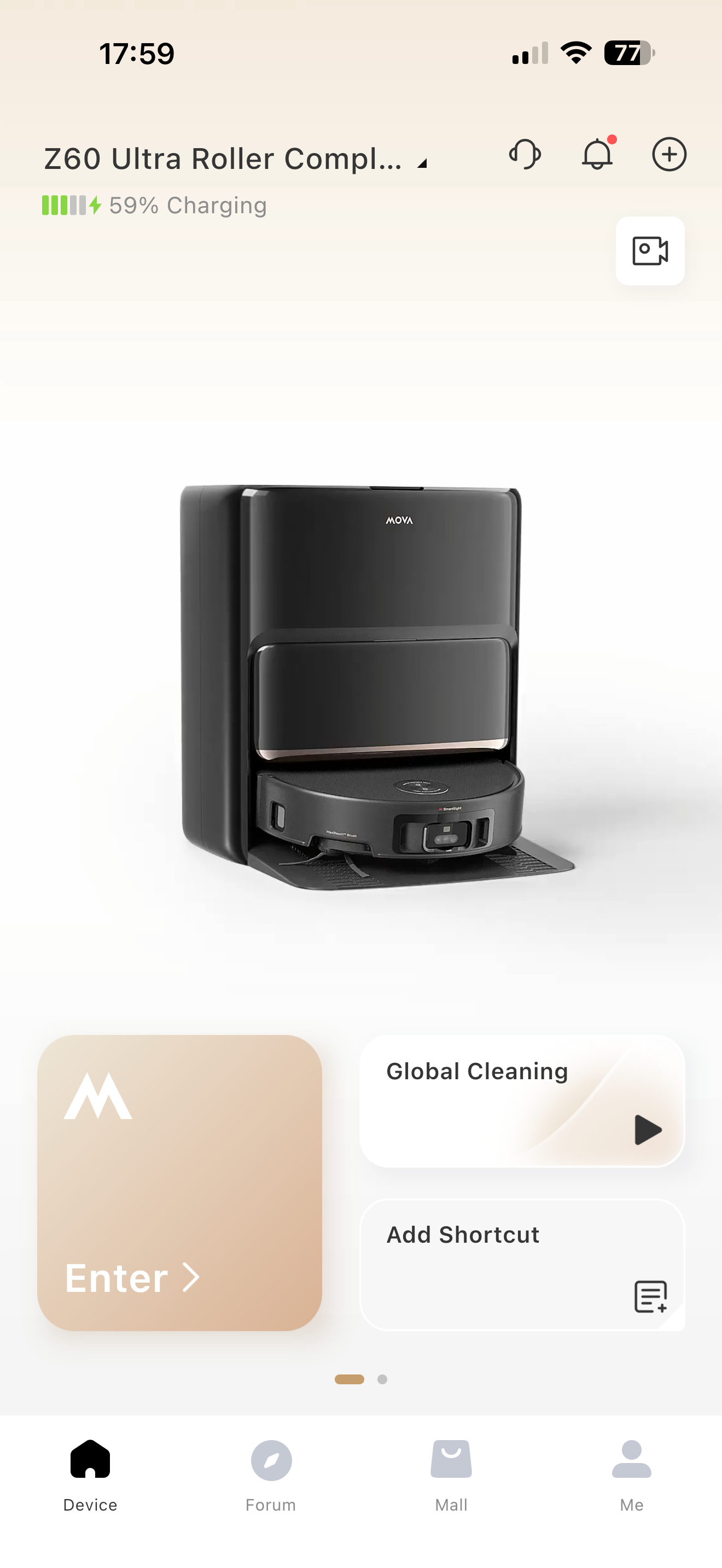
I’m hoping someone can help me understand how Global Cleaning is supposed to work.
Here’s my situation:
• My living room has already been partially mapped
• The map looks complete and correct in the app
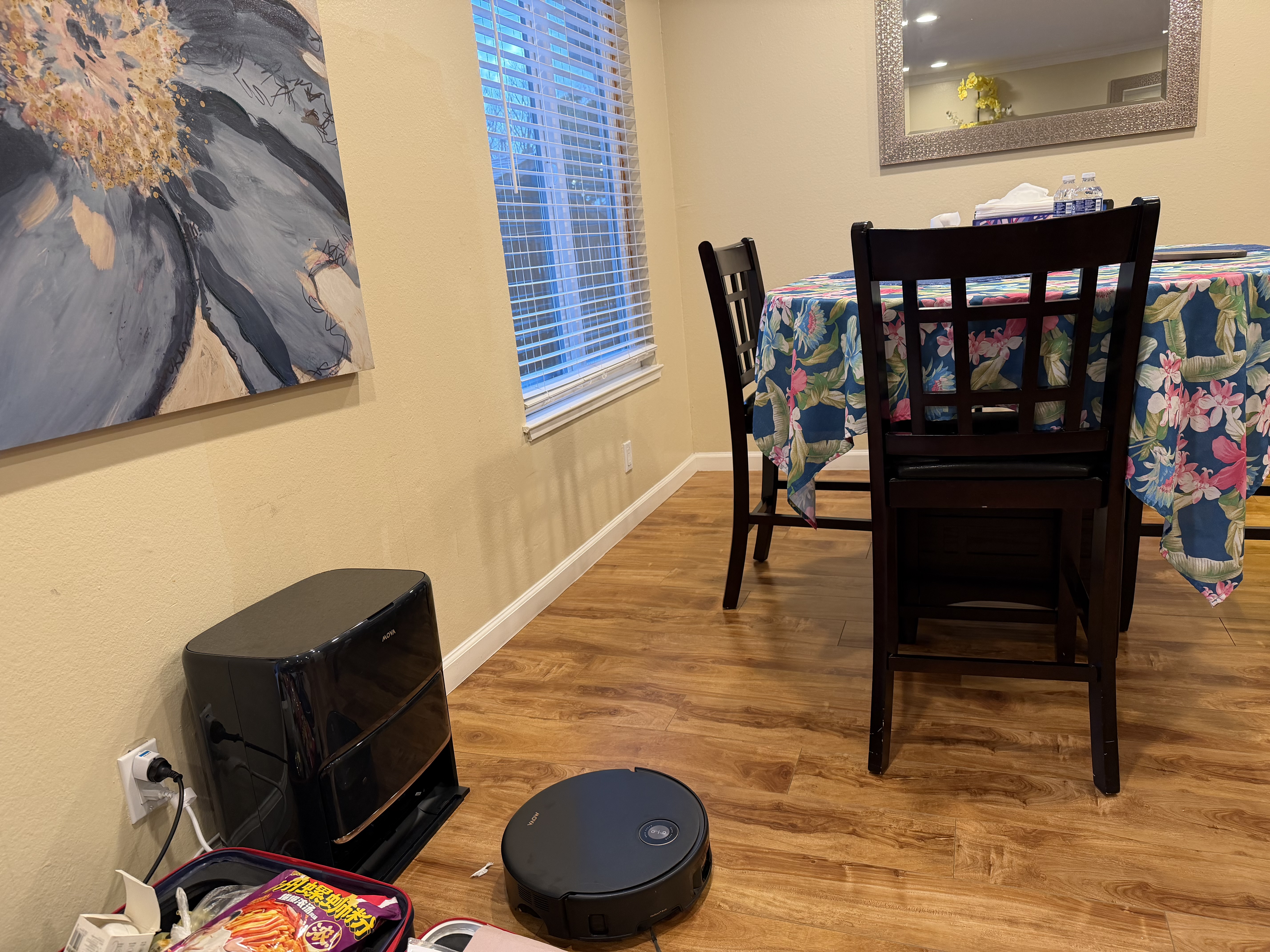
• I place the robot somewhere in the house (not necessarily at the dock)
• I select Global Cleaning
However, the robot does not seem to cover all the mapped areas. It cleans the area near where it starts, but it doesn’t go to certain rooms that were previously mapped.
I’m trying to figure out:
1. Does Global Cleaning require the robot to start from the dock?
2. Does it only clean the “current zone” instead of the full map?
3. If the robot is moved manually before starting, does that affect full coverage?
4. Is there any setting I might have configured incorrectly?
I’m not sure if this is user error on my part or something I’m misunderstanding about how Global Cleaning logic works.
Would really appreciate guidance from anyone who has figured this out.
Thanks in advance!
This is super interesting to me because it’s a feature I’ve never once used and yet it takes such a prominent spot on the home page. I’d rather my shortcuts be able to be added there.
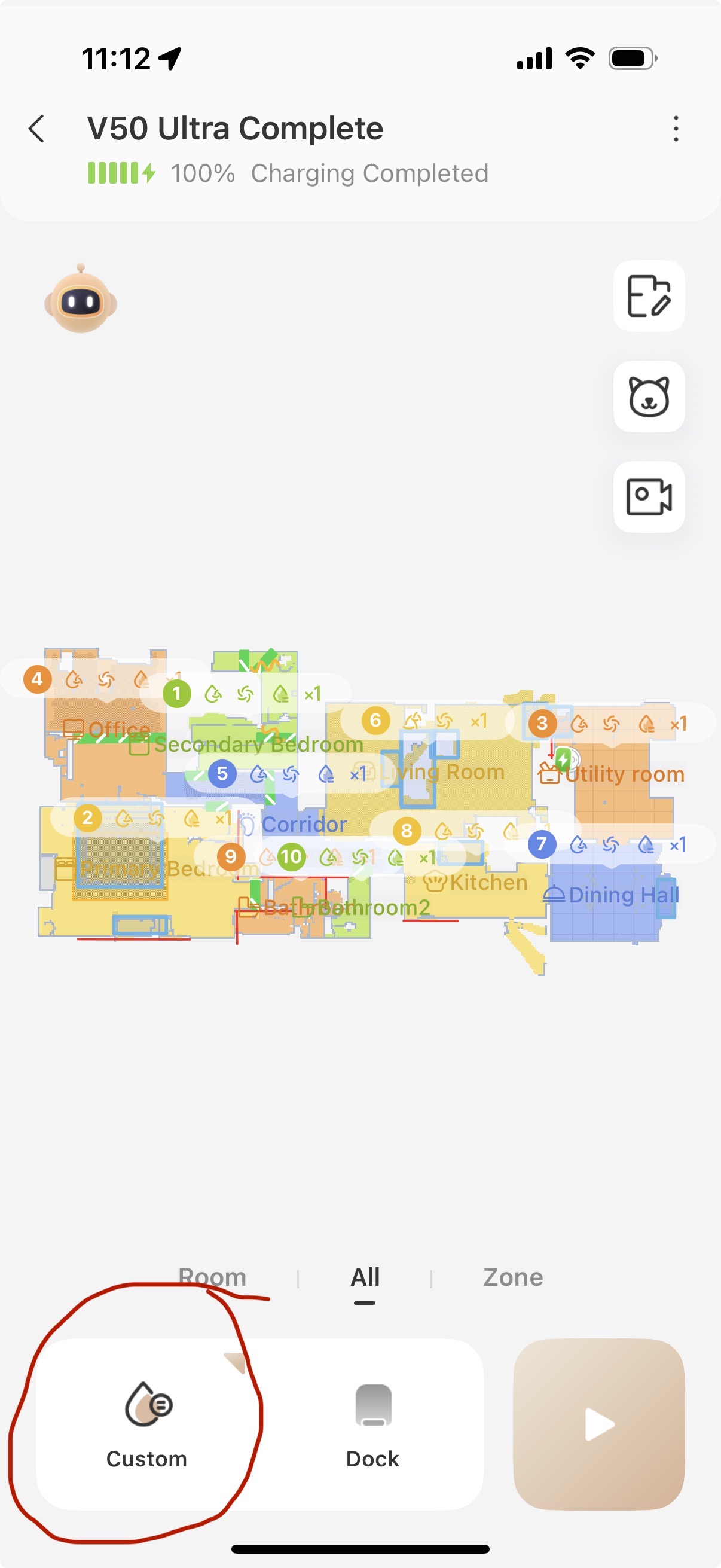
I believe it uses whatever you have currently set when in the map view and cleans every room in the house based on that setting, i.e. in my photo it would clean every room with my custom settings for each room.
It seems based on your experience, I was mistaken!
Yes, the robot must start from the base station when using Global Cleaning.
Global Cleaning means that the robot will clean all the rooms on the map.
Moving the robot manually usually will not affect the cleaning range, but it may interrupt or interfere with the robot’s cleaning process.
If the robot is not cleaning the entire mapped area, it may be due to one of the following reasons:
• The pathway to other areas is blocked:
During cleaning, please make sure doors remain open and that no obstacles, people, or pets block the robot’s path between rooms. Otherwise, the robot may be unable to reach certain zones.
• Narrow passages caused by furniture or virtual boundaries:
If furniture leaves only a narrow passage, or if restricted areas/virtual walls are placed too close, the robot may not pass through.
In this case, please adjust the furniture or reposition restricted areas/virtual walls to give the robot more space to move through.