Last edited by Primas02 on 2026-4-15 02:05
For the past few months, I’ve been testing the MOVA LiDAX Ultra 2000. It’s the first wire-free robotic mower I’ve used that integrates both vision and LiDAR technologies without the need for RTK.
Previously, I used the Eufy E15, which uses vision only, to mostly supplement, not replace, my push mower and an early Husqvarna wire unit.
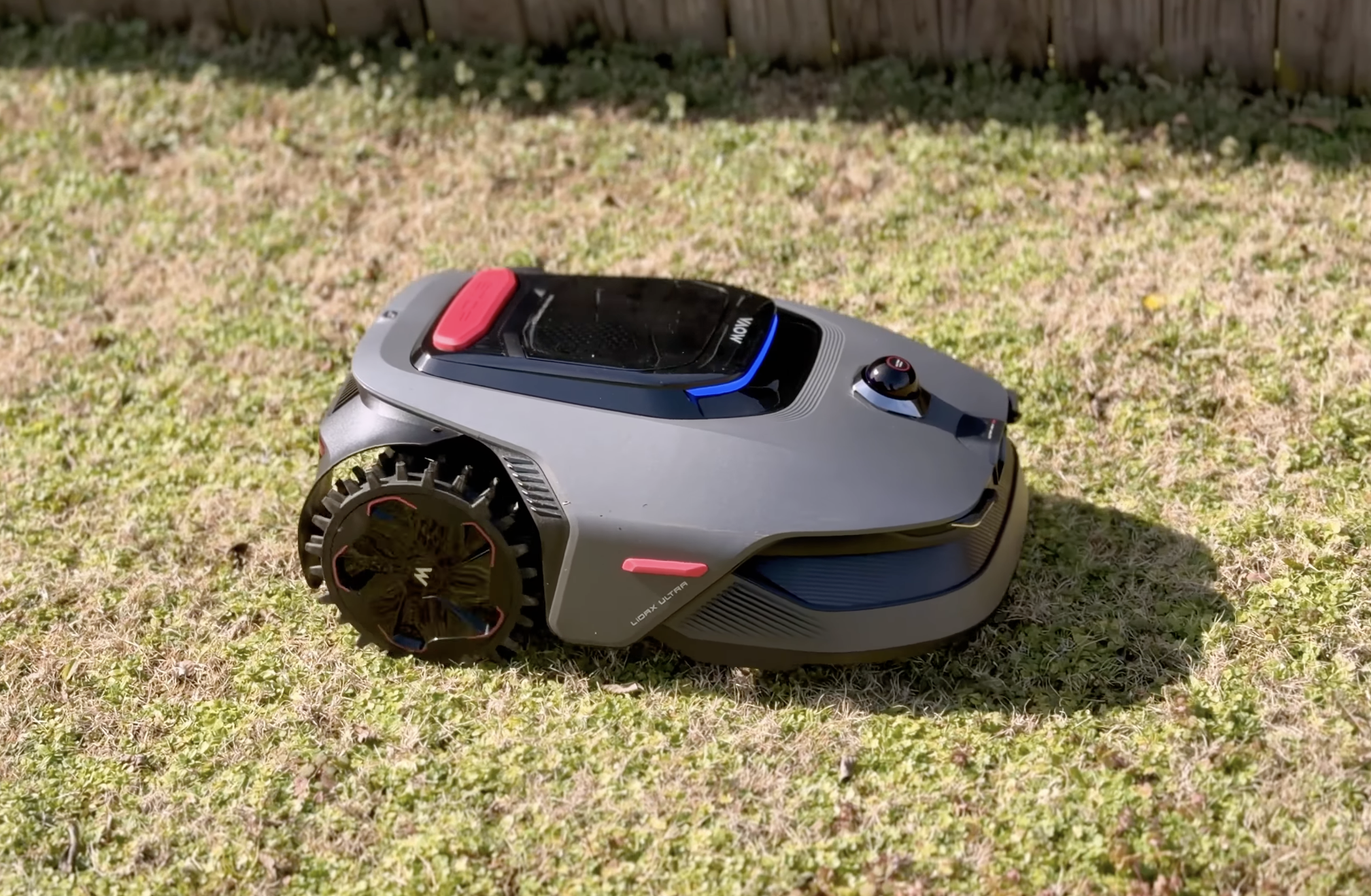
The MOVA LiDAX Ultra 2000 is robust with a thick polycarbonate shell, off-road rear-wheel drive wheels and the ability to handle up to 1.6-inch obstacles, like tree roots or limbs, and up to 26-degree slopes.
The build quality of this unit is high. It weighs in around 30 pounds and feels genuinely beefy and well put together. You’re not going to be worried about it breaking in a tough yard filled with small rocks or twigs.
The MOVA LiDAX Ultra 2000 is also packed with features including an in-app adjustable cutting height between 1.2 and 3.9 inches, advanced obstacle avoidance which MOVA claims has the ability to detect and avoid more than 300 objects, a 1080p HDR RGB camera (that can take stills and record video) and an extendable cutting disc that allows the mower to cut within two inches of certain edges.
Many of these features were previously only included on mid- and upper-tier robotic lawnmowers.
Setup
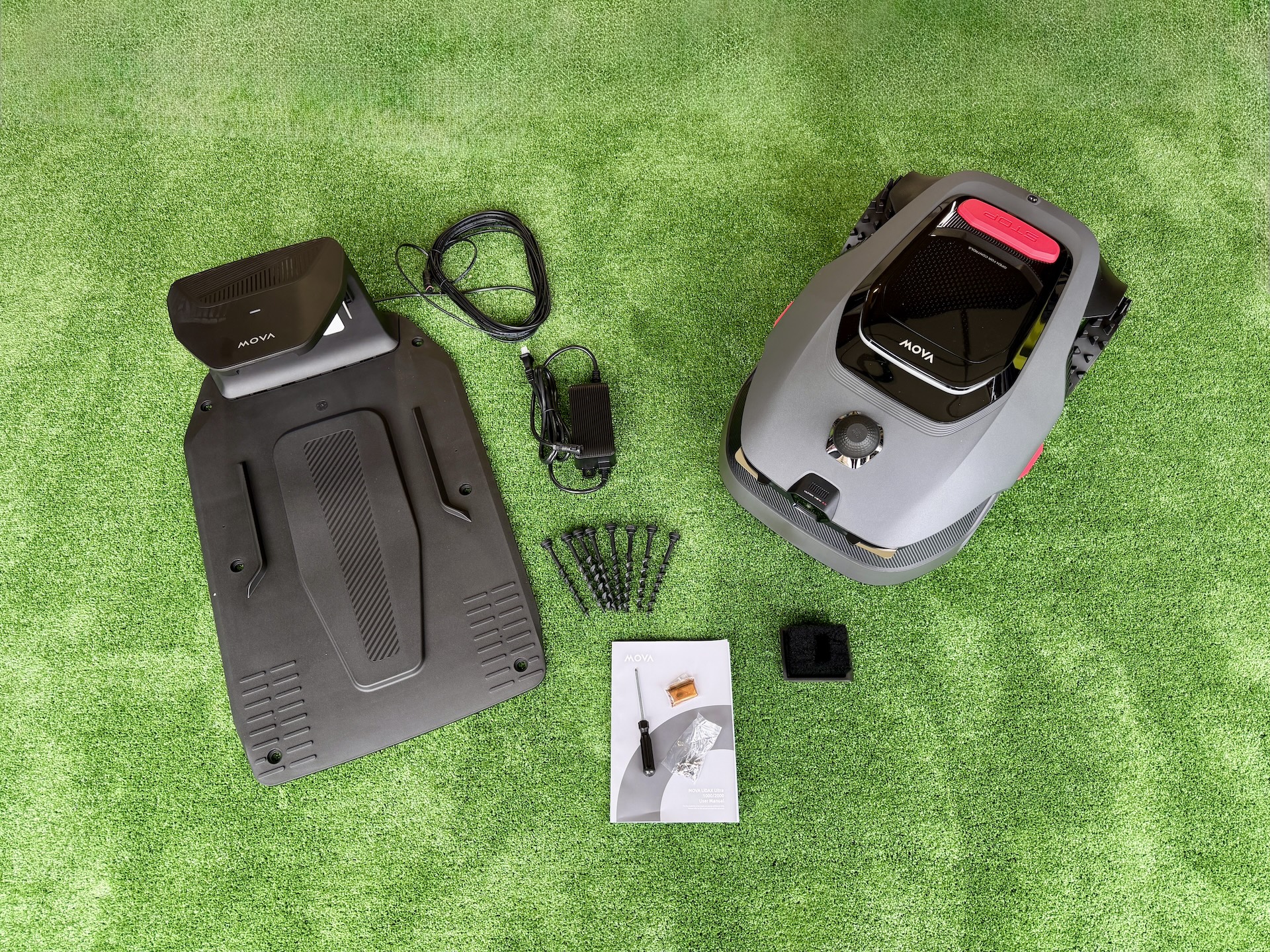
Setup was straightforward and relatively easy. The unit came well packaged with the charging tower, baseplate, power supply with extension cable, lawn stakes, extra blades, cleaning brush and a few other miscellaneous accessories (screwdriver, cleaning cloth, LiDAR cover, etc.).
Notably absent is a protective housing or garage. MOVA sells two different versions of the garage on their website, a standard MMGM10 model available for $169 USD and a more robust MMGM20 model available for $229. Both garages should fit the LiDAX Ultra 2000 mower.
The quick-start guide was easy to understand and showed how to assemble the charging station and connect the power supply. Attaching the charging tower to the baseplate requires some force, so be careful. The extension cable is long, easily 30 or more feet.
After you place the mower in the charging station, the unit will start and you will be prompted to select your language and create a passcode. You can then scan your mower’s QR code and add it to your app.
The app will walk you through connecting your mower to your home Wi-Fi network via Bluetooth. It also uses Bluetooth for direct control and manual mapping.
Additionally, the mower has built-in cellular for areas where your home Wi-Fi may be spotty or incomplete. You will be prompted to activate it automatically once you complete the setup process.
There’s also a convenient Bluetooth connect icon at the top left of the screen in case your mower is outside your Wi-Fi coverage area or has poor cellular for direct control.
Total setup time is maybe 15 to 20 minutes not including any additional firmware updates you may need to install. I would suggest you keep the unit and charging station in an area of your yard with a strong Wi-Fi signal for the initial firmware updates.
Mapping
There are two modes available for mapping, manual and auto. In manual mode, you walk behind and control the mower using the onscreen joystick and Bluetooth connection. It builds your map in real time. To close your map boundary, you just return to your starting point.
Pro Tip: While the MOVA LiDAX Ultra 2000 is only rated for half an acre, you can set up two separate half-acre maps (like a front or back yard) and swap between them. This is also useful in cases where your front or back yard may not connect or have a gate between them. Just keep in mind, the base station will need to be in the area of each map in order to finish the mapping process. There’s no “pick it up and drop it” function.
In auto mode, you pick a starting point and the AI-assisted auto mode takes over and performs a perimeter sweep around your yard.
While each mode is slightly different, the app walks you through both modes step by step.
For my backyard, I chose the AI-assisted auto mode because my entire yard is fenced in. It performed as expected. However, I had to adjust a tricky area around my wooden gate by manually adding a zone to the map.
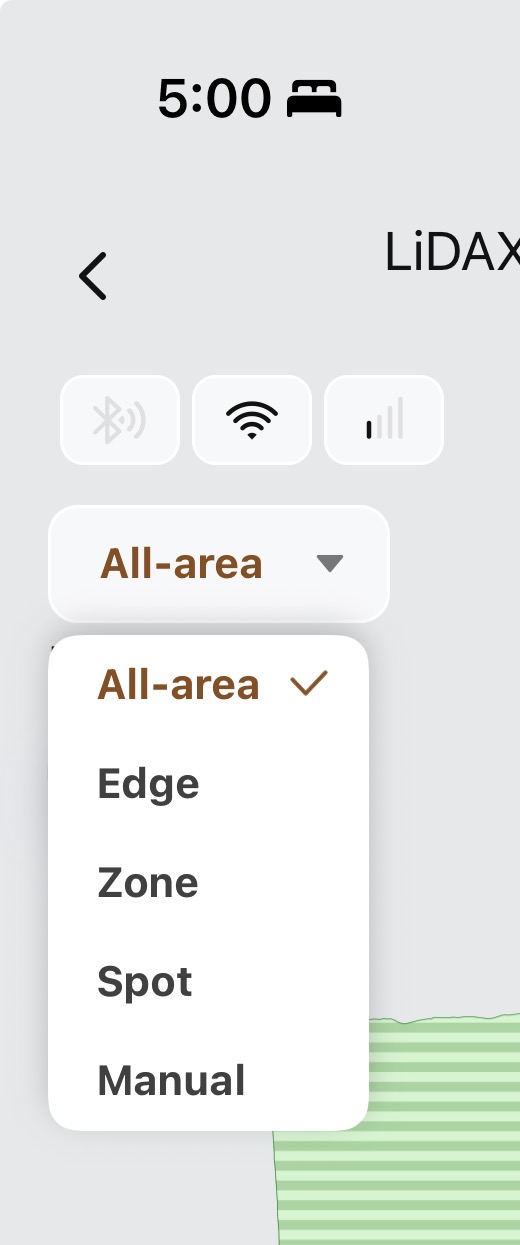
The app immediately recognized the additional zone and combined it with the main map.
For the front yard, I chose the manual mode since my front yard is conjoined with my neighbors’ yards on each side. While not as easy as the auto mode, it didn’t take long and no fine-tuning of the map was needed afterward.
If you want the most precision and closest edge mow possible, choose the manual mode. On curbs and edges, you will need to manually drive the mower slightly over those areas in order to make sure they’re covered.
Pro Tip: When doing your initial mapping, the outer edge should be on the left side if you’re standing behind the mower, despite what the manual sometimes shows. Otherwise you will not get the best edging possible.
Warning: UltraTrim only trims edges at a fixed height of 3cm (around 1.1 inches). If you have longer grass such as Kentucky Bluegrass, Tall Fescue, Ryegrass, St. Augustine, etc. be aware that utilizing the UltraTrim feature may cut your grass much shorter than you typically set your blade height to. Additionally, if you plan on splitting up a large piece of your yard into multiple zones and UltraTrim is enabled, you may get a boundary cut around each zone at 3cm.
Scheduling and App Settings
If you have used any MOVA products before, you know the MOVAhome app is full of features and customizable settings. There’s no difference here.
The app offers settings for mowing efficiency, height, direction, edging and various obstacle avoidance settings including adjustments for edges, LiDAR, height, AI and distance.
Additionally, you can set custom settings for each zone you create (front, back, side, etc.).
The scheduling feature of the app is detailed, allowing you to create multiple plans that include task types such as all areas, certain zones or even just edge mowing. You can then set the day (or days) and time.
You can also customize mowing direction. The app allows you to use an arrow selector to set a specific angle for each mow or you can choose between two automatic direction modes, crisscross and checkerboard.
Crisscross will automatically adjust the mowing direction on your next session 45 degrees from the current session.
Checkerboard is similar, except it will automatically set your next session 90 degrees from the current session.
When activated, these two modes should help prevent ruts from forming and provide a healthier and nicer looking cut to your grass.
Performance
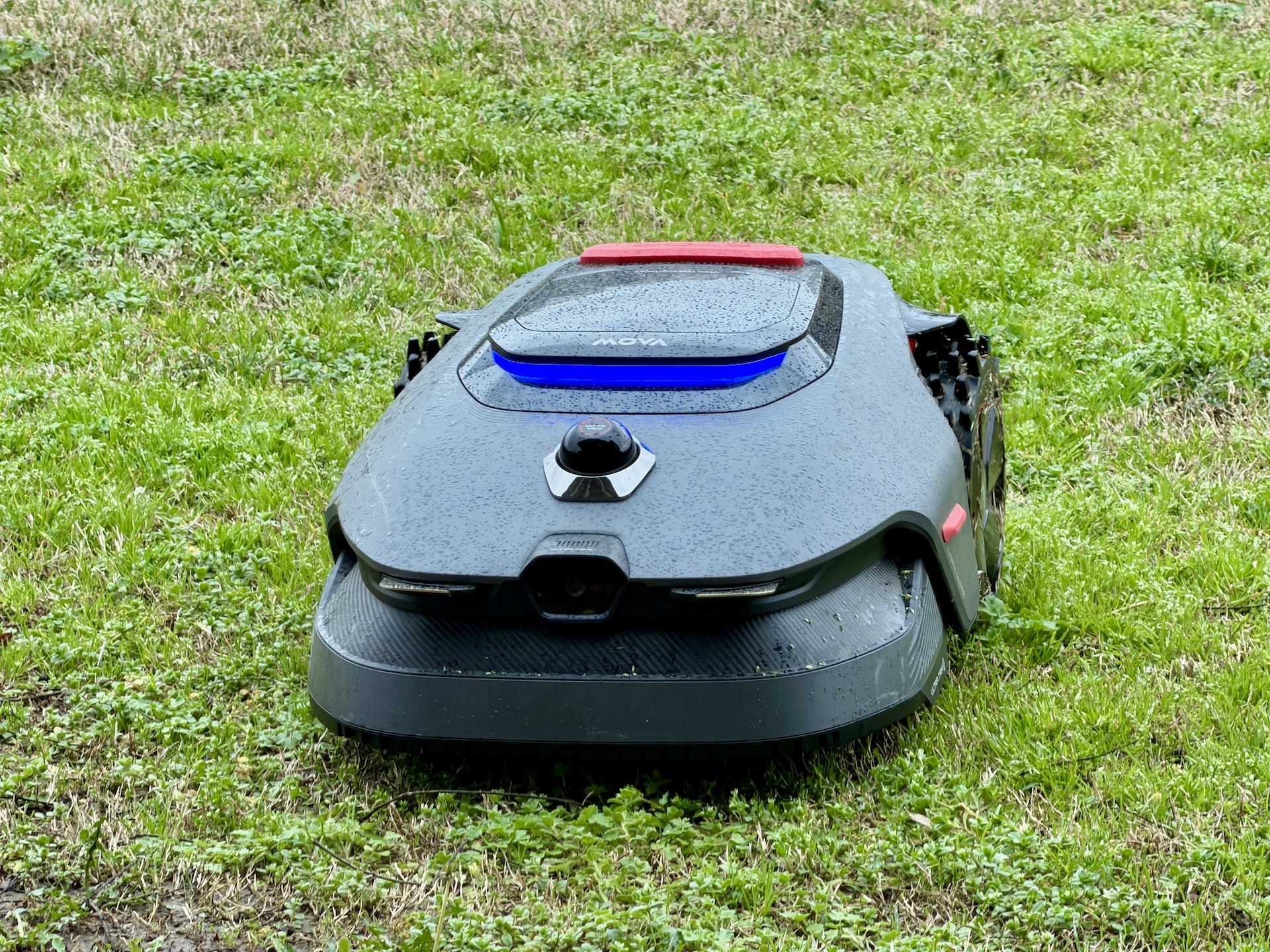
Rain or shine, the MOVA LiDAX Ultra 2000 has performed well in my 60 days of ownership.
While my Bermuda grass is just now starting to thicken up, the LiDAX Ultra 2000 has had no trouble mowing anything I’ve thrown at it so far. Its three-blade disc has managed to cut thick weeds, dandelions, clover and other wild grasses growing in my yard this spring in both dry and damp soil conditions.
I expect it will perform just as well with my thick Bermuda. If not, I’ll be sure to update my review.
At least in my experience, the LiDAX Ultra 2000 does not seem to have the back wheel turf-tearing issue I’ve seen reported on other brands’ models.
Over the past few months, the mower and charging station have both managed to survive through multiple weather changes including thunderstorms with heavy rain, high winds and both hot (92 degrees and above) and cold (below freezing) outdoor temperatures.
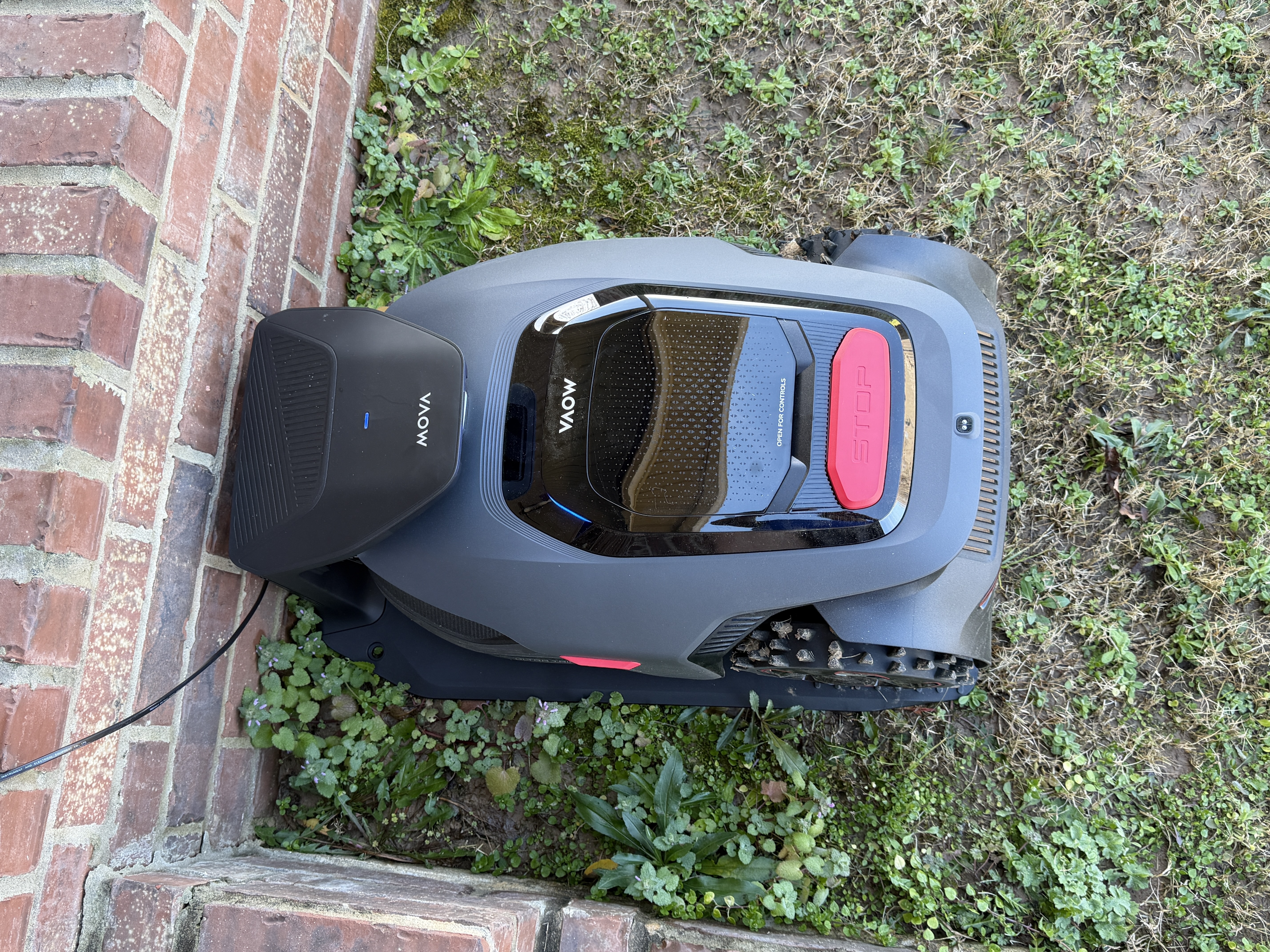
I have since moved the unit under my covered porch for more long-term protection from the sun and elements, but previously had it anchored below the porch near my steps with the garage attached.
The screw-in lawn stakes held up well and prevented the charging station and garage from any unexpected movement.
Pro Tip: If you’re not sure where exactly to place your charging station at first, I would suggest you use metal lawn stakes because they’re much easier to remove from the ground.
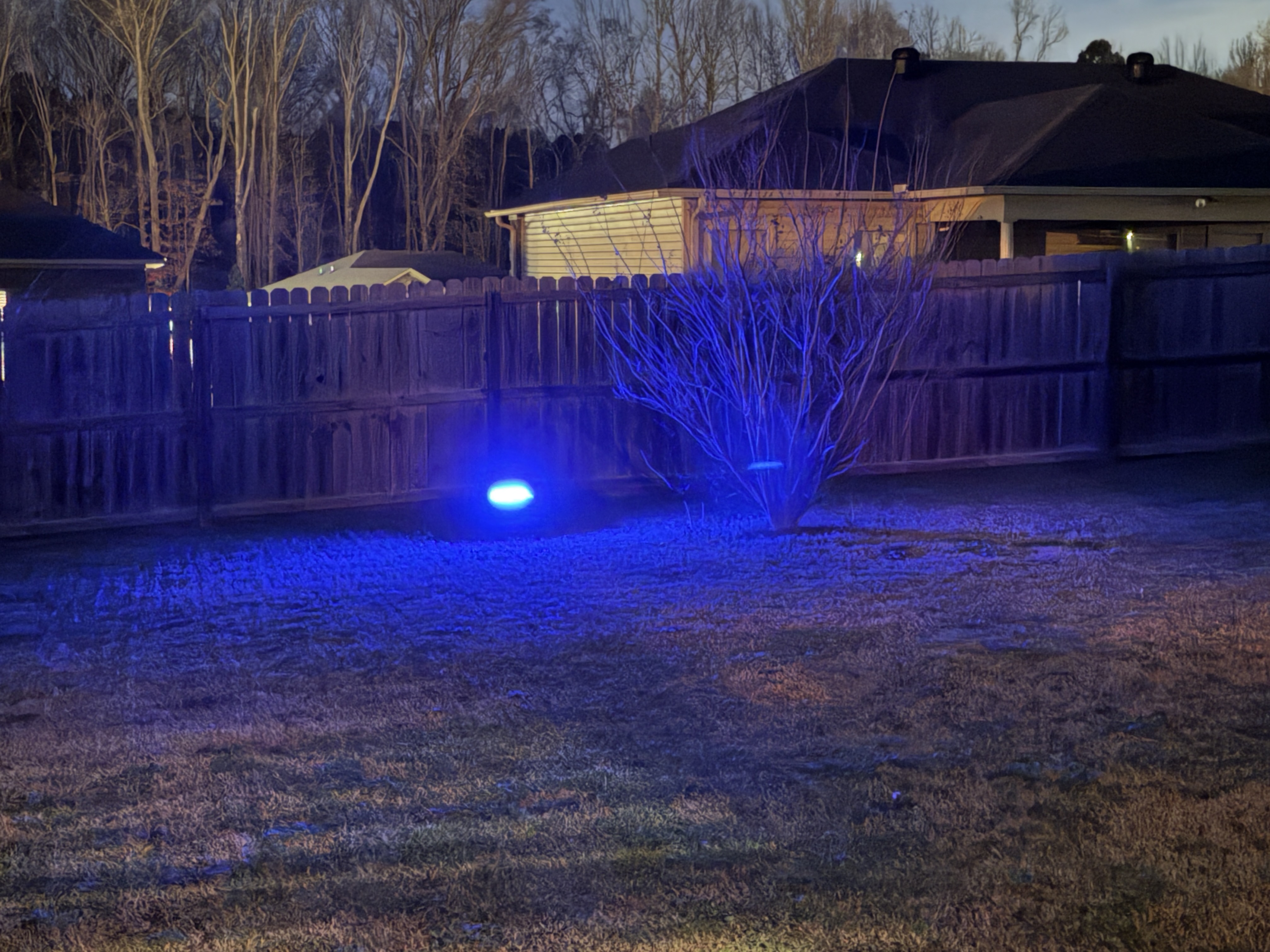
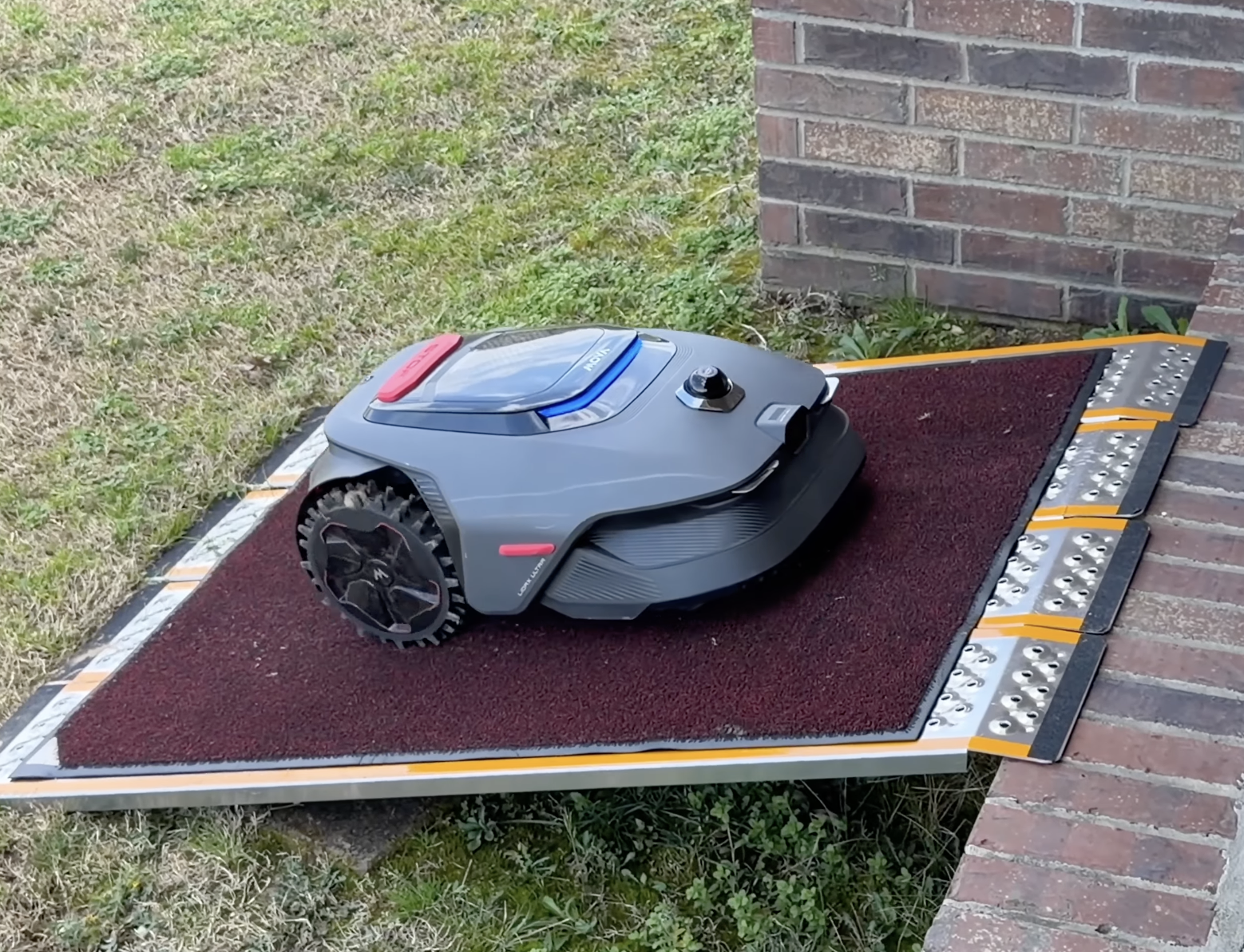
I also used the unit through a few unconventional scenarios including mowing in the dark, mowing in heavy rain and having it go up a steep ramp to my covered porch to find its charging station.
It met or exceeded my expectations in each of the three scenarios.
Pro Tip: If you use the pathway feature to have the mower climb up a steep ramp, use caution. The LiDAX Ultra 2000 does not always take the exact pathway you set even if you enable the direct path navigation feature in settings. Make sure your ramp either has side barriers or is extra wide to prevent tumbles and falls. While I had good results with the ramp in the picture, that ramp is not wide enough to be considered fail-safe.
Availability and Accessories
Unlike many of the other brands, MOVA has released multiple accessories for the LiDAX series, ensuring an ecosystem of consumables is available at launch. All prices are in U.S. dollars.
Cleaning kit, which includes a protective glove, cleaning liquid, polishing cloth, screwdriver, scrub brush and adhesive strips, $39.99.
Blade kit, which includes 12 replacement blades, $24.99.
Replacement battery (18V) 5Ah, $109.
Link module with one year of service for 1000 owners, $119.
Additional charging station, 3A, $299.
Six-blade cutting disc, $79.99.
Robotic garage, MMGM10, $169.
Robotic garage (Rugged), MMGM20, $299.
Of note, the six-blade cutting disc may allow LiDAX Ultra 1000 and 2000 owners to upgrade their three-blade disc to six-blades in the future.
Limitations & Areas of Improvement
The LiDAX Ultra 2000’s obstacle avoidance and recognition, while good, is not perfect. Taller weeds like dandelions are frequently misidentified and left unmowed.
Running firmware 4.3.6_0231, the LiDAX Ultra 2000 still does not recognize gutter extensions or downspouts, which can cause the unit to get stuck or run over the top of those obstacles. Additionally, the mower failed to avoid my dryer exhaust pipe and HVAC condensation line that both stick out from the exterior of my home.
However, you can set a no-go zone to address these issues. In fact, the app will recommend no-go zones automatically for any obstacles it encounters that it deems reoccurring.
In a future hardware revision, I would like to see a small LED headlight for use during nighttime mowing and to assist with dark or shade-covered sections of the yard. Additionally, an increase in slope capability would be helpful for smaller yards that do not need the full capability of the LiDAX Ultra 3000 AWD.
Final Thoughts
This is a hot category, but MOVA’s LiDAX Ultra 2000 appears to be priced competitively and includes an array of advanced features not always found on similarly priced models from other brands.
The app itself is full-featured and more advanced than any other robotic mower app I've used.
Setup and mapping were easy, performance has been excellent so far and I’m looking forward to using it throughout this summer as I manage multiple yards of different sizes and terrain.
All in all, the MOVA LiDAX Ultra 2000 is a versatile wire-free robotic mower that’s built well, reliable and priced aggressively making it a highly welcomed upgrade over my Eufy E15.
The MOVA LiDAX Ultra 2000 has an MSRP of $1799 USD (with recent sale pricing around $1499). It’s currently available directly from MOVA and from partner retailers such as Best Buy and Amazon.
MOVA provided this review unit as part of their Reddit Collaboration Initiative. I wasn’t paid for this post. My thoughts are my own.
Other MOVA products I’ve purchased include the Z60 Ultra Roller Complete, S20 Ultra and S10. I currently own the Eufy E15 and Honda HRX 2176HZC Hydrostatic Push Mower as my primary lawncare equipment.
|
 US
Translate
US
Translate




 7834
7834