Product Name
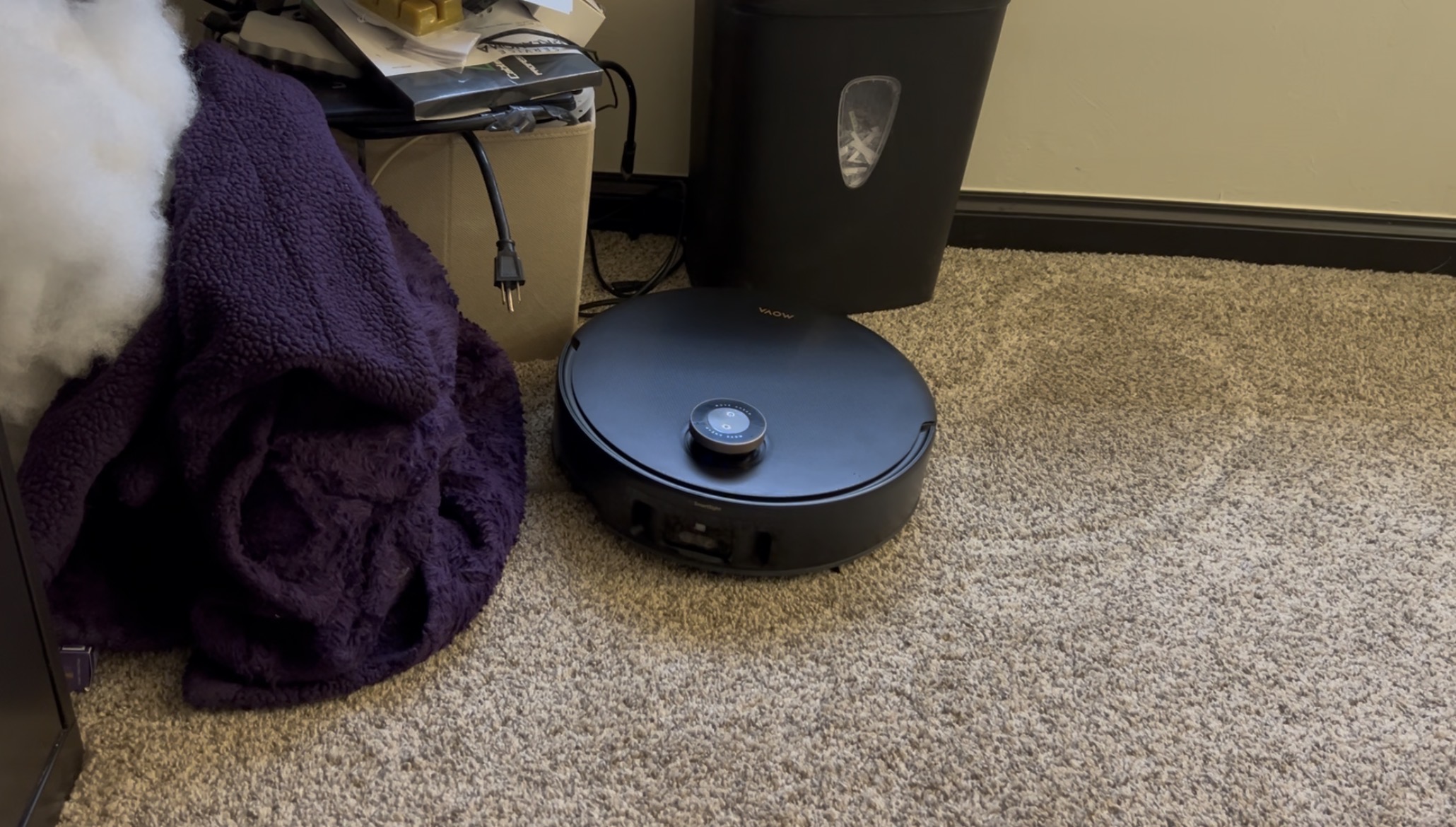
MOVA Z60 Ultra Roller Complete (Ground Scrubber)
Quick Rating MOVA Home App
⭐ 4.9 / 5
⸻
Introduction
I have used a few different robot vacuum apps over the years, so app control is not new to me. That said, the MOVA Home app feels like a major step up compared to what I am used to. The level of control it offers is far beyond anything I have had with my other robots.
⸻
What the Product Claims
The MOVA Home app is designed to give full control over cleaning, including mapping, room customization, scheduling, cleaning intensity, obstacle handling, and additional smart features like camera access and voice control.
⸻
How I Tested It
This is based on daily use while running full-home and room-specific cleaning cycles.
• Initial mapping and room setup
• Custom room cleaning and scheduling
• Monitoring live cleaning activity
• Adjusting cleaning settings and features
• Comparing against Eufy and Shark apps
⸻
Results and Experience
Compared to my other robots, the difference in app capability is immediately noticeable.
My Eufy 25C, Mesocyclone, is very basic. I can start a clean, choose edge or spot cleaning, send it back to the dock, and set a schedule. It gets the job done, but there is very little customization.
My Shark, Vortex, is more advanced with mapping and room selection, but I have had ongoing issues with it not saving maps properly. After resetting it multiple times, I mostly stopped relying on the mapping features and just manage it by closing doors when needed.
Going into this, I did not expect much from the MOVA app because of those past experiences. I skipped the quick mapping option and let it map the house during a full cleaning cycle instead. It took longer, but it worked well.
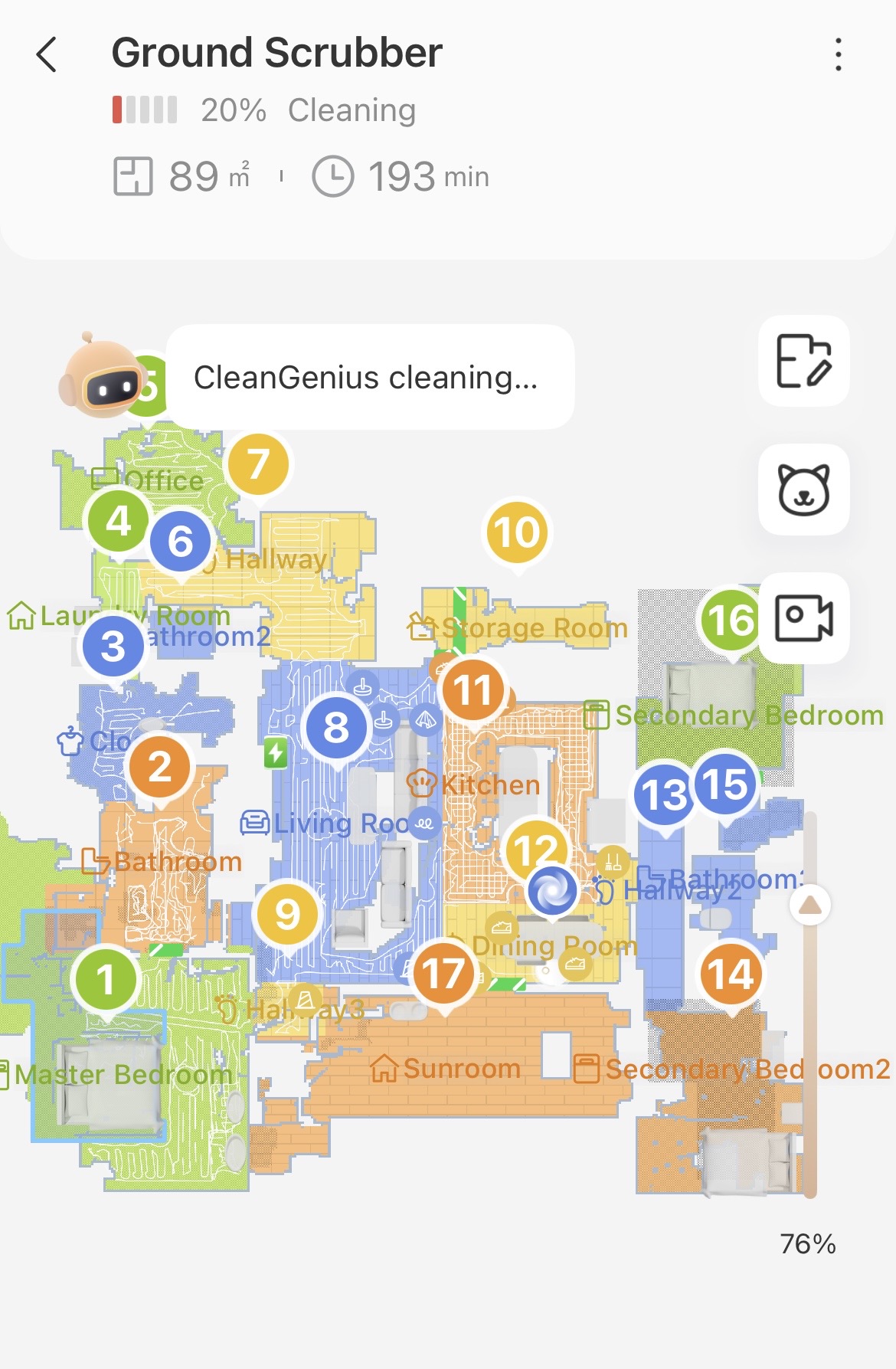
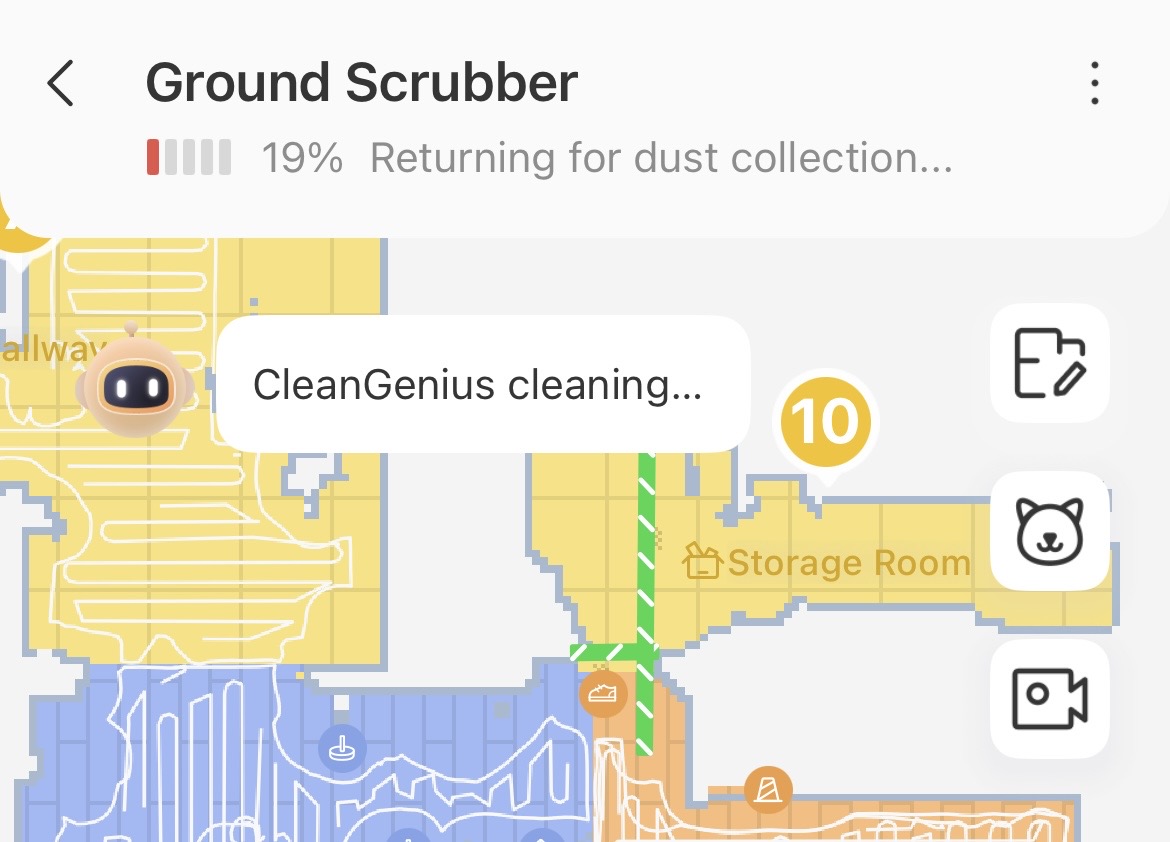
Once the map was created, I was able to label rooms and even set a cleaning order. For example, I set my bedroom to be cleaned first so I can run it at night and have that room done before going to bed. I can also send it to specific rooms like the kitchen or foyer instead of running a full-home clean every time.
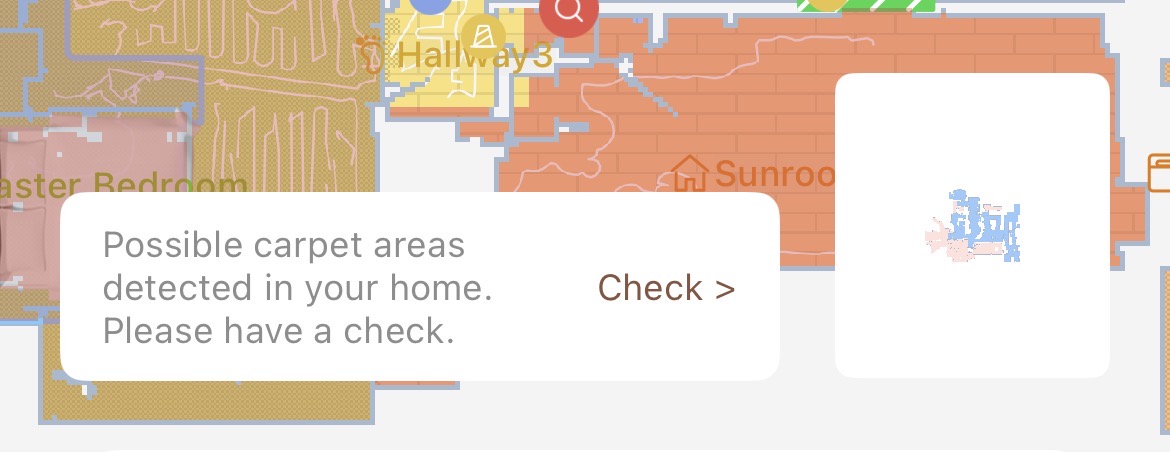
The map is not perfect yet, but it continues to improve with each run, which is a big difference compared to what I experienced with my Shark.
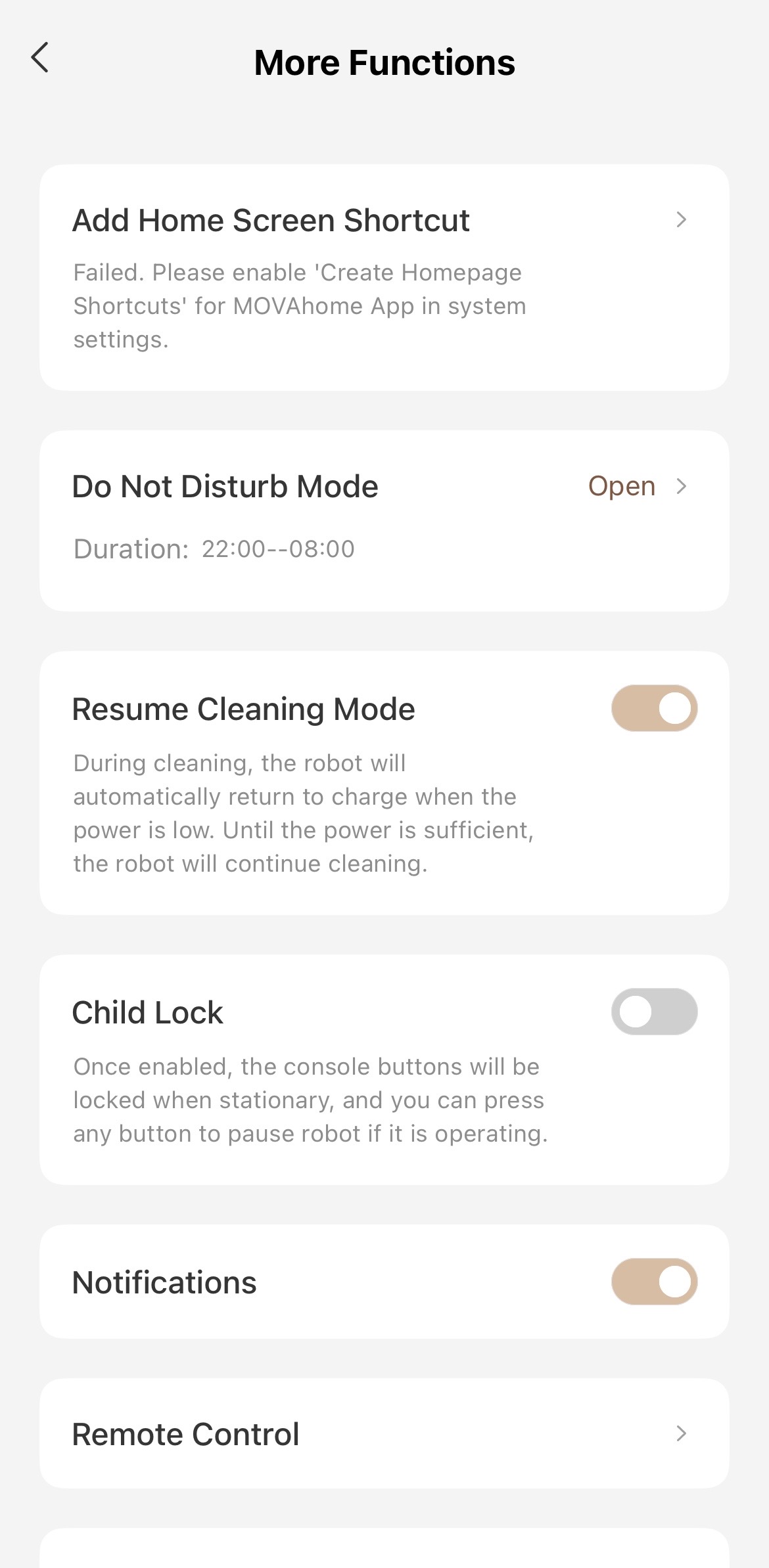
One feature I really like is the Do Not Disturb setting. If the robot returns to the dock to recharge late at night, it will not resume cleaning in the middle of the night if DND is enabled. Instead, it waits until the scheduled time. This is a great feature for anyone who does not want a robot running while they are sleeping.
During cleaning, the app is very informative. If you hear something unusual, you can check the app and see what the robot is doing. It might be compacting debris or adjusting suction. You can also track its exact location in real time, and there is a locate function if you are trying to find it quickly.
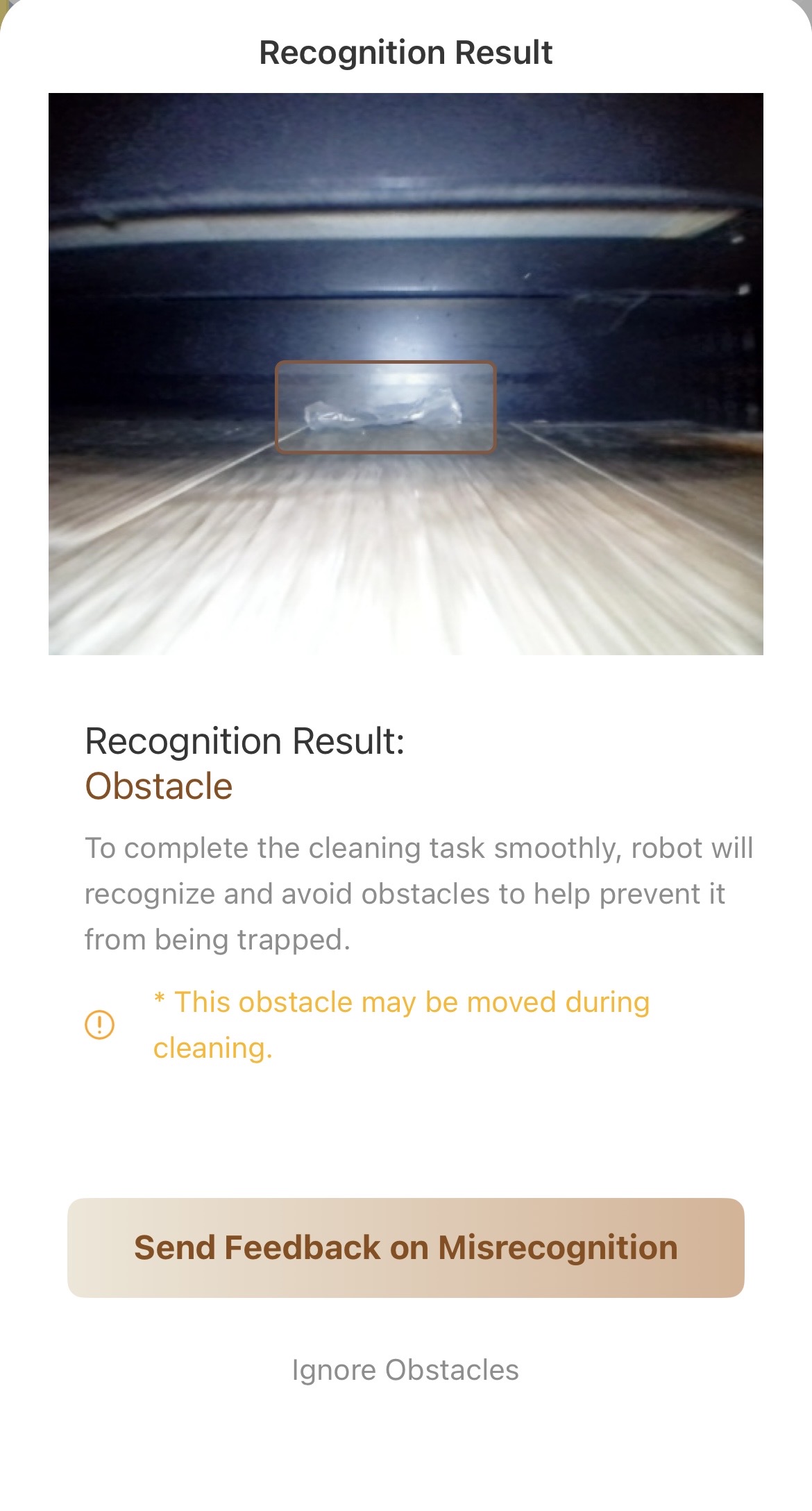
There is also a wide range of settings available. You can adjust cleaning intensity, carpet strategies, obstacle avoidance behavior, and more. There are options for scheduling, reviewing cleaning history, enabling camera access, and even voice control.
I have not used the voice control much, but being able to trigger a quick clean with a voice command is a nice option to have.
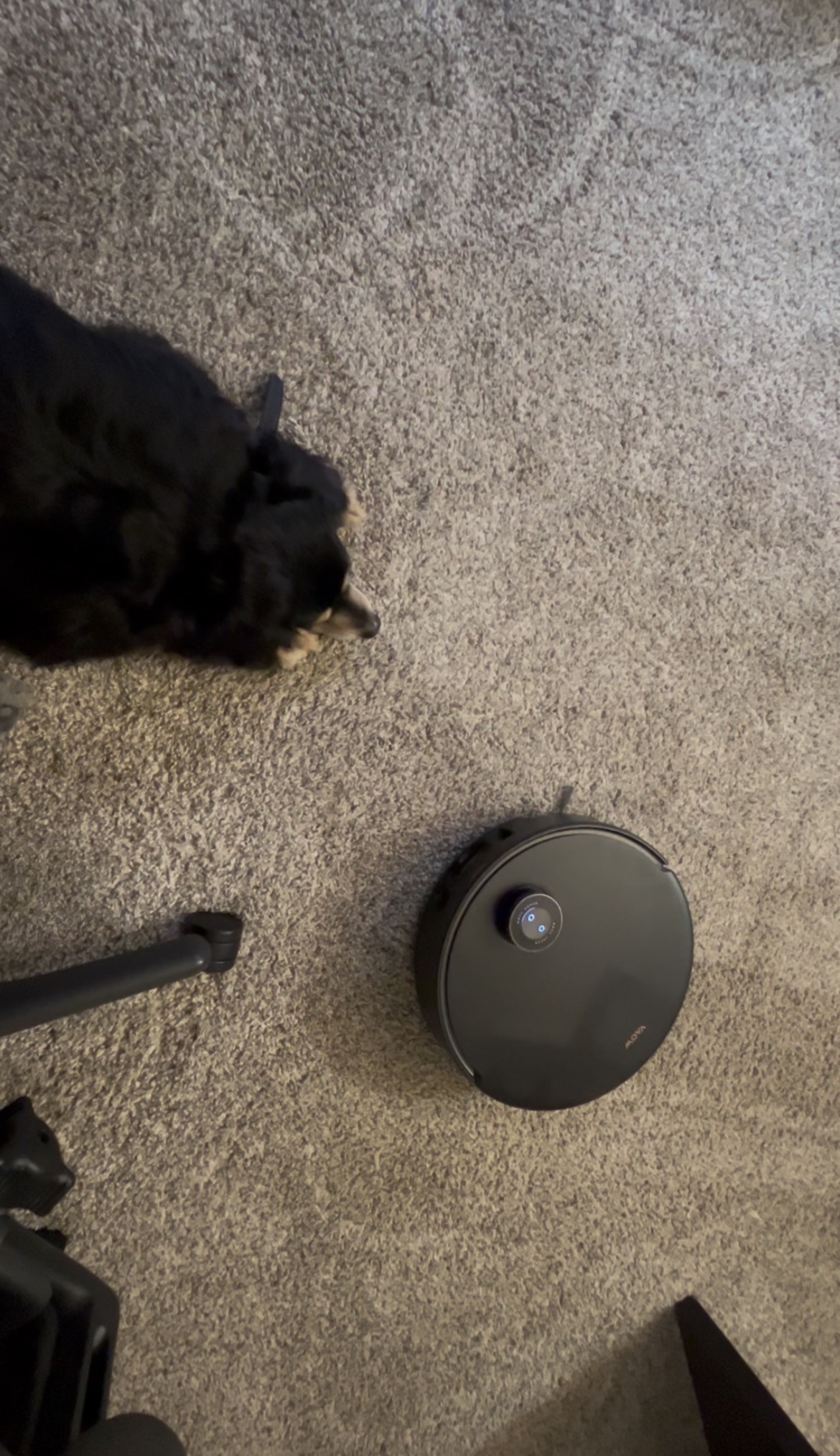
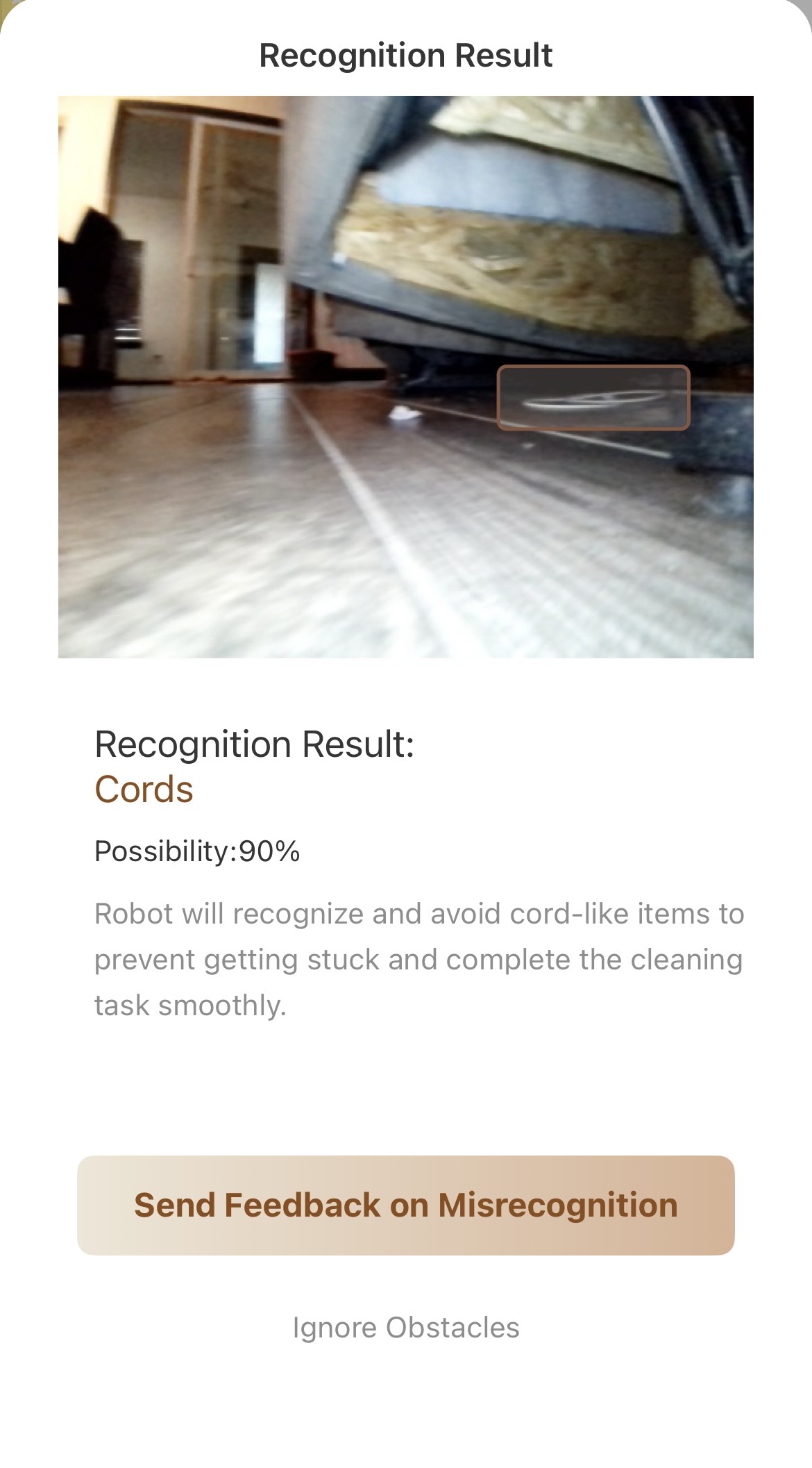
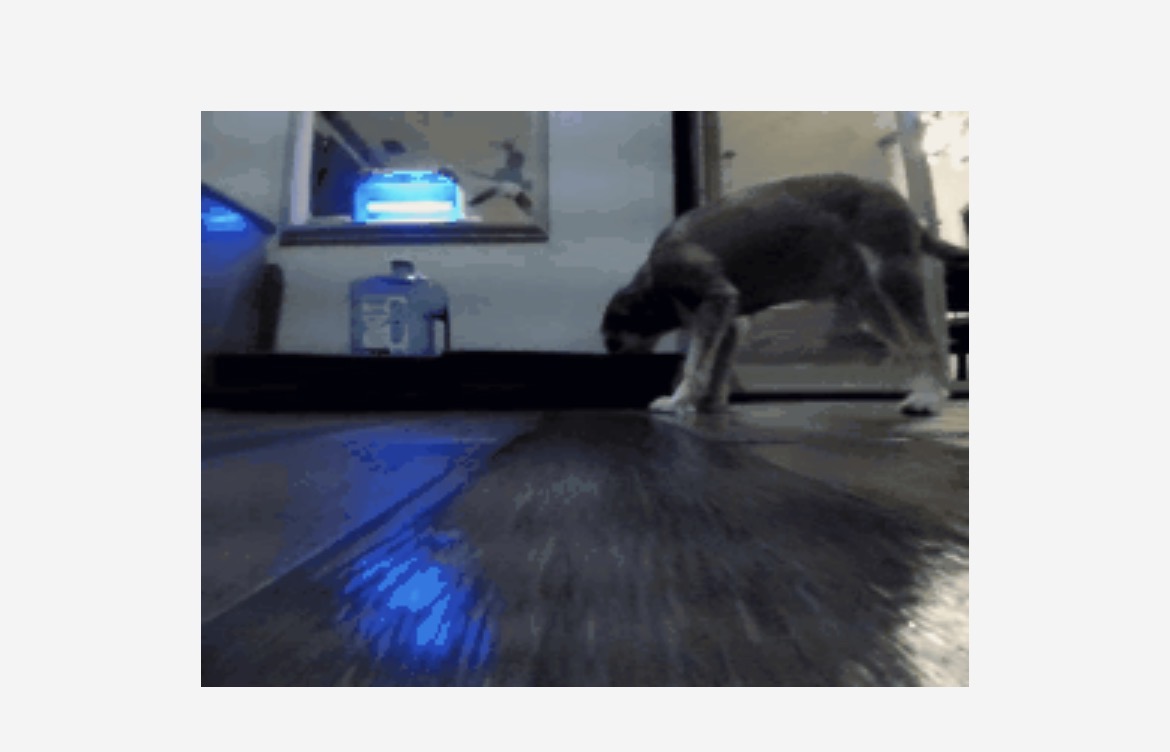
The camera feature also adds some practical value. I have used it to check under furniture for cords or small items without having to physically get down and look.
There is definitely a learning curve with this app compared to simpler systems, but the amount of control it gives you leads to better and more customizable cleaning overall.
⸻
Pros
• Extensive control over cleaning settings and behavior
• Room mapping and custom cleaning order
• Map improves over time with continued use
• Real-time tracking and detailed status updates
• Do Not Disturb feature prevents unwanted nighttime cleaning
• Camera access and remote viewing capability
• Cleaning history and scheduling options
⸻
Cons
• Learning curve due to the number of features
• Map may take a few runs to fully refine
• Some features may be more than casual users need
⸻
Overall, the MOVA Home app has been one of the biggest upgrades compared to my previous robots. It gives a level of control that actually makes a difference in how well the robot performs, and once you get used to it, it is hard to go back to simpler systems. I am really happy with my Z60 Ultra Roller Complete so far.
#GetYourZ60, #Z60URC
|

 US
US


 4470
4470